The mini PC market has undergone a radical transformation over the past half-decade. What once required a niche enthusiast to assemble a low-power system has become a mainstream solution for remote workers, digital signage operators, and home office users seeking to reclaim desk space. Enter the Geekom Air12 2026, a device that leans heavily into form factor and acoustic comfort. But in our Geekom Air12 2026 review, we found that the company’s commitment to a sub-$300 price point has forced some difficult compromises under the hood. While the chassis is undeniably impressive, the internal architecture tells a different story.
Geekom has positioned the Air12 as an entry-level workstation for users who prioritize silence, compactness, and basic productivity over raw computational throughput. At just under $300 for the base configuration, it targets students, light office workers, and anyone looking for a dedicated media streaming box. However, the hardware choices reveal a tension between modern expectations and legacy cost-cutting. To understand whether this system belongs on your desk, we need to look past the sleek exterior and examine how its components perform in real-world scenarios.
Design and Build: Slim, Quiet, and Surprisingly Sturdy
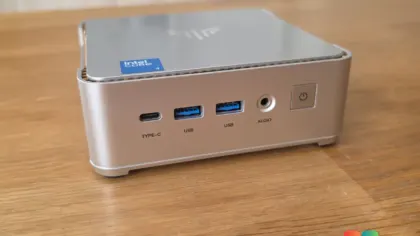
Measuring just 4.6 by 4.4 by 1.3 inches, the Air12 2026 is genuinely one of the thinnest desktops available today. When placed next to larger Geekom models like the A9 Max, the Air12 looks almost delicate. Yet, Geekom has reinforced the chassis with a sturdy metal inner frame that the manufacturer claims can withstand compressive loads of up to 400 pounds. While we did not subject it to a weight test, the build quality holds up. Despite the outer shell being made of plastic, the case feels rigid and does not flex or creak under normal handling.
The top panel features a glossy, scratch-resistant finish with the Geekom logo centered, while the underside remains a practical matte gray. The two-tone color scheme is understated and professional, making it easy to blend into any office environment. Fingerprint resistance is adequate, though the glossy top will require occasional wiping if you frequently place objects on it. The overall aesthetic is clean, with tight panel gaps and precisely aligned ports that suggest a higher tier of manufacturing quality than the price tag implies.
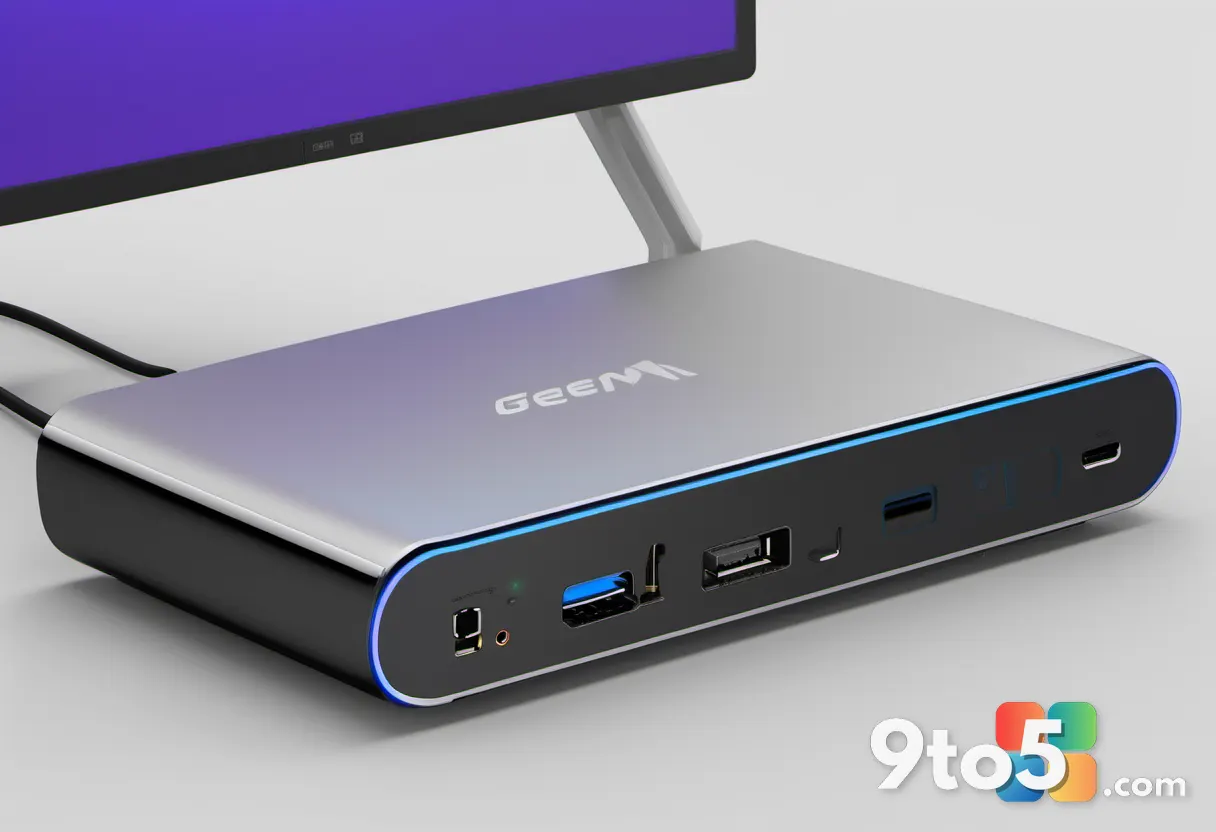
Connectivity is thoughtfully arranged. The front panel houses the ports you will use daily: a USB-C port supporting 20Gbit/s data transfer, a high-speed USB-A 3.2 Gen 2 port, and a 3.5mm audio jack. Just to the right, concealed behind a subtle speaker grille, sits a full-size SD card reader. While the system lacks the processing power for heavy photo editing, the card reader is a practical addition for quickly offloading images from a camera or transferring files from older devices.
For users who value a clutter-free workspace, Geekom includes a VESA mount compatible with standard 75mm and 100mm monitor arms. This allows the Air12 to be secured directly behind a compatible display, effectively turning your monitor into an all-in-one workstation. The unit weighs approximately 16 ounces, making it light enough to toss into a backpack for presentations or as a secondary machine for travel. The cooling solution, consisting of a moderately sized fan and two copper heat pipes, keeps the system remarkably quiet. During idle and light office tasks, the fan remains virtually inaudible in a standard office environment, and even under sustained load, the noise level only rises to a gentle hum.
Specs and Connectivity: Ports Over Power
Under the hood, the Air12 2026 runs on the Intel Pentium Gold 7505. This is a dual-core, four-thread processor based on the Tiger Lake architecture, originally launched in late 2020. It features a base clock of 3.5GHz and a 15-watt TDP. While Tiger Lake was a significant step forward for Intel’s low-power mobile chips at the time, it is now considered a legacy platform in 2026. The decision to use this chip is purely a cost-saving measure, allowing Geekom to hit that sub-$300 price point while still offering Windows 11 Pro pre-installed and activated.
Memory configuration is where the value proposition begins to fray. Our test unit came with 8GB of DDR4-2666 SO-DIMM RAM running in single-channel mode. Single-channel memory halves the available bandwidth compared to dual-channel setups, which can create noticeable bottlenecks when the CPU is trying to pull data from the system memory. Geekom states that the Air12 supports up to 32GB of RAM via two SO-DIMM slots, which is a positive note for future-proofing. However, starting with a single stick in 2026 feels like an outdated practice, especially when competitors in this price range are increasingly offering dual-channel configurations as standard.
Storage is another area where compromises are visible. The base model includes a 256GB M.2 SATA SSD. While SATA SSDs are significantly faster than traditional hard drives, they are limited by the SATA III interface to around 550MB/s read speeds. In our testing, the drive achieved 560MB/s reads and 482MB/s writes, which is perfectly adequate for boot times and application launches but falls short of the NVMe drives now standard even in budget mini PCs. Fortunately, Geekom includes a second M.2 2280 slot, allowing users to upgrade to a faster NVMe drive without replacing the existing storage.
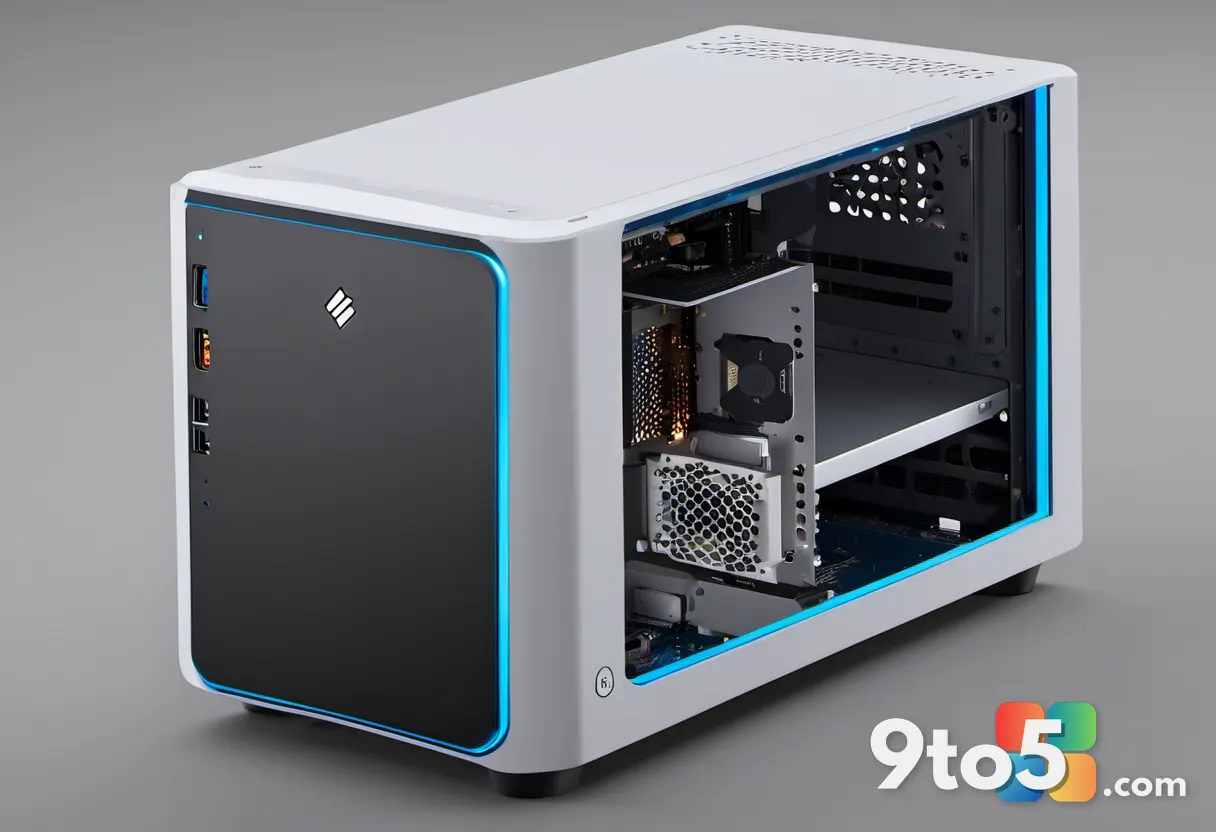
The I/O panel on the rear is generously equipped for a device of this size. You will find the DC power input, a second USB-C port with DisplayPort 1.4 video output, a Gigabit Ethernet port, two USB-A 3.2 Gen 2 ports, an HDMI 2.0 output, and a Mini DisplayPort 1.4. This configuration supports up to three simultaneous displays, which is excellent for productivity workflows. The inclusion of a dedicated Gigabit LAN port is a major plus for users who prioritize network stability and low latency, as it consistently delivered full connection speeds without the dropouts sometimes experienced with wireless adapters.
Wireless connectivity relies on a Realtek Wi-Fi 6 module (RTL8852BE) and Bluetooth 5.2. Wi-Fi 6 remains a highly relevant standard in 2026, offering improved efficiency and throughput in congested network environments like apartments or offices. During our testing, the wireless connection was stable and reliable, though the wired Ethernet option remains the superior choice for bandwidth-heavy tasks like large file transfers or 4K streaming.
Performance: Where the 2020 Platform Shows Its Age
Benchmark results paint a clear picture of the Air12 2026’s capabilities and limitations. In PCMark 10, the system scored 3,605 points overall. The Essentials score of 7,046 points is respectable, indicating that basic tasks like web browsing and document editing feel snappy. However, the Productivity score drops to 5,293, and the Digital Content Creation score falls to a meager 3,411. For context, a Geekom A5 Pro 2026 equipped with a Ryzen 5 7530U scored 6,526 in the same test, highlighting the generational gap between Tiger Lake and modern mid-range processors.
The 3DMark CPU Profile test further emphasizes the dual-core processor’s constraints. At maximum thread utilization, it scored 1,485 points, with four threads yielding 1,500 points, and a single thread managing only 704 points. In practical terms, this means the Air12 struggles when multiple applications demand resources simultaneously. Opening a word processor, a browser with numerous tabs, and a streaming service will likely cause noticeable stuttering as the CPU hits its scheduling limits. Single-threaded tasks, like typing a document or loading a webpage, remain smooth and responsive.
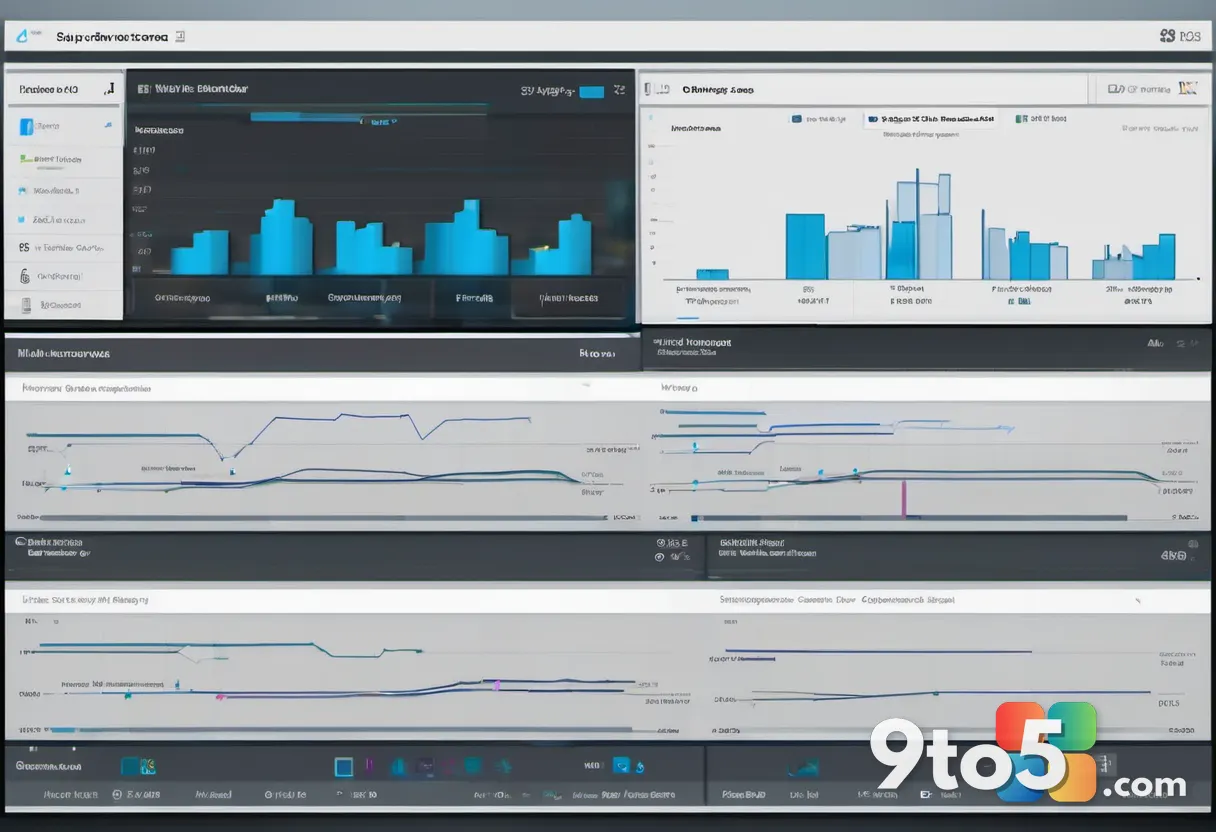
Integrated graphics performance is equally limited. The 11th-generation Intel UHD Graphics, with 48 execution units, scored 744 in 3DMark Time Spy and 485 in the more demanding Steel Nomad Light test, averaging just under 3.6 frames per second. This confirms that the Air12 is not designed for gaming. Modern titles are completely unplayable, and even older games will require pushing settings to their absolute minimums. The GPU is strictly intended for desktop composition, video playback, and driving multiple monitors.
AI and machine learning workloads are also out of reach. In the Geekbench AI Pro test, the system scored 1,037 in single precision, 603 in half precision, and 2,422 in quantized mode. These numbers indicate that local AI inference, a growing feature in modern operating systems and applications, will be severely hampered by the lack of dedicated AI accelerators and the older CPU architecture.
Power efficiency is the Air12’s standout strength. The 15-watt Pentium draws approximately 10 watts at idle, around 18 watts during typical multitasking, and peaks at roughly 29 watts under full processor load. For users running the system 24/7 as a lightweight server, media center, or always-on desktop, this low power draw translates to minimal electricity costs and reduced heat output. It is a highly economical machine for continuous operation, even if it lacks computational muscle.
What This Means for You
The decision to purchase the Geekom Air12 2026 ultimately hinges on your priorities. If your workflow consists exclusively of web browsing, email, document editing, and media consumption, and you value a silent, compact form factor above all else, this system delivers. The build quality is solid, the port selection is generous, and the included VESA mount adds genuine desk-space value.
However, if you require the system to handle multitasking, run multiple virtual machines, edit photos, or utilize modern AI features, the Pentium Gold 7505 and single-channel RAM will create frustrating bottlenecks. At $299, the value proposition is weak when compared to mini PCs equipped with modern quad-core or hexa-core processors and NVMe storage. The Air12 feels like a 2020 design philosophy packaged for 2026, relying on legacy components to maintain a low entry price.
How to Get It and Final Verdict
The Geekom Air12 2026 is available directly from Geekom’s official store and select third-party retailers, starting at approximately $299 for the 8GB RAM and 256GB SSD configuration. Higher-tier models with 16GB of RAM and 512GB of storage are also available for those willing to stretch the budget. Geekom backs the system with a three-year warranty, which provides reasonable peace of mind for a budget device.
In conclusion, the Geekom Air12 2026 is a well-engineered chassis housing outdated internals. It excels at being small, quiet, and energy-efficient, but it fails to deliver the performance modern users expect at this price point. We recommend this system only for the most casual users who prioritize form factor over speed. For everyone else, investing in a mini PC with a current-generation processor and dual-channel memory will provide a significantly better long-term experience.
Source: PCWorld
Over to you: Are you prioritizing silent operation and desk space over raw performance, or would you rather spend a bit more for a modern quad-core system?
You may also like
 Lenovo IdeaPad Slim 3 First Impressions: Tackling the 2026 Budget Laptop Rush
 Cooler Master V8 ACE 3DHP Review: V8 Aesthetics Meet Serious Air Cooling Performance
 Peladn WO4 5600H Review: An Affordable, Upgradeable Mini PC for Home Labs
 HP OmniBook X Flip 14 Review: AMD Power Meets Convertible Flexibility