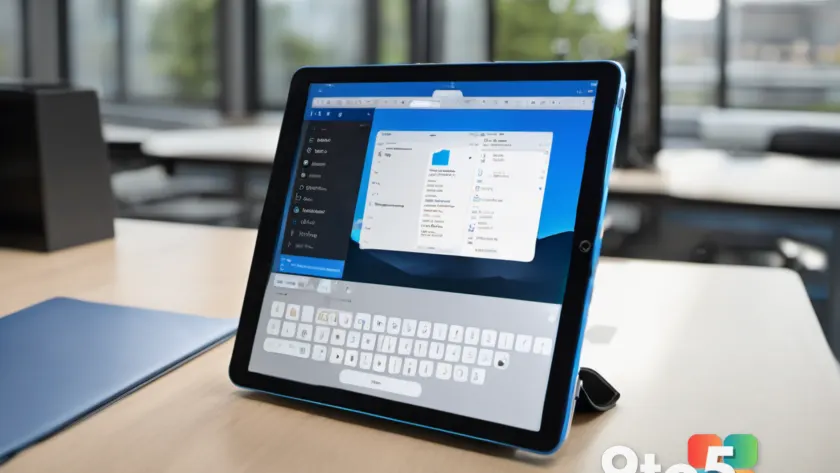
Microsoft is continuing its push to integrate AI more deeply into everyday productivity tasks, with specific focus on mobile document editing and data collection tools. The latest update brings significant changes to how users interact with Copilot in Word for iPad and Microsoft Forms.
Copilot arrives in Word for iPad
The most notable change is the introduction of Copilot features within the Word app on iPad. Previously, many advanced AI writing assistants were reserved for desktop versions or web browsers. Now, users editing documents on their tablets can leverage generative AI to draft content, summarize long texts, and adjust tone directly from the mobile interface.
This move aligns with Microsoft’s broader strategy to make Copilot a ubiquitous part of the Office suite, regardless of the device you are using. For professionals who rely on iPads for quick edits or remote work, this means access to powerful writing aids without needing a full Windows PC nearby.
New AI tools in Microsoft Forms
Microsoft is also updating Forms with new Copilot capabilities designed to streamline survey and quiz creation. Users can now use natural language prompts to generate entire forms from scratch, including questions and answer options. This reduces the manual effort required to set up data collection projects.
The feature aims to speed up workflow for educators, HR professionals, and event organizers who frequently need to deploy quick polls or assessments. By automating the structural setup of forms, Microsoft hopes to let users focus more on analyzing results rather than building the questionnaire itself.
What this means for you
If you use an iPad for work, these updates make your device a more capable hub for document creation. You no longer need to switch devices to access advanced AI writing help. Similarly, if you create surveys regularly, the new Forms tools should save you time on repetitive setup tasks.
These features are rolling out now as part of the ongoing Microsoft 365 updates. Ensure your apps are updated via the App Store or Windows Update to see these changes in action.
Source: Neowin
Over to you: Do you prefer editing documents on your iPad or do you stick to desktop Word for serious work?