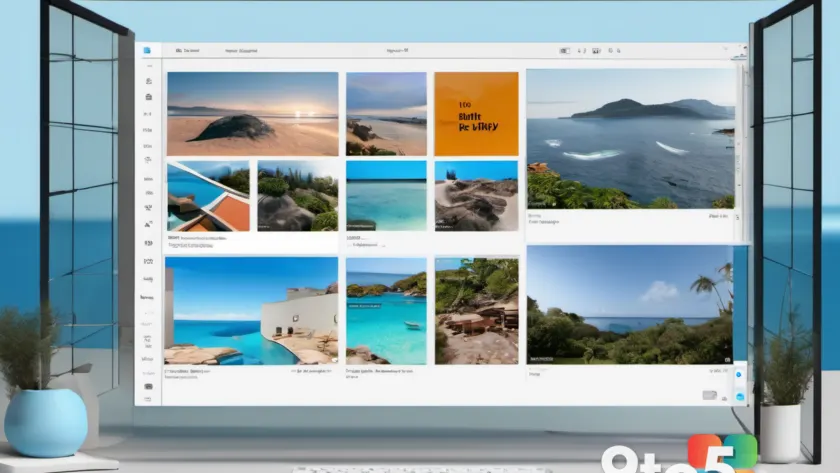
Microsoft includes a dedicated tool for handling your visual media right out of the box. The Photos app is designed to be your central hub for viewing, editing, managing, and sharing images and videos.
Local and cloud storage integration
The app does not just look at files sitting on your hard drive. It aggregates content from multiple sources to give you a unified view of your media library. This includes photos stored directly on your PC, images synced from your phone, and files saved in cloud storage services.
Editing and sharing capabilities
Beyond simple viewing, the Photos app provides tools for basic editing tasks. You can adjust your images or videos before deciding to share them with others. This keeps the workflow contained within Windows 11 without needing third-party software for standard adjustments.
What this means for you
If you prefer not to install additional photo management software, the built-in Photos app covers the essentials. It offers a straightforward way to organize and access your memories whether they are stored locally or in the cloud.
Source: Thurrott
Over to you: Do you rely on the built-in Photos app or prefer third-party tools like Adobe Lightroom?