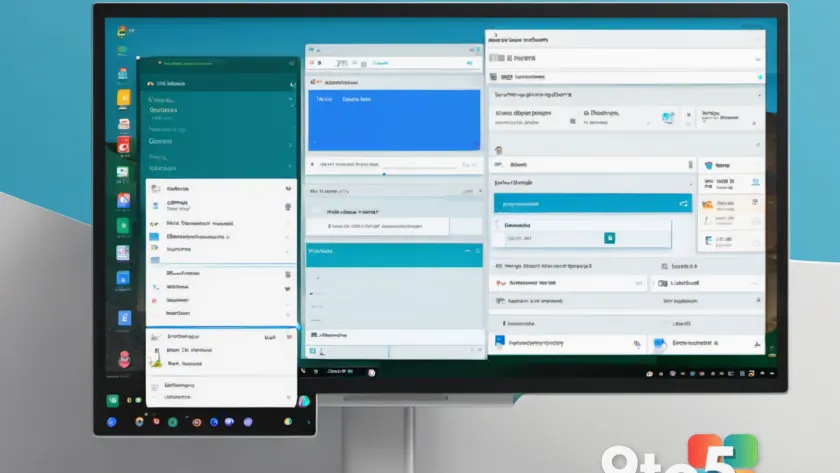
The open-source file manager Files has released a significant update, introducing a long list of new features and refinements designed to enhance how you navigate your storage on Windows 11 and Windows 10. This release focuses heavily on usability improvements and performance tweaks that address common pain points for power users.
New navigation controls
One of the headline additions in this update is improved control over how files are displayed and sorted. The developers have refined the interface to make it easier to customize your view preferences without digging through deep menus. This means you can spend less time adjusting settings and more time managing your data.
Performance and stability fixes
Beyond visible features, this update includes numerous under-the-hood improvements aimed at boosting responsiveness. Users who previously experienced lag when browsing large directories or accessing network drives should notice smoother operation. The team has also addressed several reported bugs that caused unexpected crashes during specific file operations.
What this means for you
If you rely on Files as your primary alternative to Windows Explorer, this update is worth installing immediately. The combination of new customization options and stability fixes makes the app more reliable for daily use. You can download the latest version directly from the Microsoft Store or via GitHub releases.
Source: Neowin
Over to you: Do you prefer using third-party file managers like Files over the built-in Windows Explorer?