Microsoft has removed the mandatory clean install requirement for Priority Continuum, a Windows 11-exclusive performance feature, widening access to a boost that previously came only with a fresh setup.
According to reporting by Neowin, the change means users who upgraded from Windows 10 — rather than performing a clean install of Windows 11 — can now benefit from the feature without backing up data, wiping their drive, and reinstalling their software.
Here’s what changed, how the feature works, and what it means for your PC.
What is Priority Continuum?
Priority Continuum is a Windows 11-exclusive feature that manages how the operating system assigns threads — the smallest sequences of program instructions — to the different types of cores in your CPU.
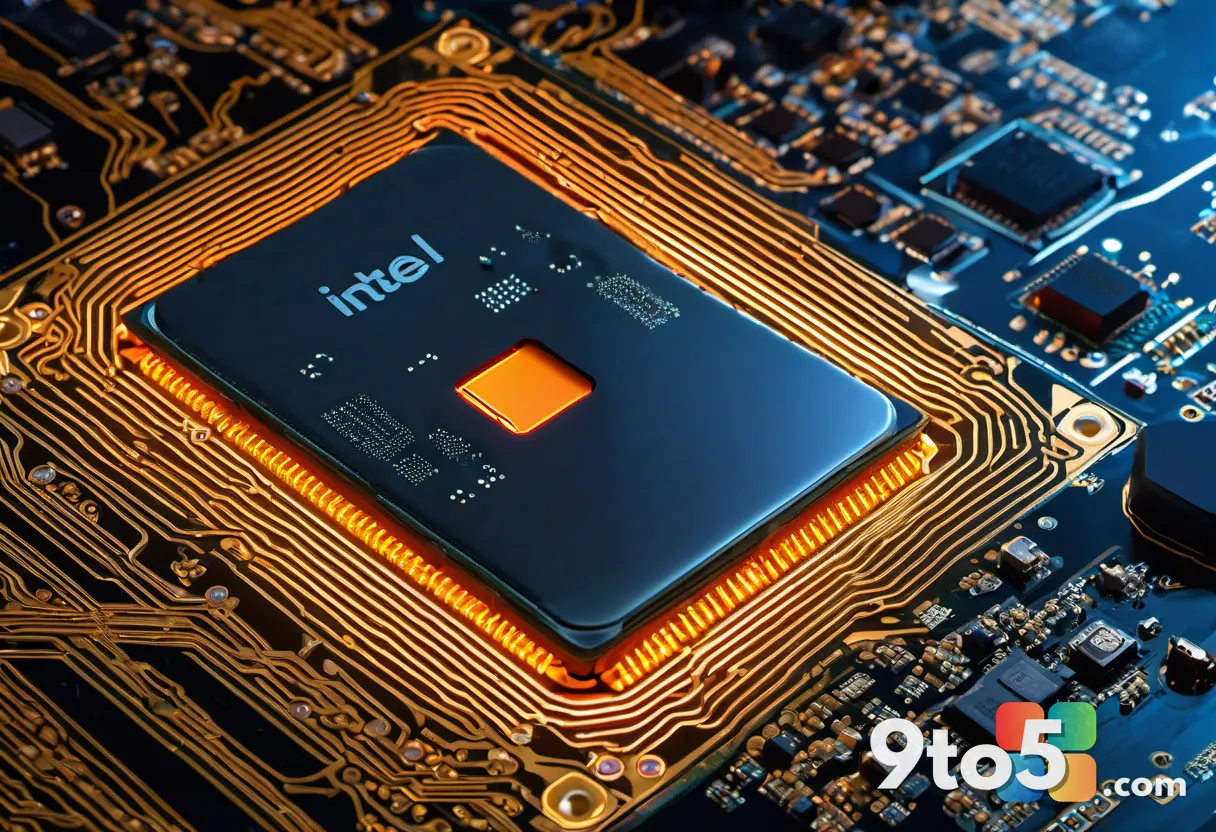
It exists primarily to support Intel’s hybrid processor architecture, which debuted with the 12th-generation Core (Alder Lake) chips. Those CPUs pair high-performance “P-cores” with power-efficient “E-cores,” and Windows needs smart logic to decide which core should handle which task for the best balance of speed and efficiency.
Priority Continuum works alongside Intel Thread Director, a hardware-level monitoring tool built into the chip, to keep thread priorities consistent across sessions and reboots. In practice, this means foreground applications and games should receive preferential treatment while background tasks get shuffled to efficiency cores where possible.
Because it is tied to Windows 11’s scheduling model, the feature has historically been Windows 11-only — it is not available on Windows 10.
The clean install requirement is now gone
For a long time, the catch was that Priority Continuum was only available on clean installs of Windows 11. If you upgraded from Windows 10 to Windows 11, the feature was effectively locked behind a fresh setup.
The practical upshot was that many Windows 11 users — arguably the majority, since most people upgrade rather than do a clean install — never received the performance optimization at all, despite running the “correct” operating system.
Microsoft has now removed that requirement. According to Neowin, the change opens Priority Continuum up to users who upgraded from Windows 10, so the feature can reach a much broader base without anyone having to wipe their drive and reinstall everything.
How this affects your system
If you’re running a hybrid-core Intel processor on Windows 11, the main effect is that thread scheduling should behave as intended out of the box, regardless of whether you did a clean install or an upgrade.
That consistency matters because Priority Continuum is designed to maintain priority across sessions. When it’s missing or disabled, background processes can sometimes steal resources from the app you’re actively using, which can show up as occasional stuttering or slower responsiveness in games and demanding applications.
It’s worth noting that the benefits are most apparent on hardware with hybrid architecture. Users on older single-architecture CPUs — or those running chip designs without a performance/efficiency split — are less likely to notice a dramatic difference, since the feature is specifically tuned for that layout.
What This Means for You
For the everyday Windows user who upgraded from Windows 10, the headline takeaway is simple: you can now access this performance optimization without the hassle and risk of a clean install.
Clean installs are time-consuming and error-prone — they require backing up your files, reinstalling every program, and reconfiguring settings. By removing that barrier, Microsoft is delivering the feature to more people with zero extra effort on your part.
That said, don’t expect a night-and-day speed jump on every machine. The feature fine-tunes thread distribution rather than adding raw horsepower, so the experience will feel most different on hybrid-core Intel systems under heavy load.
How to Get It
Because the clean install requirement has been lifted, there is no special activation step or toggle you need to flip. The feature should be available automatically on supported hardware running a recent build of Windows 11.
To make sure you have it, keep Windows 11 up to date. Microsoft typically rolls out these kinds of scheduling changes through regular Windows Update, so installing the latest optional and cumulative updates is the surest way to pick up the change.
If you want to check your system is current, head to Settings → Windows Update and install any pending updates. On hybrid-core Intel machines, the scheduling improvements should take effect without any additional configuration.
As with any performance-related change, if you don’t notice a difference it doesn’t necessarily mean the feature failed to activate — it may simply mean your workload or hardware doesn’t stress the scheduling logic enough to make the optimization obvious.
Source: Neowin
Over to you: Now that you can get Priority Continuum without a clean install, will you keep your current setup or finally take the plunge?
You may also like
 Windows 11 Will Let You Force Apps to Open Maximized by Default
 Windows 11 Experimental build adds automatic PDF previews in File Explorer
 Windows 11 Insider Preview builds bring a modernized Autoplay and a new ‘Open apps maximized’ setting
 Windows 11 Could Let You Decide How Much RAM Goes to Graphics and AI