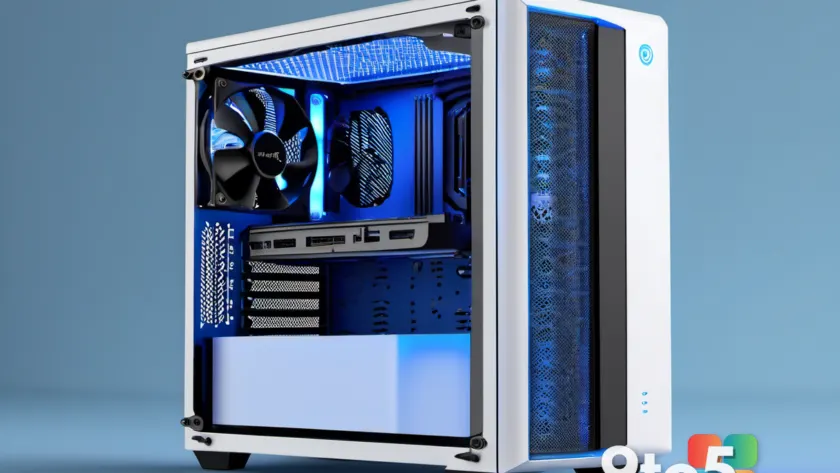
Most PC builders follow a simple rule: front and bottom fans pull in cool air, while rear and top fans push hot air out. It feels intuitive, but in practice, this rigid approach often backfires. If your system is running warmer than it should despite having plenty of fans, the issue is rarely insufficient cooling. Instead, it is usually a matter of poor airflow management, specifically how the top-mounted fans are oriented.
The crux of the problem lies in the interaction between your front intake and the front-top exhaust fan. In a standard mid-tower case, cool air enters through the front panel and travels toward the CPU cooler. However, if the front-top fan is configured to blow air outward, it immediately siphons a portion of that fresh, cool air back up and out of the case before it ever reaches the processor. This creates an airflow short-circuit, robbing your CPU cooler of the cold air it needs to function efficiently.
The Hidden Cost of Top Fan Configuration
When the front-top fan exhausts air, it effectively steals the intake stream. Instead of flowing through the heatsink fins and being carried away by the rear exhaust, the cold air is pulled directly out the top. The result is higher CPU temperatures, even though multiple fans are actively spinning. This phenomenon is especially noticeable in cases with strong front intakes or high-static-pressure fans, where the pressure differential easily overcomes the top exhaust.
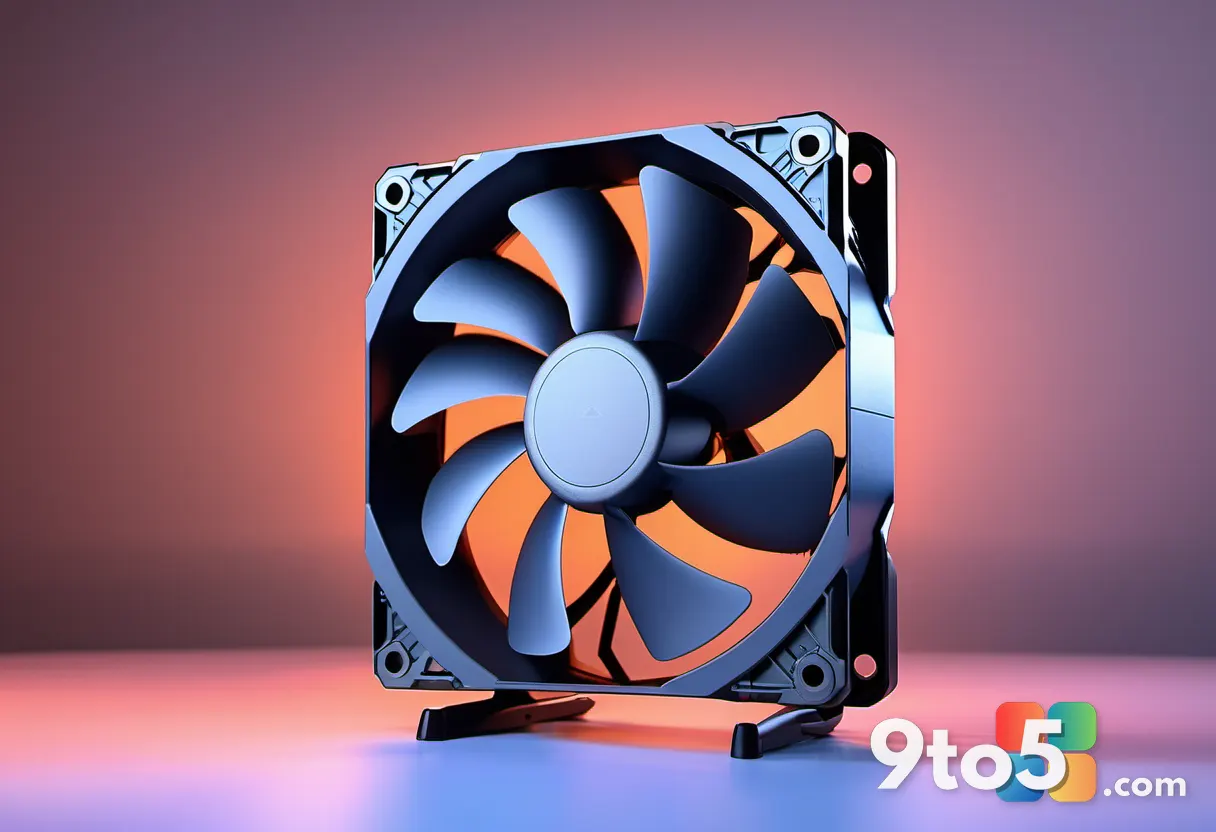
The fix is surprisingly simple and costs nothing: flip the front-top fan so it blows air into the case. By reversing this single fan, you redirect the fresh intake stream directly toward the CPU cooler. The rear-top fan remains an exhaust, maintaining a controlled outflow for the heated air. This creates a more even, efficient airflow path around the processor, contradicting older rules of thumb but delivering better real-world results.

How to Check and Adjust Your Setup
Verifying your current airflow is straightforward. Open your case side panel and inspect the top fans. Most modern fans have small arrows molded into the frame or hub, indicating the direction of the blades and the resulting airflow. If the arrows point outward, your front-top fan is currently exhausting. You can also hold a thin strip of paper near the fan grill; if it gets sucked inward, the fan is pulling air out.
To adjust the configuration, unscrew the front-top fan, rotate it 180 degrees so the arrows point inward, and reattach it. Ensure the power cable is routed neatly to avoid obstructing the intake path. Once reassembled, you will want to measure the impact before assuming it worked.
What This Means for You
For users running traditional air coolers, this adjustment is highly recommended. In practice, flipping the front-top fan typically drops CPU temperatures by one to two degrees under load, though some builders report gains of three to four degrees depending on case geometry and fan specifications. To get an accurate reading, let Windows idle for a few minutes to stabilize baseline temperatures, then run a demanding game or application for at least ten minutes. Compare the average load temperatures before and after the change.
However, this optimization does not apply universally. If your processor is cooled by an all-in-one liquid cooler with a top-mounted radiator, the physics change. In that scenario, the top fans are already exhausting heat directly from the radiator, and flipping one to an intake could trap warm air inside the case or create turbulence that raises GPU temperatures. Similarly, if your case has bottom intakes, a top intake fan might disrupt the vertical thermal gradient, pulling hot air down over the graphics card.
The broader takeaway is that rigid airflow dogma rarely fits every build. Instead of blindly following a checklist, examine how air actually moves through your specific chassis. A slight tweak to the top panel can often yield better thermal performance than upgrading to more expensive components.
Source: PCWorld
Over to you: Have you ever flipped a top fan to fix a hot CPU, or does your case design make that impossible?