Microsoft has confirmed that it is rolling out a new security tool in Teams designed to combat the rising threat of AI-generated deepfakes and impersonation during online meetings. The update introduces the new Teams report a concern feature, which allows participants to flag suspicious behavior directly from a call, while also bringing enhanced detection for unauthorized external meeting bots. Both capabilities are scheduled to arrive in August 2026.
As AI tools continue to lower the barrier for cybercrime, Microsoft has repeatedly warned that attackers are leveraging synthetic media to clone voices, mimic faces, and infiltrate corporate environments. According to a 2025 research report published by Microsoft Security, AI-powered fraud attacks are increasing globally, with notable activity traced to regions with high e-commerce and enterprise digital adoption. The company is now responding to these threats by giving users and administrators direct control over meeting security.
#1 The Teams report a concern feature explained
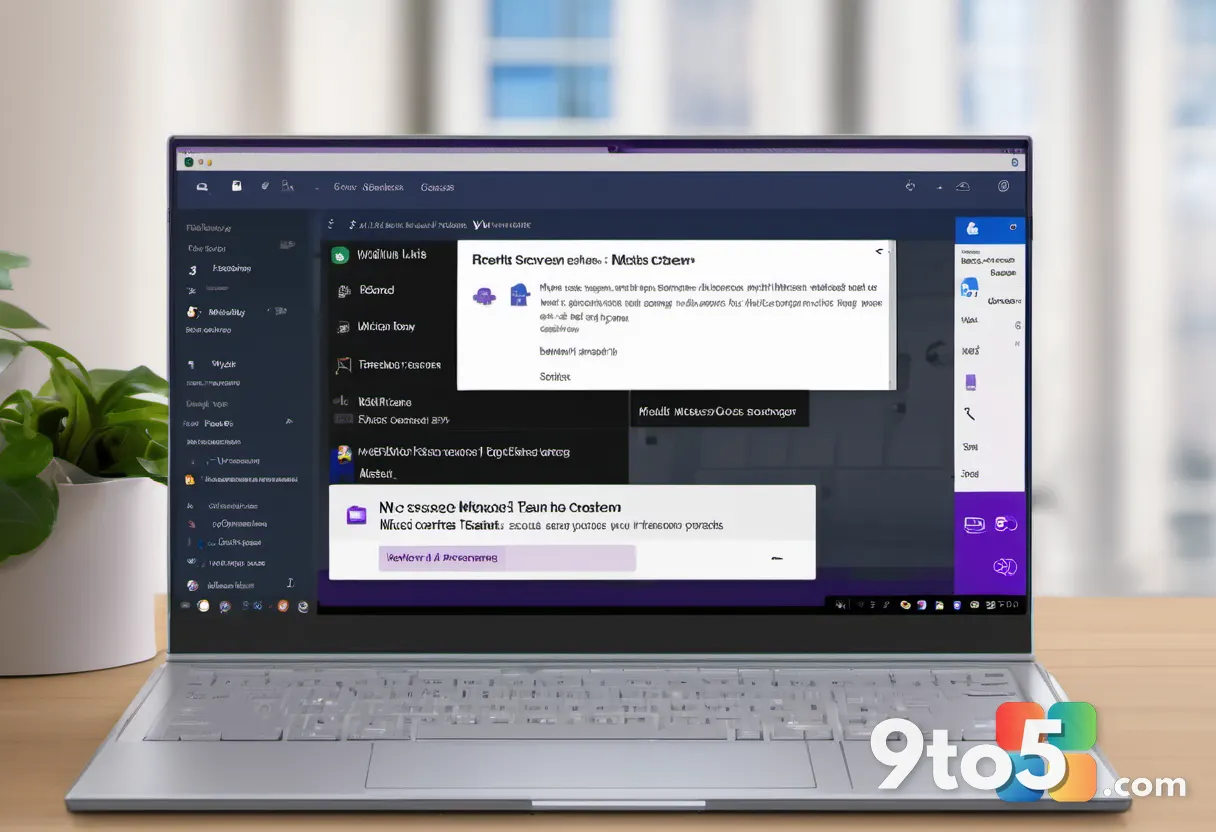
The most visible change for users is the addition of a structured reporting option within the Teams meeting interface. This is not a simple flag to notify your IT department; it is a dedicated submission tool that collects meeting metadata and contextual information to support security investigations. When you select this option, you can categorize the issue as phishing, impersonation, scams, social engineering, or other security concerns.
Microsoft clarified that the information collected is processed and made available to your organization’s administrators through the Teams admin center and the Microsoft Defender portal. The support documentation explicitly states that these reports are not automatically forwarded to Microsoft. Instead, the data remains within your organization’s tenant, allowing your security team to assess potential threats and take appropriate action without exposing sensitive meeting details to external parties.
This shift reflects a broader trend in enterprise security where organizations demand greater data sovereignty. By keeping the investigation tools within the Microsoft Defender and Teams admin experiences, Microsoft ensures that companies can maintain compliance with internal data governance policies while still addressing urgent security incidents.
#2 Detecting external AI meeting bots
Alongside the reporting tool, Microsoft is introducing enhanced visibility for external meeting bots. While many organizations rely on third-party bots for transcription, note-taking, and AI-driven summaries, these tools can sometimes be added to meetings without the organizer’s knowledge. Unauthorized bots pose significant privacy and security risks, particularly when they process sensitive corporate discussions.
The new feature gives meeting organizers clear awareness of which external bots are present in a call and provides controls over what those bots are permitted to do. This ensures that AI assistants integrated into your workflow do not inadvertently leak data or operate outside your organization’s security boundaries. Microsoft expects this capability to be fully available alongside the reporting feature in August 2026.

#3 What this means for you
For everyday users, the Teams report a concern feature adds a layer of personal security during calls. If you notice a participant whose video or audio seems artificially generated, or if someone attempts to social engineer you for credentials, you can now escalate the issue immediately without waiting for the meeting to end. Your organization’s security team will receive the report with enough context to investigate, but your personal data remains protected.
For IT administrators, the ability to view detailed meeting submissions in the Microsoft Defender portal streamlines threat response. Instead of relying on users to describe incidents in emails or tickets, you now receive structured reports with meeting metadata. This reduces the time between detection and containment, which is critical when dealing with deepfake impersonation or active phishing attempts.
The external bot detection update is equally important for organizations that rely on third-party AI tools. By giving organizers explicit control over what bots can access during a meeting, you prevent unauthorized data collection and ensure that your AI integrations align with your company’s privacy policies. Additionally, keeping report data within your tenant simplifies compliance audits, as you maintain full visibility over how security incidents are logged and resolved.
#4 How to get it
Microsoft confirmed that the reporting capability will be enabled by default upon release. You can choose whether to submit a report during a meeting or from the meeting chat, depending on your workflow. The external bot detection capabilities will also roll out as part of the August 2026 update cycle.
If you are an enterprise customer, you can monitor the rollout through the Microsoft 365 admin center. Microsoft typically communicates release timelines and feature availability through official channels for enterprise tenants. Keep an eye on your admin dashboard for notifications when the update becomes available in your environment.

As AI-generated fraud continues to evolve, tools like these will become standard rather than optional. Microsoft’s move to integrate reporting and bot detection directly into Teams reflects a proactive approach to meeting security, ensuring that organizations can defend against synthetic threats without sacrificing collaboration efficiency.
Source: Windows Latest
Over to you: Will your organization enable the Teams report a concern feature by default, or let admins opt in?