Xbox Insiders are getting a fresh wave of Xbox dashboard features today, according to an announcement published on Xbox Wire. The update targets Alpha Skip-Ahead and Alpha ring members, delivering a mix of quality-of-life improvements that address long-standing community requests. These changes arrive as Microsoft continues to pivot its console strategy back toward the core gaming experience under Xbox CEO Asha Sharma, who has prioritized direct user feedback over the cloud-first initiatives that dominated the past few years.
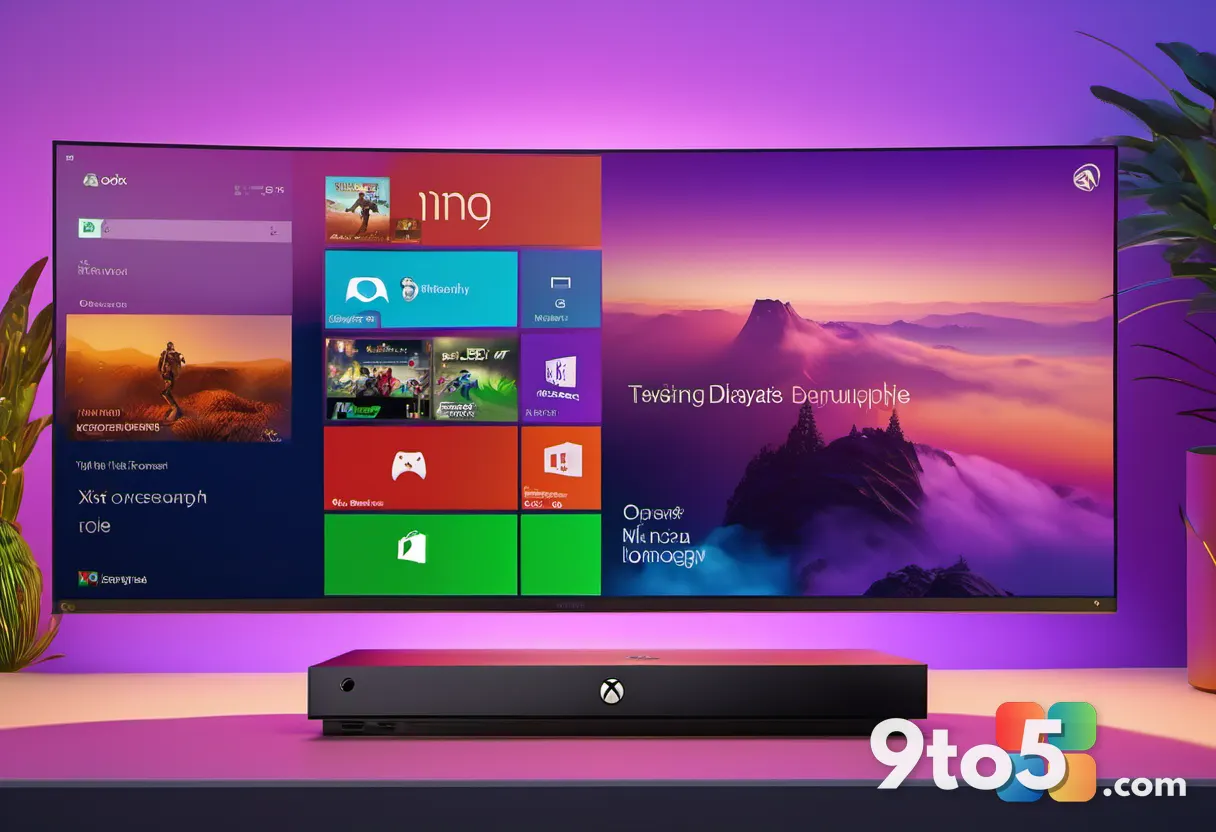
#1 Customizing Your Xbox Dashboard Features
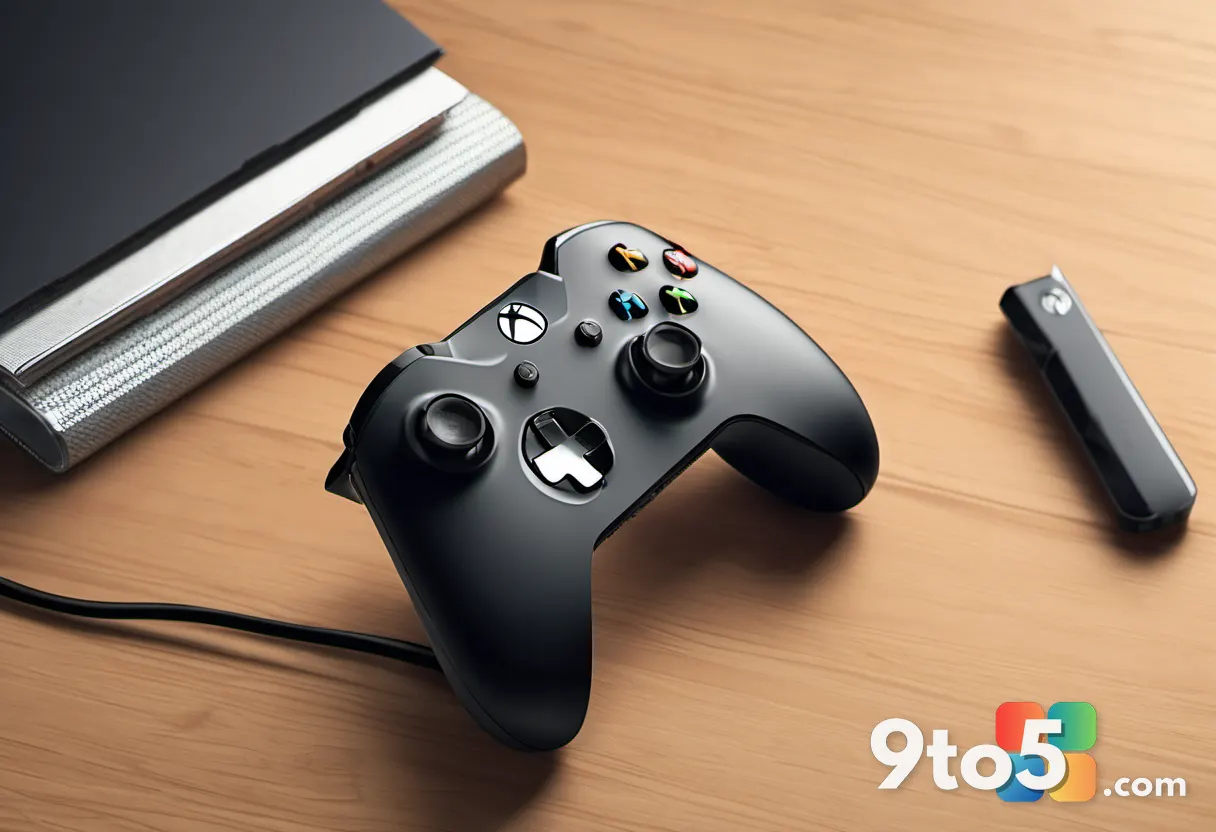
Microsoft is finally giving you full control over the recent games and apps list on your home screen. By pressing the Menu button (the Start button) on your controller, you can now remove individual entries from the recents row. This includes the “Play History” segment, which has been a point of contention for users who prefer a cleaner interface.
In practice, this means you can curate your home screen to reflect only the titles you actually play regularly. If you have a backlog of half-finished games cluttering your recents, you can clear them without having to launch and close each one. The change also respects your privacy by letting you scrub the play history from the dashboard entirely.
#2 Hide Home Screen Tiles with the Right Stick
One of the most requested cosmetic changes has landed: you can now hide all home screen tiles by pressing the right stick (R3). When activated, the dynamic background takes center stage, effectively turning your TV into a canvas for Xbox’s animated wallpapers.
This feature taps into the dynamic background system that has been available for some time but was previously buried under the tile grid. It is particularly useful for users with wall-mounted displays who want to showcase their custom backgrounds during media consumption or when guests are over. While the current implementation only toggles the tiles on and off, the community has long suggested that Microsoft could eventually add slideshow functionality or pull from a connected OneDrive album for a true screensaver experience.
#3 Improved Local Game Storage Management
Storage management has received a meaningful overhaul, specifically in how local game saves are handled. Microsoft has added a new section under Settings > System > Storage > Manage Local Game Saves that lets you view all saved data in one place. The standout addition is the ability to sort these files by size.
This change directly addresses a common pain point for users running smaller internal drives or external SSDs. Some games store massive amounts of local cache and save data that can quickly eat into your available space. By sorting saves by size, you can identify and remove the largest offenders without guessing which title is hoarding your storage. If you ever reinstall the game, Xbox will automatically pull your most recent cloud backup, ensuring you do not lose progress. This relies on Xbox Cloud saves, which remain completely free across the platform.
#4 Interactive Profile Badges
Profile badges, the small icons that appear next to your Gamertag, are now fully interactive. You can click directly on any badge to open a detailed explanation of what it represents, whether it is tied to a specific game milestone, a seasonal event, or a platform-wide achievement.
This change adds much-needed transparency to a system that has historically felt opaque. It also sets the groundwork for future progression systems. Given Microsoft’s recent hints about introducing “Platinum” completion trophies, the ability to display custom badges on your profile could become a key part of that rollout. Developers may eventually be able to award unique profile icons to players who 100% their titles, giving dedicated fans a permanent way to showcase their commitment.
#5 Smarter Wishlisting Behavior
The wishlisting system has been updated to automatically remove purchased games from your list. If you have ever bought a title only to realize it was still sitting in your wishlist, this update resolves that friction immediately.
Wishlists have become a critical marketing metric across the gaming industry, with Steam using them to forecast launch performance. Microsoft is clearly investing in making its own wishlist system more robust to compete in that space. While the automatic removal is a solid baseline improvement, there is still room for growth. Surfacing wishlist features more prominently on the Xbox website and mobile app would give users better cross-device tracking and help them catch pre-order bonuses or early access windows.
What This Means for You
These updates represent a clear shift in Microsoft’s console strategy. Rather than pushing every user toward cloud gaming or Game Pass Ultimate, the company is focusing on refining the local dashboard experience that millions of Series X|S owners use daily. The storage management improvements will help users with limited drive space, while the customizable home screen and clickable badges make the interface more personal and transparent. For everyday players, the biggest takeaway is that Xbox is actively listening to long-standing feature requests and delivering them at a noticeably faster pace.
How to Get It
The update is rolling out today to Xbox Insiders enrolled in the Alpha Skip-Ahead and Alpha rings. If you are not already part of the program, you can join via Settings > Update & Security > Xbox Insider on your console. Once the update reaches your device, you will see the new storage manager, tile-hiding toggle, and interactive badges immediately. You can share feedback on these changes through the Xbox Feedback Portal at aka.ms/xboxplayervoice.
Source: Latest from Windows Central
Over to you: Will you be using the new right-stick tile hide feature to show off your dynamic backgrounds, or do you prefer the traditional grid layout?
You may also like
 Microsoft Delays Exchange CU1 Again as AI-Scanned Vulnerabilities Mount
 Files App Just Beat Microsoft With a Faster Right-Click Context Menu
 Microsoft Redesigns the File Explorer Context Menu and Boosts Overall Performance
 Microsoft Tackles a Major WinRE Upgrade to Help IT Admins Recover Windows 11 Faster