Microsoft has spent the better part of two years redesigning the Windows 11 right-click experience, but the open-source Files app has already delivered a noticeably faster right-click context menu. The latest update to the third-party file manager prioritizes responsiveness, cutting the delay between a click and the appearance of available actions. While Microsoft continues to refine its native implementation, Files is giving power users a more immediate workflow today.
What Changed in the Latest Files Update
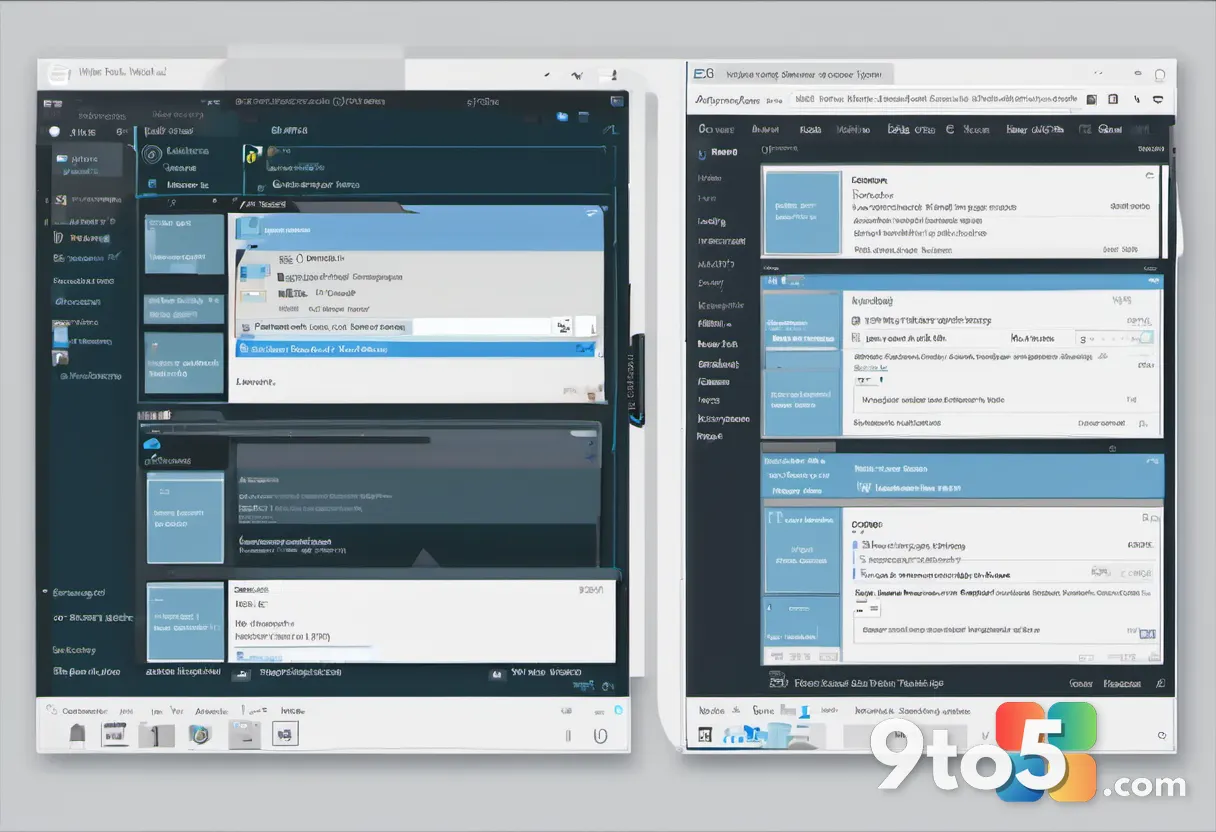
The update focuses squarely on input latency. When you right-click a file or folder in Windows 11, the system traditionally pauses briefly before rendering the menu. Files now bypasses that native rendering bottleneck by pre-loading the command set and drawing the interface directly through its own UI framework. The result is a menu that appears almost instantly, with smooth transitions and reduced flicker. Users will also notice that nested submenus open without the previous lag, making multi-step operations feel significantly more fluid.
This isn’t the first time Files has pushed ahead of the native explorer in terms of interaction design. The project, built on modern Windows UI frameworks, has long prioritized keyboard shortcuts, tabbed browsing, and customizable layouts. The new context menu optimization follows the same philosophy: treat user input as a priority rather than an afterthought.

How It Compares to Microsoft’s Native Approach
Microsoft’s own context menu overhaul has been a moving target. The company initially removed the classic menu in Windows 11, replacing it with a simplified list that required a “Show more options” tap to access legacy commands. That decision drew heavy criticism from professionals who relied on power-user shortcuts. Microsoft eventually walked that back, restoring the full menu but keeping the modernized, rounded design. The native menu still relies on Windows Presentation Foundation and WinUI rendering pipelines, which can introduce minor delays depending on system load and theme settings.
Files, by contrast, draws the menu entirely within its own process. Because it does not wait for the operating system to inject the UI layer, the rendering path is shorter. This architectural difference is why third-party file managers can often ship interaction improvements faster than Microsoft can push them through Windows Update. It also means the experience remains consistent across different Windows builds, rather than shifting whenever Microsoft tweaks the underlying shell.
Why a Faster Right-Click Context Menu Matters for Windows 11 Users
If you spend a significant portion of your day moving, renaming, or archiving files, even a fraction of a second saved per click adds up. The optimized menu reduces the friction between deciding what to do and actually doing it. You will also get a more predictable interface that does not change layout depending on which Windows 11 update is currently installed. For users who prefer a lightweight alternative to File Explorer, this update closes one of the remaining gaps between the two programs.
It is worth noting that this improvement applies specifically to the Files app. Native File Explorer will continue to receive its own updates through Windows Update, but those changes will follow Microsoft’s standard release cadence. If you rely on the built-in explorer for cloud integration, OneDrive sync, or Windows Security Scanner access, you will likely keep using it as your primary manager. The Files app is best suited for local storage workflows, advanced file operations, and users who want a highly customizable interface.
How to Get It
The updated Files app is available through the Microsoft Store and the project’s official GitHub repository. You can install it directly from the Store by searching for “Files,” or pull the latest release from the GitHub releases page if you prefer sideloading. The update rolls out automatically to existing users, though you can also trigger a manual check under Settings > About. Once installed, the new menu behavior applies immediately to all right-click actions inside the app. No additional configuration or registry tweaks are required.
Microsoft has not publicly commented on whether it plans to adopt the same pre-loading technique for the native shell. Given the company’s ongoing focus on WinUI 3 and system-wide performance optimizations, a similar improvement in File Explorer is plausible in the coming years. Until then, third-party managers like Files will likely continue to set the pace for interaction design in Windows file management.
Source: Neowin
Over to you: Are you sticking with File Explorer for the cloud integration, or switching to Files for the speed?
You may also like
 Microsoft Kicks Off Gradual Windows 11 Responsiveness Rollout in August Update
 Windows 11 is fully removing WMIC, a legacy tool abused by malware for years
 Windows 11 KB5121003 Update Triggers Game Crashes and Display Glitches
 Microsoft rolls out fresh Defender update for Windows 10, 11, and Server ISOs