Microsoft has released a new Windows 11 Experimental build to the Insider program, bringing a stability-focused update to early testers with no major new features. According to the Windows Insider Blog, this latest drop arrives quietly, prioritizing code hardening and infrastructure refinement over user-facing changes.
What’s New in This Windows 11 Experimental Build
The headline takeaway is straightforward: there are no headline-grabbing features in this release. Microsoft confirmed via the Windows Insider Blog that the update is primarily a maintenance and stability push. For the Experimental channel, this is actually a positive sign. It means engineers are using this phase to harden the codebase, squash regressions, and prepare the foundation for what comes next.
Insiders who have been monitoring the channel closely will notice that the Experimental (Future Platforms) track has historically served as a proving ground for technologies that eventually land in major Windows updates or even future Windows releases. When Microsoft rolls out a new build here without fanfare, it often indicates that the underlying architecture is being refined before public-facing features are enabled.
If you are running this build, you can expect the familiar Windows 11 interface with background optimizations, security patches, and possibly early previews of components that are not yet ready for the Dev or Release Preview channels. No specific feature list was highlighted in the release notes, which aligns with Microsoft’s pattern of keeping Experimental builds focused on infrastructure rather than user-facing changes.
What This Means for You
For everyday Windows users, this update is largely a behind-the-scenes development. The Experimental channel is not intended for daily drivers or production machines. It is designed for enthusiasts, developers, and IT professionals who want to test the absolute cutting edge of Microsoft’s roadmap, often months before features reach mainstream Windows 11.
If you are currently enrolled in the Dev or Release Preview channels, you likely will not notice a difference in your daily experience. However, if you are an Insider specifically opted into Experimental, this build is your window into the next phase of Windows development. You should expect a stable environment with minimal disruption, but also understand that features may break, disappear, or change significantly before they ever reach a public release.
From a practical standpoint, this release reinforces a key point about the Windows Insider Program: not every build is a feature drop. Some updates are purely about stability, compatibility, and preparing the ground for larger announcements. If you are testing for feedback, focus on system performance, app compatibility, and any subtle UI shifts rather than looking for a specific new feature.
How to Join the Experimental Channel
Switching to the Experimental (Future Platforms) channel requires a few steps, and it comes with important caveats. First, you must be enrolled in the Windows Insider Program. You can join via Settings > Windows Update > Windows Insider Program, or by signing into your Microsoft account at insider.windows.com.
Once enrolled, you will need to switch your channel to Experimental. Keep in mind that Microsoft typically requires a clean install or a significant upgrade path to move to Experimental, as it is often positioned ahead of the Dev channel in the development timeline. Back up your data before making any channel changes, and be prepared for potential system resets if the upgrade path is not straightforward.
If you are running a stable build of Windows 11 and have no immediate need to test pre-release software, it is generally advisable to stay on the Release Preview or stable channel. The Experimental track is best suited for those who want early visibility into future Windows updates and are comfortable troubleshooting potential issues.
What to Expect Next
Microsoft has not provided a specific timeline for when major features will land in the Experimental channel, but historical patterns suggest that this build is part of a longer preparation cycle. The Experimental (Future Platforms) track has previously been used to test components that eventually shipped in Windows 11 24H2 and beyond, including early previews of AI-driven tools, system-level optimizations, and interface refinements.
Insiders should keep an eye on the Windows Insider Blog for follow-up announcements. When Microsoft does roll out a feature-rich update to Experimental, it will likely come with detailed release notes, known issues, and feedback instructions. Until then, this build serves as a quiet checkpoint in the development cycle.
If you are actively participating in the Insider Program, your feedback on this build matters. Even if no new features are present, reporting performance issues, battery drain, or compatibility problems helps Microsoft refine the foundation before the next wave of updates. You can submit feedback directly from Settings > System > Feedback & Changelog.
Source: Thurrott.com
Over to you: Are you sticking with the Dev channel, or have you already switched to Experimental for a closer look at what’s next?
You may also like
 Windows 11 Future Platforms Build 29634 Adds Voice Isolation and Instant Braille
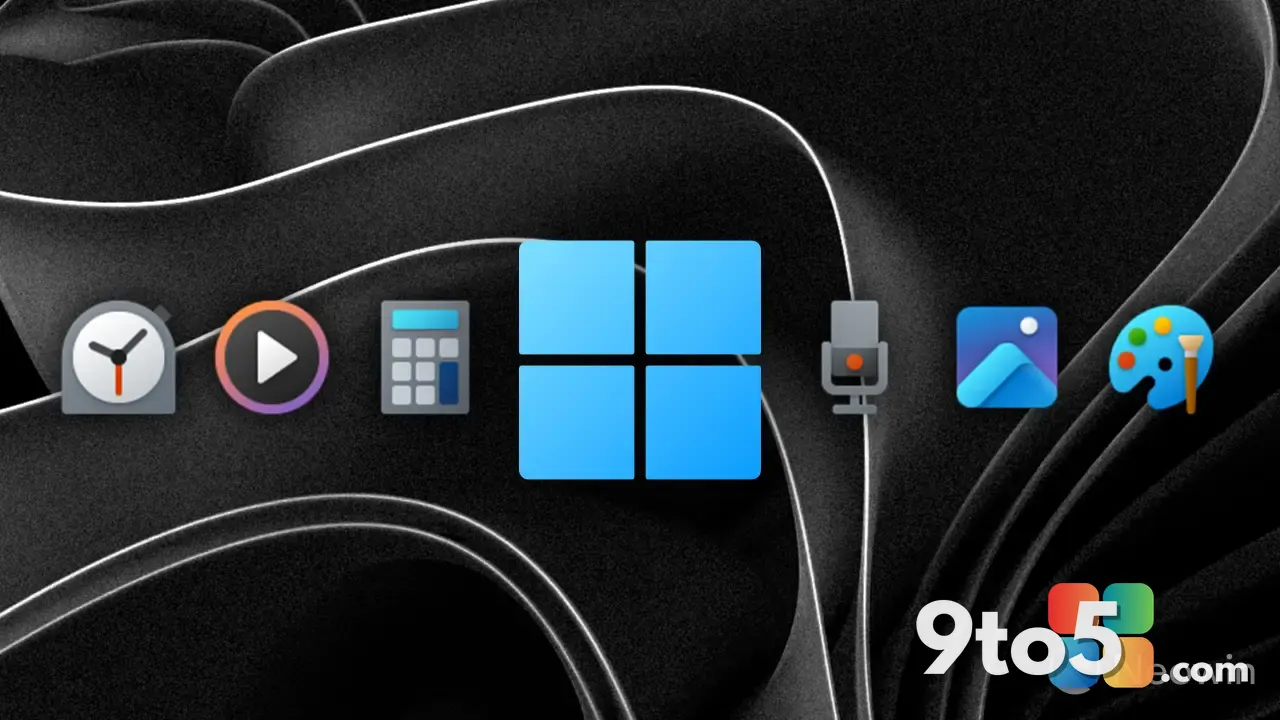 Microsoft Pushes Fresh Updates to Notepad, Calculator, Media Player, and Clock
 Microsoft’s New KMS Hardware-Secured Rule Targets Enterprise Servers, Not Pirated Home Windows
 How AI Security Patches Are Accelerating Across Major Vendors