- Status: Confirmed — out-of-band fixes deployed.
- Affected builds: Windows 11 26H1 security update, Office 2016, Remote Desktop Services, Credential Guard, Plan9/HCS virtual machines.
- Related updates: September 2026 Patch Tuesday security updates and individual out-of-band hotfixes.
Microsoft rolled out its September Patch Tuesday security updates with hundreds of fixes, but the release also came with a handful of new bugs. The company is now cleaning up the mess with a series of out-of-band updates, restoring features that the patch itself broke.
According to Computerworld, the September 2026 Patch Tuesday updates fixed nearly a thousand flaws across Windows, but some of the fixes introduced regressions. Microsoft is addressing each of them individually through separate hotfixes rather than waiting for the next Patch Tuesday.
#1 Excel paste operations fail
Excel 2016 was among the first to feel the backlash of the September update. After installing the patch, certain paste operations began failing, leaving users staring at a stalled clipboard.
A hotfix in update 5002665 partly resolves the problem, but it doesn’t fully restore normal paste behavior. If paste operations still fail after applying the fix, Microsoft recommends falling back to the “Paste special” command as a workaround.
What this means for you: If you’re on Excel 2016 and notice paste glitches after the update, install update 5002665 and, if needed, switch to Paste special until the underlying issue is fully cleared.
#2 Remote Desktop Services logins
Users of Remote Desktop Services reported instability after the patch, where RDP connections failed outright or servers got stuck on a “Please wait for the Remote Desktop Configuration” prompt.
The hang is particularly awkward because it leaves remote sessions in limbo, and the failed connections cut users off mid-work. Microsoft resolved the issue with update KB5129194.
What this means for you: Remote admins should verify their servers clear the configuration prompt after applying KB5129194. If a session is still wedged, the fix should restore normal login behavior.

#3 Credential Guard machine accounts
Another September-update casualty hit security-sensitive environments. Some Credential Guard-protected machine accounts lost recognition within Active Directory, meaning certain devices stopped being trusted.
The interim fix requires a deliberate security tradeoff: admins must temporarily halt Machine Identity Isolation enforcement before installing the patch. Microsoft said it plans to ship a permanent solution in a future update, so this temporary loosening of enforcement is short-lived.
What this means for you: If you run Credential Guard, expect to briefly relax Machine Identity Isolation enforcement to apply the fix. Plan the timing around a maintenance window, and watch for the permanent update to restore full enforcement.
#4 Plan9 virtual machine shares
Applications built on HCS-managed virtual machines ran into trouble too. Some Plan9 users found they could no longer access folders shared from the Windows host.
The symptom is an error reporting that no Plan9 drive shares were mounted, which breaks apps that depend on those shared folders. Microsoft identified Claude Cowork and the Windows Subsystem for Linux (WSL) as the affected applications.
Notably, Hyper-V virtual machines that didn’t have the Plan9 feature were unaffected, so the scope is limited to Plan9 workloads. Microsoft is working on a fix for the share-access issue.
#5 USB Audio Class 1.0 devices
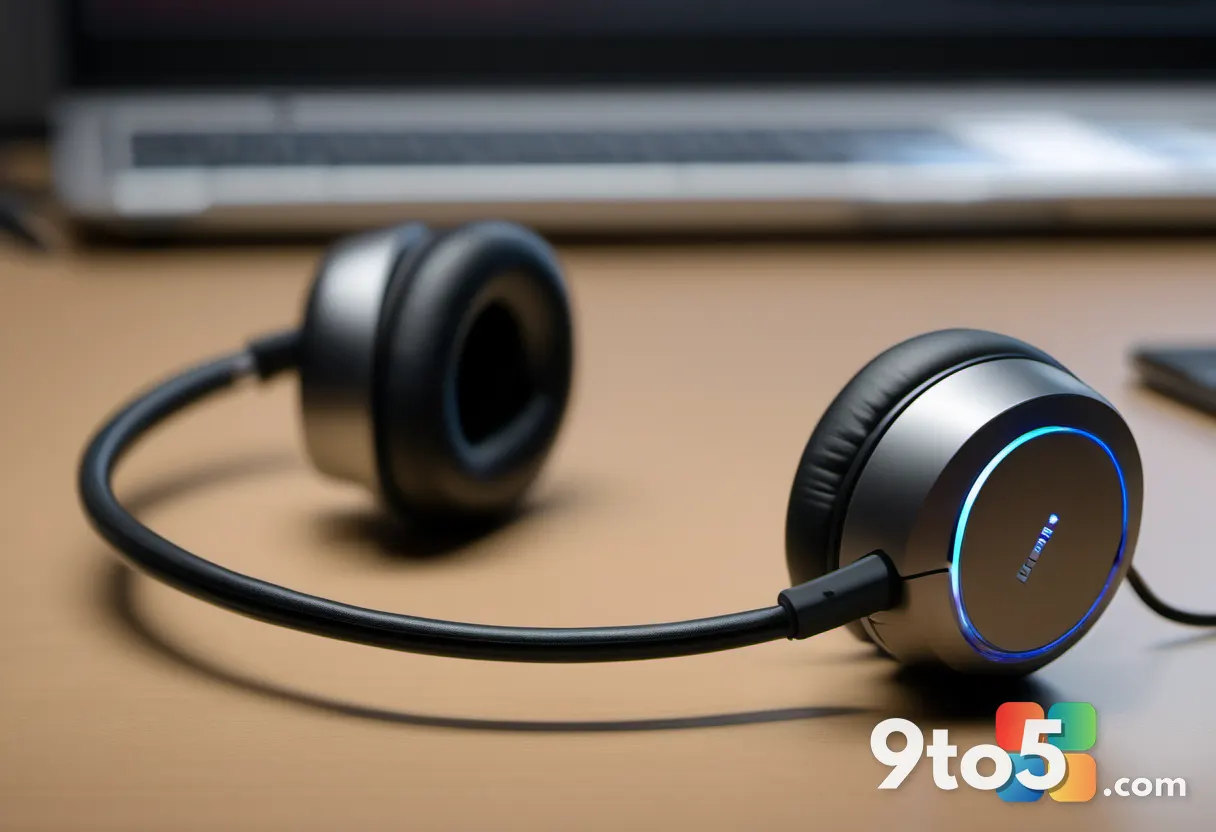
Perhaps the most everyday disruption came from audio. Users with USB Audio Class 1.0 devices found that no sound was coming through after the patch, and the volume controls went unresponsive.
Silence made it hard to hold calls, and Microsoft has now restored sound so affected users can once again make and take Teams calls.
What this means for you: If your USB headset or speakers went quiet after the update, check for the audio fix. Once applied, your volume controls and audio output should return to normal.
#6 Microsoft Defender toggle
Finally, some users were incorrectly told that Microsoft Defender had been switched off, a spurious alert that added to the confusion of an already botched update.
Microsoft has resolved that false notification as well, so Defender status should reflect accurately going forward.
What this means for you: If you saw a “Defender is off” pop-up after the September update, it was a bug, not a real toggle. The fix clears the alert, but keep an eye on your protection status to be sure.
What This Means for You
The pattern here is notable: a security update meant to harden Windows can, in the same breath, loosen it. Microsoft’s approach of shipping out-of-band fixes rather than waiting for the next Patch Tuesday is the right call for issues that bite users immediately.
For everyday users, the takeaway is simple: apply the September patch, then watch for the follow-up hotfixes. The most disruptive issues—logins, audio, and Excel paste—have been addressed, while the Credential Guard fix is a temporary measure you’ll want to complete once the permanent update arrives.
How to Get It
The out-of-band fixes are being distributed through the usual channels, so start with Windows Update and the Office update servers. For the specific issues listed here, the individual KB and update IDs are the ones to look for when updates roll out.
Insiders and admins managing a fleet should monitor the Microsoft support pages and the Windows Insider Blog for the latest fix releases and any changes to the temporary Credential Guard workaround.
Source: Computerworld
Build details:
- kb5129194
Over to you: Have you hit any of these bugs—paste, audio, or remote logins—after the September update, or did your machine sail through untouched?