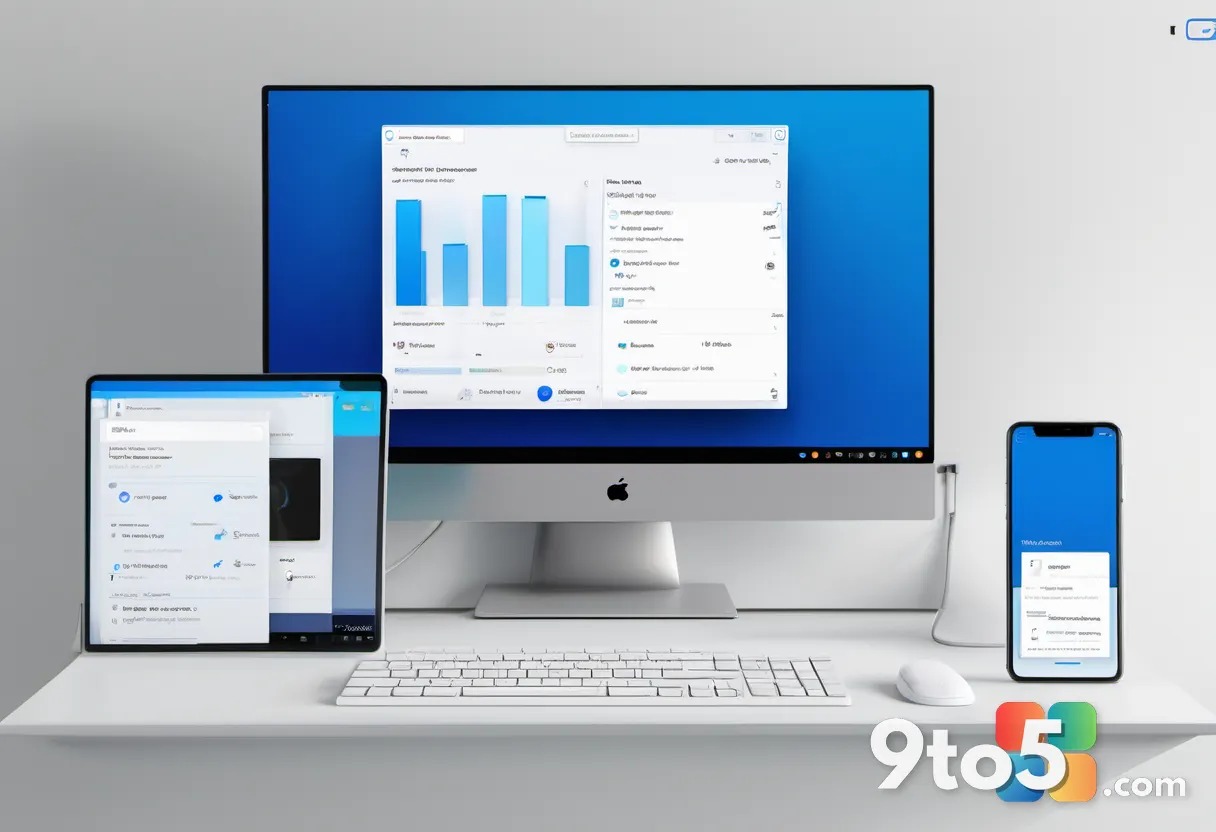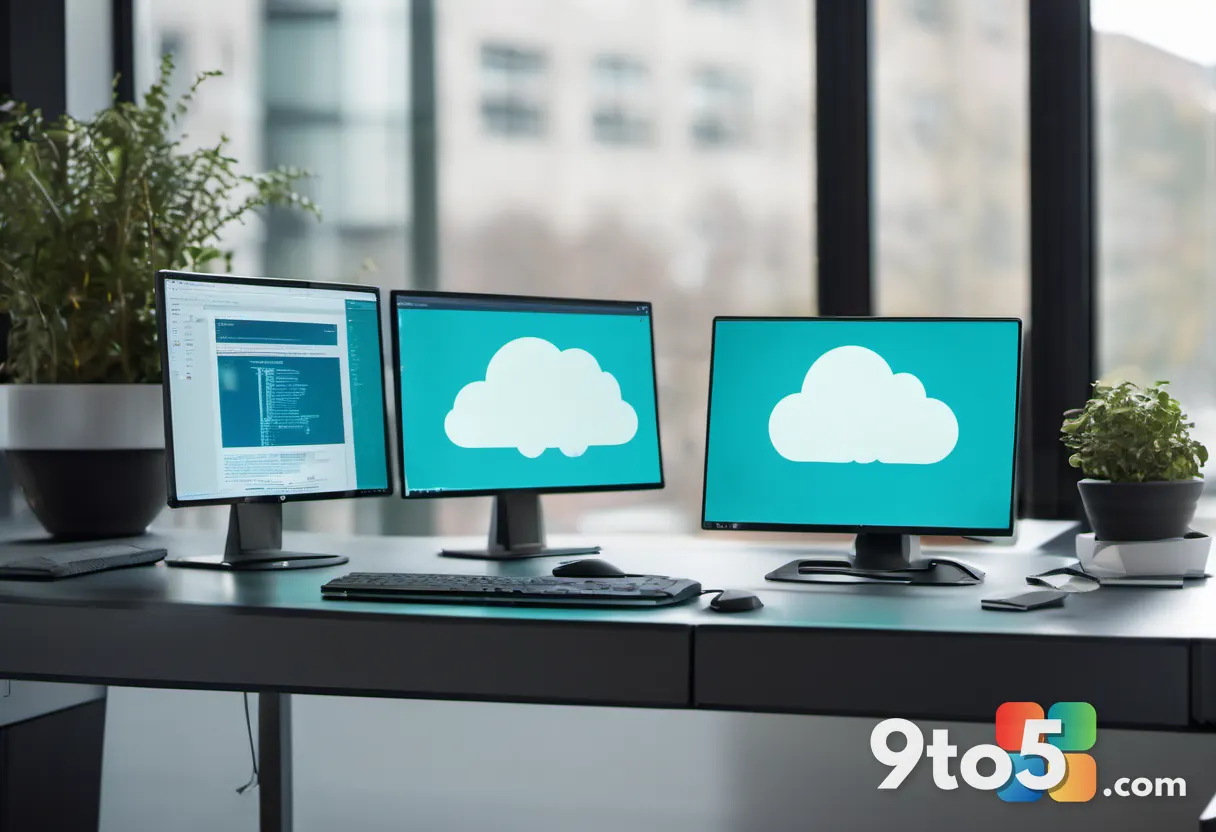
Microsoft is taking its Remote PC connections on Windows feature out of preview and into general availability, delivering it through the Windows App as a modern replacement for the long-running Remote Desktop app.
According to reporting from Neowin, Microsoft has now made the feature generally available (GA) — the milestone that typically signals software is ready for everyday users rather than just Windows Insiders. The change matters because it retires the familiar Remote Desktop app that has lived in the Microsoft Store for years, swapping it for what Microsoft is calling a “modern” experience.
What’s changing with Remote PC connections
The headline shift is straightforward. The Remote Desktop app, which has been the standard way to connect to another PC over a network for years, is being replaced. Its core purpose — letting you reach a remote machine and use it as if you were sitting in front of it — now folds into a refreshed, modern remote-connectivity experience that ships inside the Windows App.
By moving the feature into the Windows App, Microsoft is consolidating remote access into a newer, unified shell rather than leaving it as a standalone Store app. This aligns with a broader push to modernize built-in Windows tools and retire older, legacy interfaces that haven’t kept pace with current design and connectivity standards.
Why Microsoft is retiring the Remote Desktop app
Standalone apps like the original Remote Desktop client have served users well, but they’ve aged alongside the rest of Windows. Microsoft has been steadily consolidating Store apps into the Windows App — the newer universal container that’s gradually replacing the legacy Microsoft Store app on Windows 11 — and remote connectivity is landing in that same bucket.
The practical upside is a more consistent experience: a single app to manage, updated through the same channel as your other Windows App-powered tools, and built around a design language that matches the rest of modern Windows. Whether that translates into better performance, lower latency, or improved connection settings is something users will have to judge once the rollout reaches their machines.
What this means for you
If you’ve ever used the Remote Desktop app to reach another computer — whether a work PC, a home desktop, or a gaming rig — the feature you relied on is still there, just under a new name and home. You shouldn’t need to learn a completely new workflow; the underlying connection process is expected to feel familiar, just presented through a more current interface.
The main thing to watch is availability. Because this is a GA rollout rather than a simultaneous push to every device, you may see the new experience appear on some machines before others. If your current Remote Desktop app still works fine, there’s no urgent reason to rush — but it’s worth keeping an eye out for the Windows App update that brings the switch.
How to get it
The new Remote PC connections experience is delivered through the Windows App, so the upgrade path is tied to updating that app. Open the Microsoft Store, check for updates to the Windows App, and install any available version. Once updated, the modern remote-connectivity experience should replace the older Remote Desktop app on your system.
As with any GA feature, Microsoft is expected to roll it out in waves, so exact availability can vary by region, device, and build. If you don’t see the change immediately after updating, it simply means your machine hasn’t hit its turn in the rollout — the feature is coming, not optional.
Why general availability matters
The GA designation is more than a label. Features that ship in preview are often tuned for early adopters and can carry rough edges, bugs, or incomplete settings. Reaching general availability typically means Microsoft has stabilized the experience, addressed feedback from earlier testers, and deemed it safe for the broader user base.
For most people, that’s a quiet but meaningful signal: the tool is now considered production-ready, and Microsoft is unlikely to make breaking changes to it going forward. It also suggests the company sees remote PC access as a first-class part of the Windows experience rather than a niche utility.
Source: Neowin
Over to you: Are you still relying on the old Remote Desktop app, or have you already switched to the new Remote PC connections in the Windows App?