Microsoft Edge is officially moving forward with its long-planned shift to Manifest Version 3. Starting in August 2026, the browser will begin phasing out support for older Manifest Version 2 extensions for consumer users, with the full transition targeting the end of the year. Enterprise environments will follow suit in early 2027.

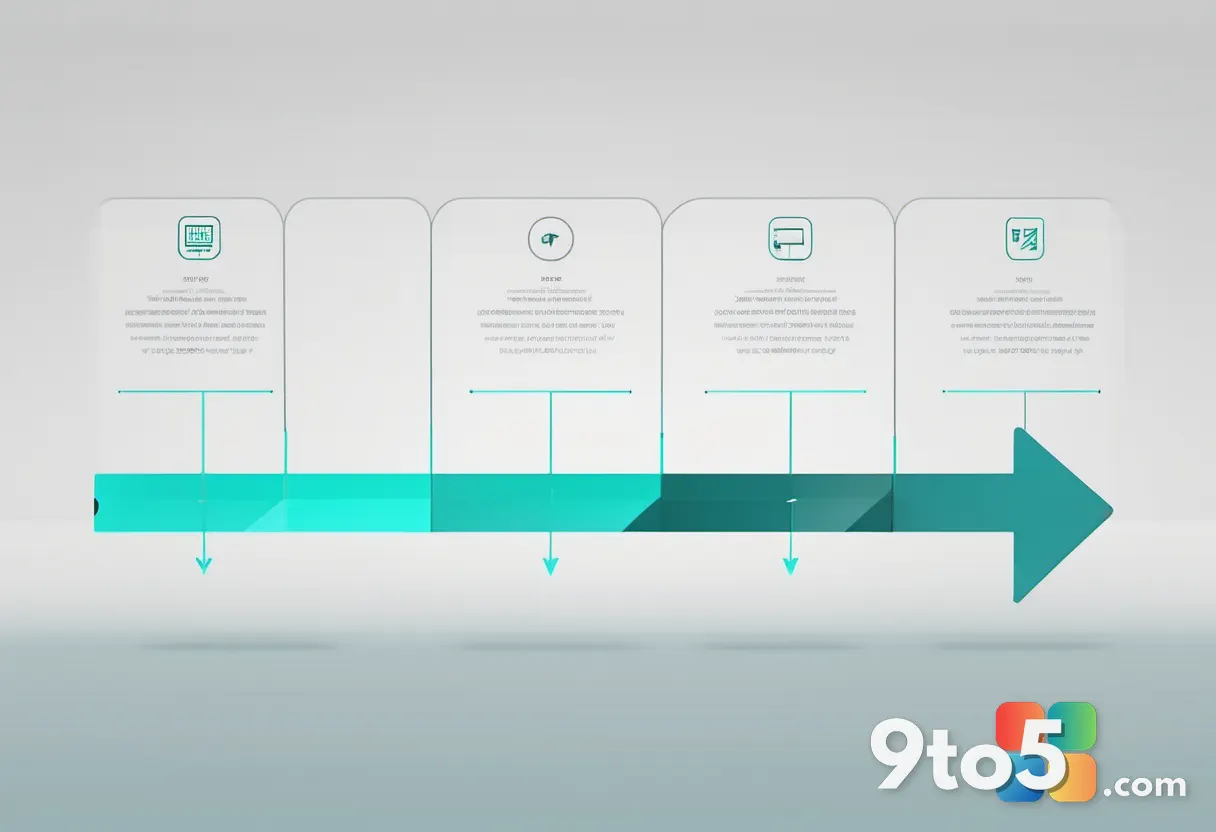
The Manifest Version 3 Transition Timeline
The push toward a new extension architecture dates back to 2020, when Microsoft and the broader Chromium ecosystem committed to replacing MV2 with a more secure, privacy-focused framework. Over the past six years, the platform has evolved significantly. MV3 restricts background scripts, enforces stricter content security policies, and relies on service workers to manage extension lifecycles. These changes reduce memory consumption, limit cross-site tracking capabilities, and make it harder for malicious add-ons to operate silently in the background.
According to the Windows Blog, 95 percent of the top MV2 extensions on the Edge Add-ons store have already been updated. Microsoft reports that only 58 MV2-based extensions still see meaningful usage, and just three of those lack a publicly available MV3 alternative. This means the vast majority of users will not experience a drop in functionality when the switch happens.
The rollout will not happen overnight. Beginning in August 2026, a subset of users with MV2 extensions installed will see notices on the Manage Extensions page and on the Edge Add-ons product detail pages. Over the following months, MV2 extensions will be gradually disabled by default. Users will receive advance notifications and be directed to recommended MV3 versions where available. The transition will start in the Canary, Dev, and Beta channels before reaching Stable, ensuring Microsoft can monitor compatibility and address edge cases before the wider release.
What This Means for You
If you rely on browser add-ons for password management, ad blocking, VPN connectivity, or productivity workflows, you will likely notice a prompt asking you to update your extensions. In most cases, the developer has already published an updated version that works with the new architecture. You will need to manually approve the update or let Edge handle it automatically, depending on your current settings.
For the handful of extensions that have not yet transitioned, Microsoft says it will reach out directly to developers through the Microsoft Partner Center. The browser team has committed to working closely with those developers to ensure a smooth handoff for their users. Managed or corporate-enrolled devices will remain unaffected during the consumer rollout, giving IT administrators additional time to validate compatibility within their environments.
What Developers Should Do Now
For extension creators still maintaining MV2 code, the window for action is narrowing. Microsoft recommends shipping an MV3-compatible version of your extension and submitting the update through the Microsoft Partner Center. The official migration guide outlines the required changes, including replacing background pages with service workers, updating permission declarations, and adjusting how extensions communicate with web pages.
The technical shift is more than a simple configuration change. Service workers are event-driven and can be terminated by the browser when idle, which means extensions must rely on persistent storage and message passing rather than keeping long-running processes active. Developers will also need to audit their content scripts for compatibility with MV3’s stricter content security policies, which block inline scripts and certain eval-style operations by default.
How to Get It
The MV3 transition is built into the browser and will roll out automatically as you update Microsoft Edge. To stay ahead of the curve, open the browser, navigate to Settings, and ensure automatic updates are enabled. You can also visit the Edge Add-ons store to check whether your favorite extensions have published MV3 versions before the phase-out begins.
If you run into compatibility issues or need guidance during the migration, Microsoft has directed developers to its official GitHub repository for the Edge extensions team. The browser will continue to provide status updates on a regular cadence, so keeping an eye on the developer documentation will help you stay informed as the rollout progresses across all channels.
Source: Windows Blog
Over to you: Are you relying on an extension that has not yet published a Manifest Version 3 update, or has your workflow already transitioned smoothly?