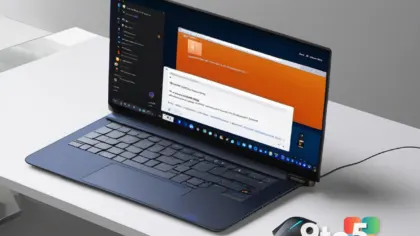
Microsoft is doubling down on its plan to keep you inside Copilot. According to a message center note archived by Windows Central, the Copilot built-in browser feature is beginning a broader rollout for more Windows 11 users, with the wider release slated for late November 2026.
The core idea is simple: when you click a link inside the Copilot app, you’ll stay within Copilot instead of being bounced over to your default browser. Microsoft began testing this capability back in March, but the expanded availability is only now being pushed out.
What the Copilot built-in browser actually does
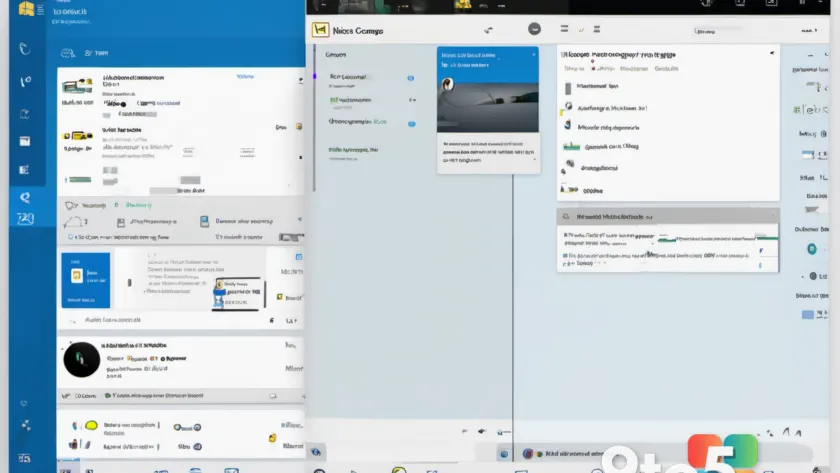
Microsoft described the feature through its message center as follows: “Microsoft Copilot app now supports in-app browsing on Windows and Mac, allowing users to open websites side-by-side with chat. Available via admin opt-in now, with broader rollout in late November 2026. Users can manage tabs, toggle full-screen, or open links externally. Data is stored locally, similar to Edge.”
That last line is worth unpacking. The browsing data is stored locally on your device, much like Microsoft Edge does with its own profile and history storage. It isn’t a full cloud-synced session, so your history lives on the machine rather than in a connected account.
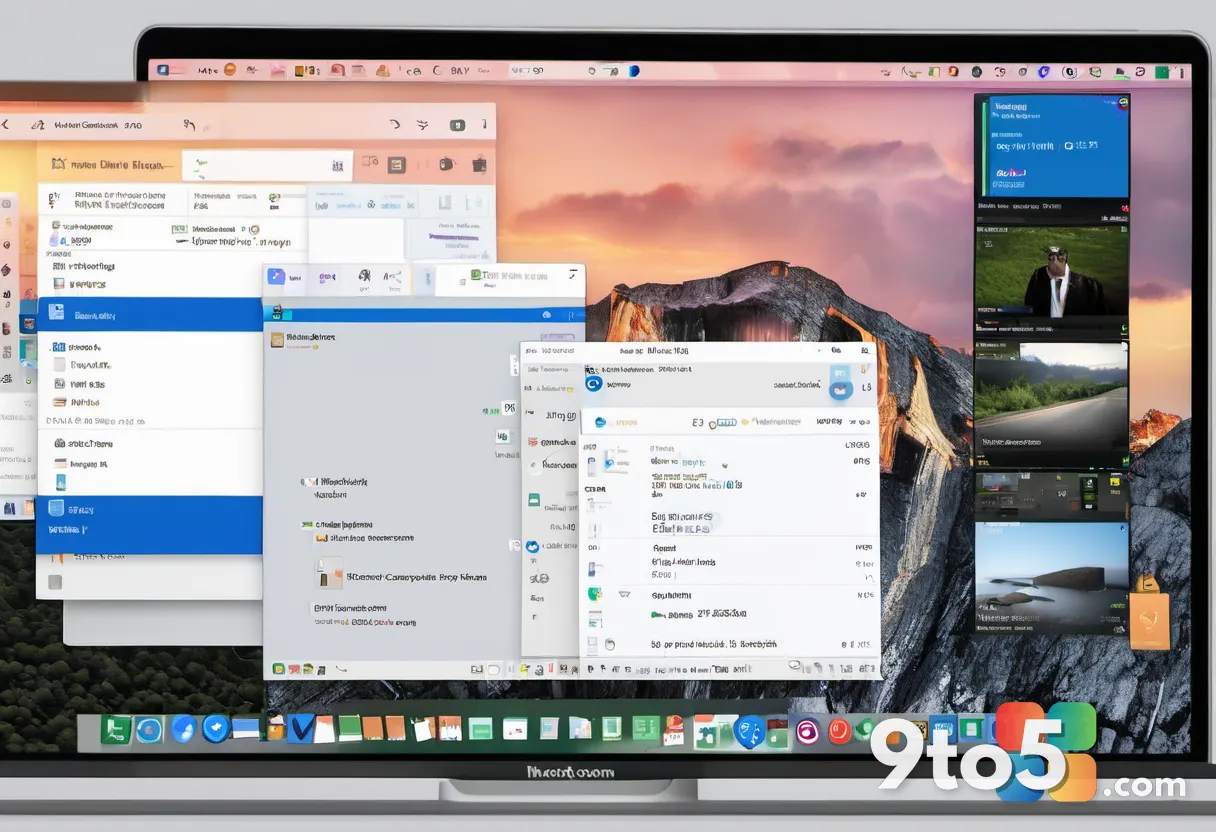
Practically, this means you can open a webpage inside Copilot, keep it open as a tab, and continue chatting with the AI at the same time. You can also toggle the browser into full-screen mode, or push a link out to your external browser whenever you want to leave the app entirely.
How it works and what you can control
Within the in-app browser, you have three main controls: managing tabs, toggling full-screen, and opening links externally. The tab management lets you keep several pages open while you work, and the full-screen toggle hides the browser chrome when you want a cleaner view.
The “open links externally” option is the natural off-ramp. If a page needs something the in-app browser can’t handle—say, a login wall or a site that renders poorly—you can push it straight to your preferred browser. That keeps Copilot from becoming a walled garden where every click is trapped.
Because the feature ships on both Windows and Mac, it’s not limited to the Windows 11 crowd. The message center explicitly names both platforms, so expect the same experience on macOS Copilot as well.
It’s a pattern you already know
Nothing about this is brand new. Microsoft Copilot behaves the same way Microsoft Teams does—apps open their own in-app browser rather than redirecting to an external one. You’ve likely noticed this with Teams, where clicking a shared link opens a pane inside the client instead of launching Edge.
The same pattern shows up across the web. X, Reddit, and a growing number of popular sites open content in their own lightweight browsers so you never have to fully leave the app. This is standard behavior for modern native apps, not something Microsoft invented for Copilot.

So the technology itself isn’t surprising. The real question is whether people will actually start doing their browsing inside Copilot, or whether they’ll treat the feature as a convenience and keep their established habits.
What this means for you
Getting someone to change a default habit is a massive challenge, and this feature is essentially a play for that habit. The analogy many people draw is Google’s approach on mobile: users ask Gemini a question, then end up browsing the web inside the app, which effectively funnels them toward a different browser.
Some users and analysts alike worry that Microsoft’s real goal here is to draw Copilot users away from Edge. Rather than forcing Copilot into the Windows 11 Sidebar—a move that has met resistance—Microsoft may have better luck retaining people who already use Copilot by giving them a reason to stay inside the app.
From your perspective, the practical impact is minimal if you’re disciplined. You can click a link, read it in Copilot, and still keep Edge or Chrome as your default. The in-app browser is optional, and the “open externally” button is your escape hatch.

How to get it now
If you want to try the feature before the broader rollout, it’s available today via admin opt-in. Enterprise and power-user admins can enable in-app browsing through the message center setting, so you don’t have to wait until late November 2026 to test it.
For the general public, the wider rollout lands in late November 2026. Once that happens, the feature should be available to more Copilot users without needing a manual opt-in. Keep in mind that rollout timelines can shift, so treat the November date as the plan rather than a hard guarantee.
Bottom line: you don’t have to change anything to keep using your preferred browser. But if you find yourself clicking links from Copilot often, you may notice a new in-app browser waiting for you soon.
Source: Latest from Windows Central
Over to you: Will you keep browsing inside Copilot, or fight to keep Edge as your default?