What’s New in KB5101684
Microsoft has released the Cumulative Update Preview KB5101684 for Windows 11 versions 25H2 and 24H2, bringing a substantial changelog focused on Windows Hello improvements. This update addresses user feedback regarding biometric authentication and enhances the overall sign-in experience across supported devices.
The update arrives as part of Microsoft’s ongoing effort to refine Windows Hello functionality, which serves as the primary biometric authentication method for millions of Windows 11 users. Windows Hello supports facial recognition, fingerprint scanning, and iris detection, providing a secure alternative to traditional password authentication.
Windows Hello Upgrades Explained
The Windows Hello upgrades in this preview update focus on improving reliability and performance of biometric authentication. While Microsoft hasn’t disclosed every specific change in the Windows Insider Blog, these enhancements typically address authentication failures, speed improvements, and compatibility with newer hardware configurations.
For users who rely on facial recognition or fingerprint scanning daily, these improvements translate to fewer failed authentication attempts and smoother login experiences. The updates also strengthen security by addressing potential vulnerabilities in the biometric authentication pipeline.
Security and System Improvements
Beyond the Windows Hello upgrades, KB5101684 includes standard security patches and system stability fixes as part of Microsoft’s monthly cumulative update program. These updates address known vulnerabilities and improve overall system reliability across Windows 11 24H2 and 25H2 installations.
The cumulative nature of this update means it includes all previous security patches and fixes released since the initial launch of these Windows 11 versions. Users who have been keeping their systems current will find this update relatively straightforward to install.
What This Means for You
If you’re using Windows Hello for daily sign-ins, these upgrades should make your authentication experience more reliable and secure. Users with older biometric hardware might notice improved compatibility, while those with newer devices will benefit from optimized performance.
For IT administrators managing enterprise deployments, the Windows Hello improvements reduce support tickets related to authentication failures. The update also includes security patches that help maintain compliance with organizational security policies.
How to Get It
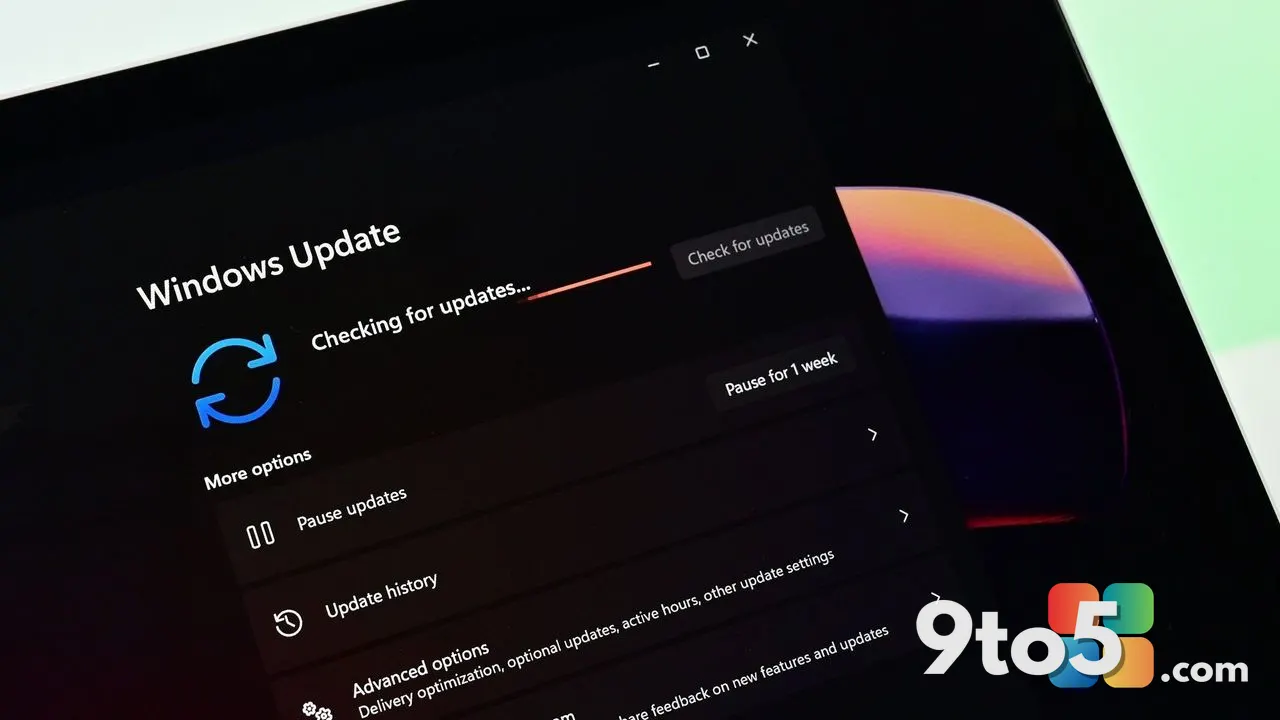
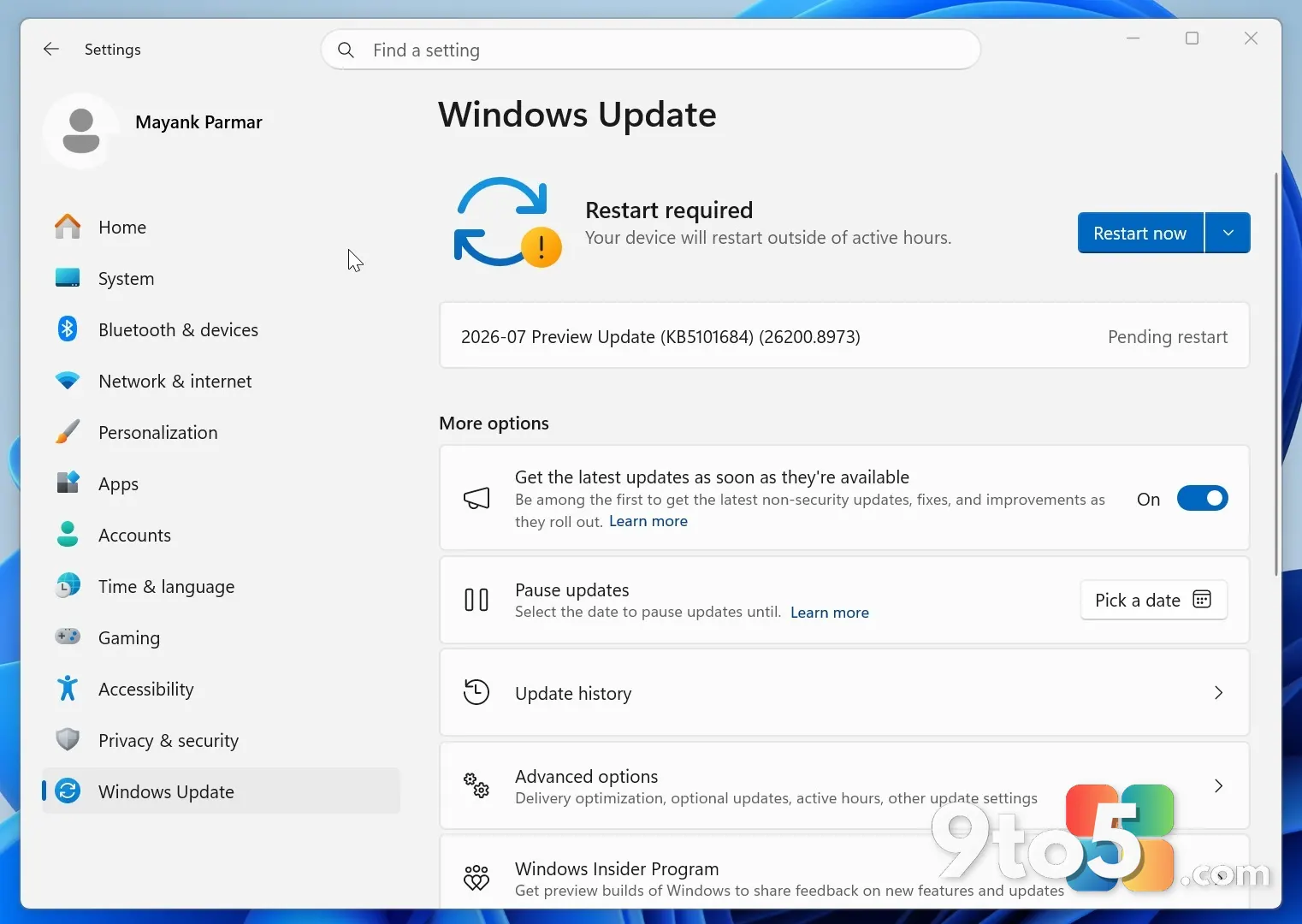
Windows 11 24H2 and 25H2 users can install KB5101684 through Windows Update. Navigate to Settings > Windows Update and click Check for updates to download and install the preview update. Alternatively, you can visit the Microsoft Update Catalog to manually download the update package.
Enterprise users can deploy this update through Windows Update for Business, Microsoft Endpoint Configuration Manager, or Windows Server Update Services (WSUS) depending on their deployment strategy. The update is available through both the Semi-Annual Channel and the Semi-Annual Channel (Targeted) deployment paths.
Installation Considerations
Before installing the preview update, Microsoft recommends creating a system restore point or backup your important files. While cumulative updates are generally safe to install, having a backup ensures you can roll back if you encounter any issues with the Windows Hello upgrades or other changes.
Users experiencing persistent Windows Hello issues might find this update resolves their problems. However, if you encounter authentication issues after installation, you can revert to your previous Windows Hello configuration or wait for the next preview update with additional refinements.
Source: Neowin
Over to you: Have you noticed improved Windows Hello performance after installing the latest preview update?