Microsoft confirmed on July 31 that the AutoPlay WinUI 3 rebuild is next in line for a complete overhaul. The announcement arrived as part of a broader update on the company’s Windows quality commitment, signaling that one of the most frequently used system dialogs is finally moving off its legacy Win32 foundation.
For years, AutoPlay has served as the gateway for managing external media. When you connect a USB drive, SD card, or optical disc, this pop-up asks how you want to handle the content. While the underlying functionality has remained largely unchanged since Windows 7, the visual design has not kept pace with the rest of the operating system.
AutoPlay gets a WinUI 3 overhaul
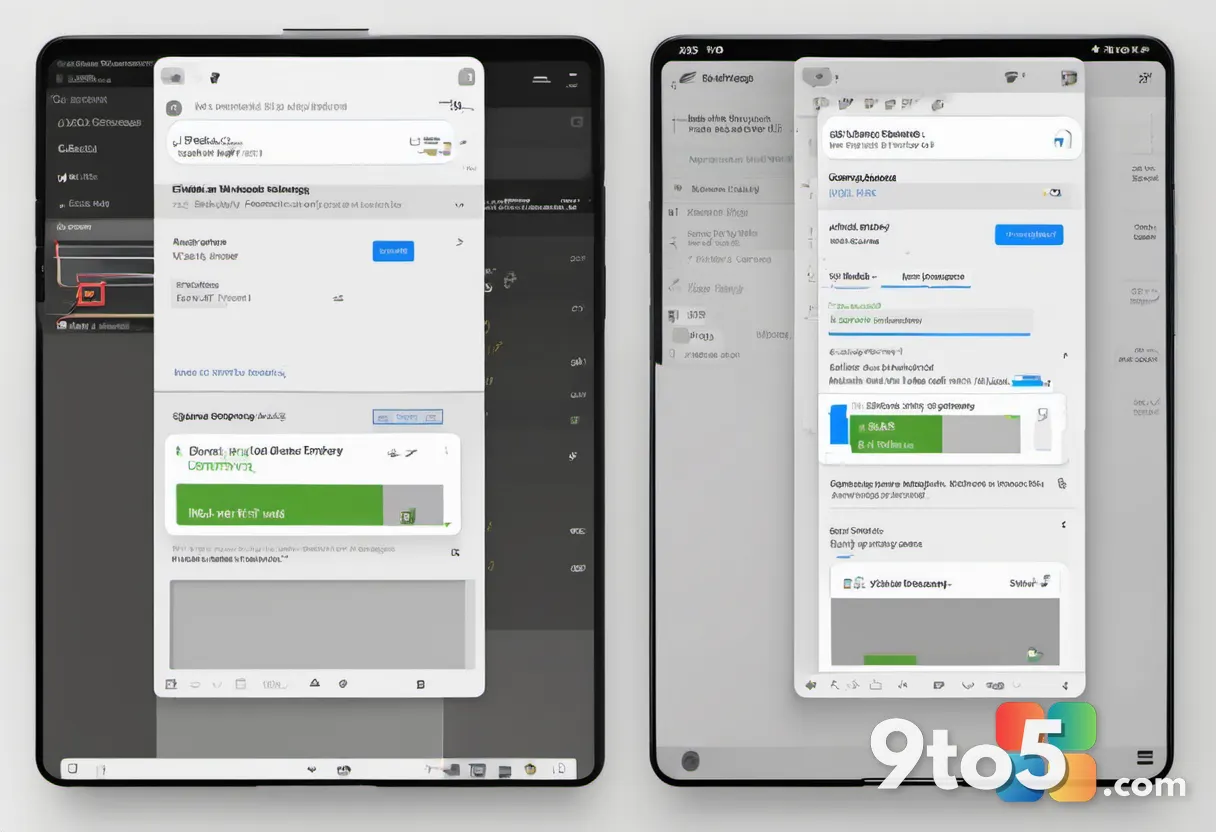
The upcoming update will replace the current Win32-based interface with a native WinUI 3 implementation. This shift brings several immediate visual and functional improvements. The dialog will finally support proper dark mode, eliminating the jarring white background that currently appears even when system-wide dark theme is active. Additionally, it will adopt Fluent typography, rounded corners, and the consistent design language that defines modern Windows 11.
WinUI 3 handles theming, scaling, and Fluent styling natively. Legacy Win32 dialogs like AutoPlay do not automatically inherit system-wide dark mode; each one must be manually coded to opt in and paint itself accordingly. By rebuilding AutoPlay from the ground up, Microsoft removes this manual patching requirement and ensures the dialog behaves consistently across all display themes.
This rebuild follows a pattern Microsoft has been actively pursuing. The company has already modernized the File Explorer Properties dialog and is currently testing a WinUI-based version of Print Management. AutoPlay is the latest addition to this growing list of legacy components being transitioned to the newer framework.
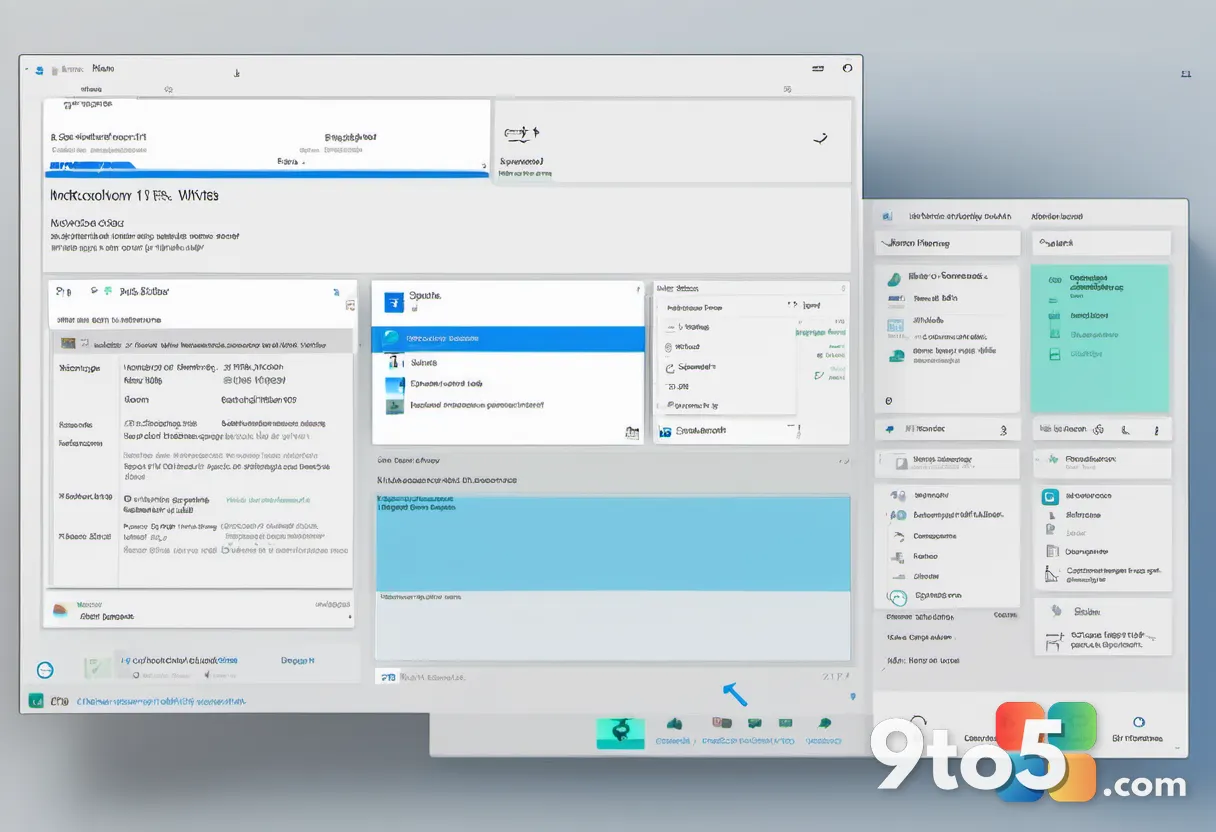
Why the legacy UI matters
Windows 11 has long been criticized for its inconsistent user interface. The operating system runs on a patchwork of code from different eras, with some dialogs redesigned for Fluent Design while others remain untouched since Windows 7 or earlier. This inconsistency is particularly noticeable in deeper settings and system utilities.
The AutoPlay dialog is one of the most-seen interfaces in Windows, yet it has undergone minimal changes since its introduction in Windows XP in 2001. Originally designed to refine the older AutoRun feature, AutoPlay prompts users with choices when inserting media instead of silently launching programs. While the security improvements introduced in Windows Vista remain relevant, the visual design has not evolved alongside the rest of the OS.
Marcus Ash, Corporate Vice President of Design and Research for Windows, previously acknowledged the need for modernization. In a May update, he expressed anticipation for the day he could confirm AutoPlay’s transition to WinUI 3, moving beyond promises of quick dark mode fixes to a comprehensive redesign.
WinUI 3 improvements and memory efficiency
The AutoPlay rebuild is part of a larger effort to extend WinUI 3 into more of the Windows shell. Microsoft’s July 31 blog post highlighted substantial improvements in memory efficiency and latency across the framework. WinUI 3 applications are designed to use less memory by default, and the company has confirmed a more efficient memory allocator alongside reduced overhead in Chromium and WebView2 components still embedded in parts of the OS.
Every dialog moved off legacy Win32 or WebView2 code and onto native WinUI represents a step toward a lighter Windows 11. Microsoft has previously admitted that Windows 11 has become a memory-intensive operating system and promised optimization work for PCs with 8GB of RAM or more by the end of 2026. The company has also revised its hardware recommendations, removing previous suggestions of 32GB RAM as a standard upgrade path as RAM prices have climbed and 8GB machines have become more common.
The transition to WinUI 3 is not merely cosmetic. The framework provides a unified rendering engine that improves text clarity, touch responsiveness, and animation smoothness across all system dialogs. By consolidating these components, Microsoft reduces the number of underlying libraries Windows 11 must load, which directly contributes to faster startup times and lower background resource consumption.
What This Means for You
If you frequently connect external storage devices, the updated AutoPlay dialog will provide a more visually consistent experience. The proper dark mode support will eliminate the bright white pop-up that currently clashes with system-wide dark themes. The Fluent design updates will make the dialog feel more integrated with the rest of Windows 11, reducing the visual disconnect that has persisted for years.
From a performance standpoint, the transition to WinUI 3 contributes to Microsoft’s broader goal of reducing memory usage. While individual dialog updates may not dramatically lower overall RAM consumption, they represent incremental progress toward a more efficient operating system. Users with 8GB of RAM will benefit from Microsoft’s ongoing optimization efforts, which aim to improve performance across the board.
How to Get It
Microsoft has indicated that the AutoPlay dialog will be included in Windows Insider Preview Experimental builds. Users enrolled in the Windows Insider Program can expect to see the updated interface in upcoming preview releases. As with all experimental features, the design and functionality may evolve before reaching the general public.
For users interested in testing the updated AutoPlay dialog ahead of the general release, navigating to the Windows Insider settings is the first step. Selecting the Experimental ring within the Insider Hub will grant access to preview builds containing these early implementations. Keep in mind that Experimental builds are intended for secondary devices, as they may contain instability while Microsoft validates the new WinUI 3 components in real-world scenarios.
For those not interested in testing preview builds, the modernized AutoPlay dialog will eventually roll out to all Windows 11 users as part of a standard feature update. Microsoft has not provided a specific timeline for the general release, but the progression from Experimental builds to stable releases typically follows a predictable pattern.
Source: Windows Latest
Over to you: Will you stick with the Windows Insider Experimental ring to test the new AutoPlay dialog, or wait for the stable update?