Microsoft is preparing a significant update to its cloud identity platform, Entra ID, that will make Entra ID passkeys the default authentication method for users. While the move aligns with the broader industry push toward passwordless security, security experts are raising concerns about the potential complications this shift could introduce for IT administrators managing large-scale deployments.
The Shift to Default Authentication
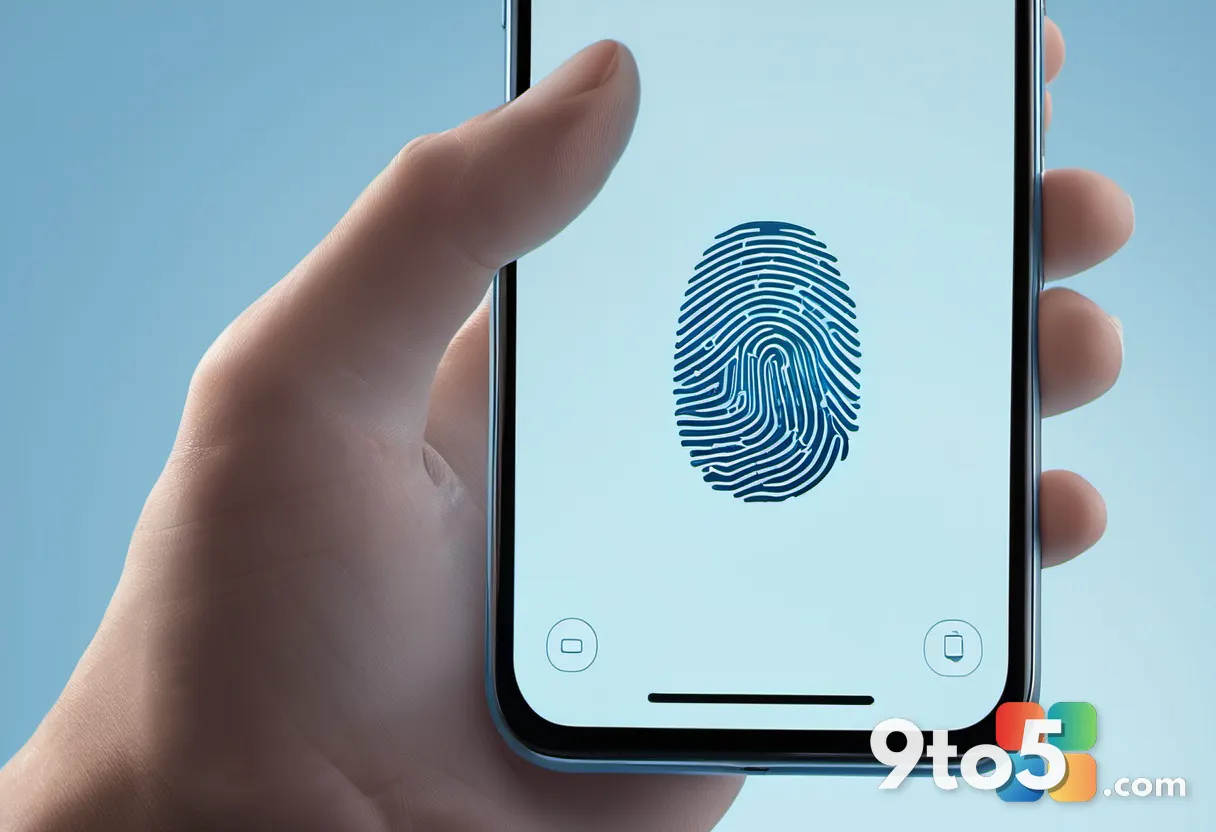
The upcoming change marks a fundamental departure from traditional credential-based logins. Historically, Entra ID has relied on username and password combinations, often supplemented by multi-factor authentication (MFA) prompts. By defaulting to passkeys, Microsoft is leveraging FIDO2 (Fast Identity Online) standards, which bind cryptographic keys to specific devices and users. This creates a phishing-resistant authentication layer that does not depend on secrets that can be guessed, stolen, or reused across services.
From a technical standpoint, this transition simplifies the user experience by removing the friction of typing credentials and waiting for verification codes. However, it also centralizes the authentication process around hardware tokens, biometric scanners, or device-bound credentials. According to the Windows Insider Blog and recent Microsoft documentation, the company has been gradually encouraging organizations to adopt passwordless methods, but making it the default represents a hard policy shift rather than a soft recommendation.
Security Concerns for IT Admins
While the security benefits of passkeys are well-documented, experts warn that the rollout introduces new attack surfaces and operational headaches. The primary concern revolves around key management and recovery. Unlike passwords, which can be reset via email or SMS, lost or compromised passkey devices require a different recovery workflow. If a user’s primary device is lost, damaged, or stolen, they must rely on backup devices or administrative intervention to restore access.
For IT administrators, this means a heavier burden in provisioning, monitoring, and supporting credential storage. Security teams will need to ensure that conditional access policies are properly configured to handle devices that do not support FIDO2 standards. Additionally, the shift requires robust logging and auditing capabilities to detect anomalies in key usage. If a passkey is extracted or cloned, the cryptographic binding makes it difficult to revoke without disrupting the user’s workflow, potentially leaving gaps in the security posture during the remediation window.

What This Means for You
For everyday users, the change is largely transparent. You will notice fewer prompts for passwords and a smoother login process across Microsoft services, including Outlook, Teams, and the Windows 11 lock screen. However, you must ensure that your primary device is properly registered and that backup authentication methods are configured in advance. Failing to do so could result in temporary lockouts if your main device becomes unavailable.
For IT professionals and system administrators, the implications are more complex. You will need to audit your current fleet of devices to verify FIDO2 compliance. Legacy hardware or certain mobile operating systems may require upgrades or alternative authentication configurations. Furthermore, help desk teams will need updated training on passkey recovery procedures, as traditional password reset workflows will no longer apply. Proactive communication with end-users about the transition will be critical to minimizing support tickets and frustration.
How to Prepare for the Change
Microsoft has not yet published a specific rollout date for the default passkey enforcement, but organizations should begin preparing immediately. Start by enabling the passwordless authentication preview features in your Entra ID tenant to test compatibility with your existing infrastructure. Review your conditional access policies to ensure they do not inadvertently block passkey-based logins from approved devices.
Additionally, establish a clear backup device policy. Encourage users to register a secondary device, such as a smartphone or a dedicated security key, to serve as a recovery option. Document the recovery process thoroughly and distribute it to your support staff before the default change takes effect. By staying ahead of the transition, you can mitigate the operational risks and ensure a secure, uninterrupted authentication experience for your organization.
Source: Neowin
Over to you: How will your organization handle the transition to default passkeys in Entra ID?