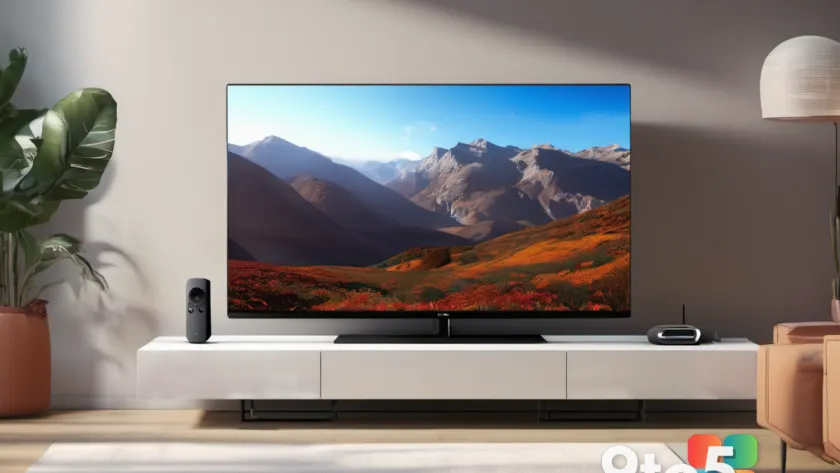
Microsoft is taking Xbox Cloud Gaming one step closer to your living room couch, announcing that the Xbox app is coming to TCL Smart TVs. The move extends Microsoft’s push to get its cloud gaming service onto more screens, even as the company signals that hourly streaming limits are approaching for the service.
For now, the announcement is lean on specifics, but the direction is clear: Microsoft wants Xbox Cloud Gaming to be as easy to reach as any other streaming app on your TV.
What changed with TCL
According to the report from Neowin, Microsoft is bringing the Xbox app to TCL Smart TVs, which means Xbox Cloud Gaming will be available on a broader range of televisions. TCL is one of the largest TV brands globally, so this is a meaningful expansion of where you can launch the service without extra hardware.
The Xbox app has previously been available on various smart-TV platforms, but adding TCL broadens the reach considerably. If you already own a TCL Smart TV, you should look for the Xbox app in your TV’s app store once the update rolls out.
What this means in practice is that Xbox Cloud Gaming fans no longer need a gaming PC, console, or phone just to play streamed games on a big screen. A compatible TCL TV with the Xbox app installed can act as your streaming client.
Why the timing matters: streaming caps are coming
Microsoft is making this TCL push at the same time it is signaling that new hourly streaming caps are on the horizon. The report notes these caps are “looming,” which suggests they have not been fully detailed yet.
Cloud gaming requires substantial server resources, and Microsoft has increasingly managed demand by limiting how long users can stream in a given period. For subscribers to Xbox Game Pass Ultimate, cloud gaming is included as a perk, so any cap could affect how long you can play on the go or away from a console.
It is worth noting that the exact numbers behind these caps have not been confirmed in this announcement. Until Microsoft lays out the specifics, treat the streaming-cap details as expected but unconfirmed.
How Xbox Cloud Gaming works on a TV
Xbox Cloud Gaming (sometimes called xCloud) streams games from Microsoft’s data centers over the internet rather than running them on local hardware. Your TV just needs a stable, high-bandwidth connection to receive the video and send your controller inputs back.
To use it, you launch the Xbox app on your TCL TV, sign in with your Microsoft or Game Pass account, and pick a game from the cloud library. Because the game runs on a remote server, even a TV with modest specs can run demanding titles — as long as your internet can keep up.
This is why the TCL partnership matters: it removes one of the biggest barriers to cloud gaming, which is finding a device that can run the app. With the Xbox app built into a major TV brand, the experience gets closer to “open the app and play.” Historically, Microsoft has expanded this way, bringing the Xbox app to makers like Samsung, LG, and Hisense over the years, so the TCL addition fits a clear pattern.
What this means for you
If you own a TCL Smart TV, this is a genuine win for anyone who has wanted to play Xbox games on the big screen without a console or PC nearby. It also fits into Microsoft’s broader strategy of making Game Pass and cloud gaming available across as many screens as possible.
However, keep the streaming-cap news in mind. If you are a heavy cloud gamer, you may eventually face limits on how long you can stream per period, regardless of which device you use. Until the details are official, plan accordingly and watch for an update from Microsoft.
How to get it
For now, the best move is to check your TCL Smart TV’s app store for the Xbox app once the update becomes available. If it is not there yet, keep your TV’s software up to date so you receive the rollout as soon as it lands.
Once the Xbox app is installed, sign in with your Xbox Game Pass Ultimate account to access cloud gaming. A strong Wi-Fi or wired connection matters more than ever for a smooth experience, so if you plan to stream regularly, consider a wired connection or a strong 5GHz network.
As with any new feature, start with shorter sessions to confirm your connection holds up, then expand from there.
Source: Neowin
Over to you: Do you own a TCL Smart TV, and would you use it to stream Xbox games instead of a console or PC?