For years, a folder-naming trick has promised to unlock a hidden master settings panel in Windows 11 God Mode. Guides for it still circulate on the web today, with some even claiming Microsoft built it as a secret feature on purpose. But a Microsoft engineer who first debunked the trick back in 2010 is reminding everyone that it was never a hidden feature — just a developer convention that regular users stumbled onto and gave a dramatic nickname.
Windows Latest tracked down the original explanation from Brandon Paddock, who worked inside the Windows organization at the time. He wrote about the trick on his personal blog in January 2010, days after it started spreading online. Now, 15 years later, the myth is still going strong.
What Windows 11 God Mode actually does
The trick is easy to set up. Create a folder anywhere in Windows, then rename it to GodMode.{ED7BA470-8E54-465E-825C-99712043E01C}. The icon instantly changes to look like the Control Panel, and when you open it, you’re greeted with a single scrollable list of settings tasks — everything from changing your mouse pointer to partitioning a hard drive.
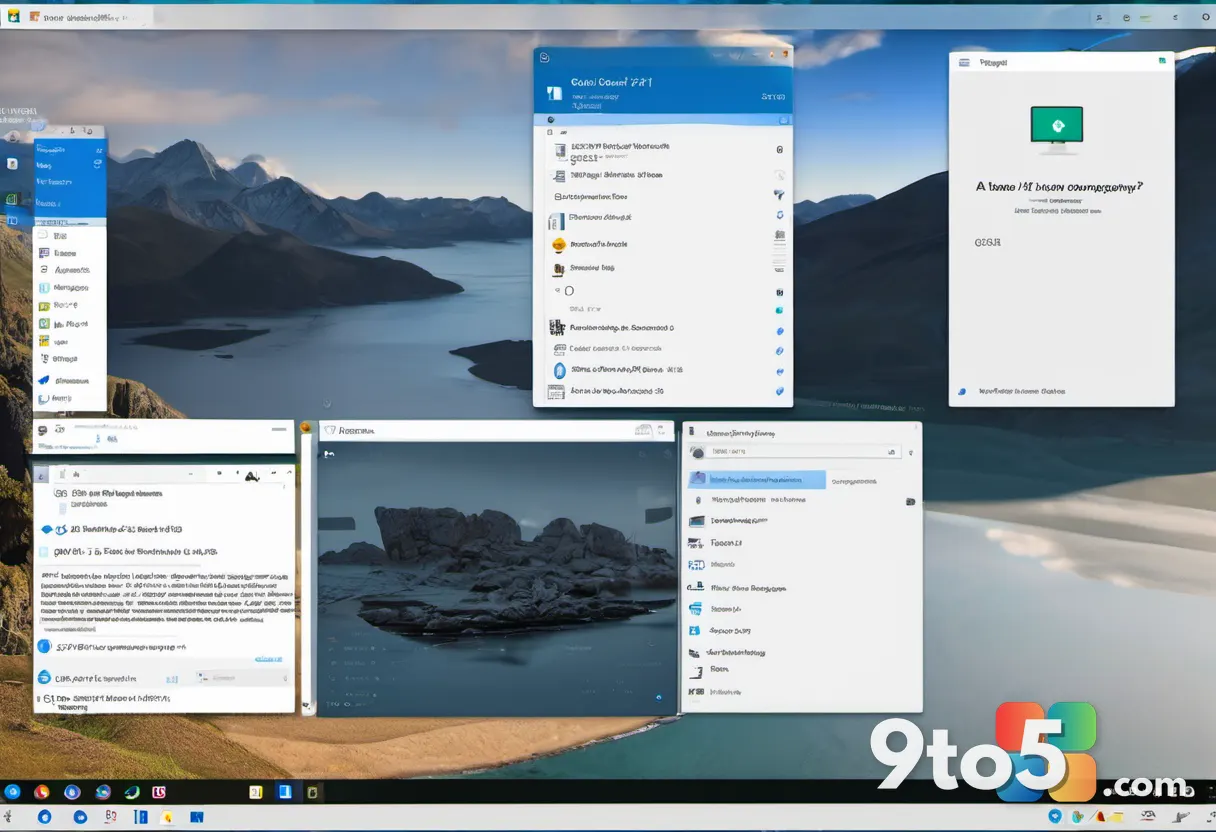
That’s what makes it so tempting. It looks like a secret control center Microsoft forgot to advertise. But according to Paddock, the “GodMode” part of the name does absolutely nothing. Rename the same folder to ILikePuppies.{ED7BA470-8E54-465E-825C-99712043E01C} and you get the exact same result.
Why the Microsoft engineer calls it “completely silly”
Paddock — who has since become Microsoft’s Principal Software Architect for AI in Microsoft Word — explained that the text before the dot is just a label Windows displays. The part actually doing the work is the code inside the curly brackets, known as a CLSID (Class Identifier). That code was documented publicly the entire time.
The trick works because it exposes two ordinary, documented pieces of the Windows shell:
- A developer feature: Documented on Microsoft’s MSDN pages, this lets any folder named in the format DisplayName.CLSID act as a shortcut into a specific part of Windows instead of behaving like a normal folder. Developers use it to link directly into system locations — it was never meant for regular users to stumble onto.
- The “All Tasks” folder: This is a folder Windows uses internally, and it’s the same data source that powers Control Panel search results in the Start menu. It lists every settings task Windows knows about in one place. The regular Control Panel shows the same items, just organized into a friendlier custom view. Open “All Tasks” directly and it simply dumps every item into a plain list.
In other words, the “master panel” people mistook for a hidden feature is just an unstyled view of data Windows already uses behind the scenes. Paddock’s conclusion, written on his blog, was blunt: “God Mode? Hardly.”
He wasn’t saying the trick doesn’t work — it does. His point was that Microsoft never built it as a feature or intended for anyone to use it that way. He also warned that the folder and its CLSID are implementation details that Microsoft could change or remove without warning in a future update.
Why a 15-year-old myth won’t die
Tricks like this stick around because they feel like they reveal something Microsoft is hiding, and that suspicion has only grown over the years. Windows Latest recently reported on Microsoft’s GDID tracker — a persistent device identifier that reportedly helped the FBI trace a hacking suspect across VPNs and three countries, which the company kept quiet about until now.
The site also uncovered a similar myth around the FCKGW product key, the famous code that pirated millions of Windows XP installs. For two decades, it was widely believed to be a clever crack. It turned out to be a leaked corporate volume license key that Windows XP’s activation system was designed to trust automatically — confirmed by the very engineer who worked on that activation system.
The pattern is familiar: a trick makes the rounds, gets a dramatic nickname, and spreads for years before someone traces it back to the engineer who built the underlying system. That person can then explain, in plain terms, why the dramatic version was wrong the whole time. God Mode isn’t a conspiracy or a cover-up. It’s a folder-naming convention for developers that everyday users walked into and spun into a better story than it deserved.
What this means for you
If you’ve been using God Mode as a shortcut to every Windows setting, it will still work — at least for now. But treat it as a convenience trick, not a documented feature. Because the CLSID and folder behavior are undocumented implementation details, a future Windows update could break it without notice. If you rely on it for daily tweaks, keep a note of the exact folder name so you can recreate it quickly.
It’s also worth remembering that the list you get isn’t more powerful than the Control Panel or Settings app — it’s the same underlying data, just unorganized. For most users, the modern Settings app covers the same ground with a cleaner interface.
How to try it yourself
Want to see it in action? Create a new folder on your desktop or in File Explorer, then rename it to GodMode.{ED7BA470-8E54-465E-825C-99712043E01C}. Press Enter, and the icon should switch to the Control Panel look. Double-click it to browse the full list of settings tasks. Rename the “GodMode” portion to anything you like — the trick works regardless of the label.

So yes, the trick still works in Windows 11. It’s just not magic, and it’s definitely not a hidden feature. As Paddock put it 15 years ago: God Mode? Hardly.
Source: Windows Latest
Over to you: Have you ever tried Windows 11 God Mode, or do you stick with the Settings app for your daily tweaks?