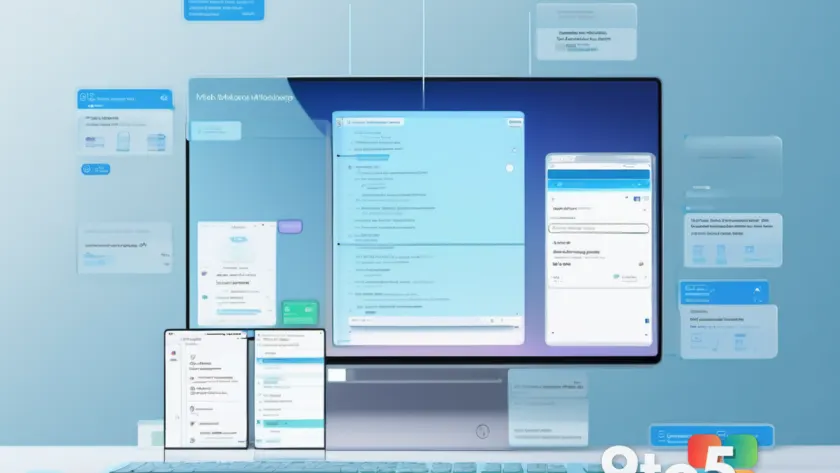
Microsoft is preparing to merge its scattered Copilot interfaces into one unified Copilot app, signaling a major shift in how users will interact with the company’s AI tools across Windows, Office, and the web. The announcement confirms earlier reports that the tech giant is moving away from its current multi-app strategy, where Copilot functionality was split between a standalone desktop app, the Edge sidebar, Microsoft 365 integrations, and the Xbox dashboard.
For years, Microsoft treated Copilot as a modular feature rather than a cohesive product. While that approach allowed quick rollouts, it created a fragmented experience. Users frequently switched between multiple windows just to access the same tools. By consolidating everything into a single hub, Microsoft is attempting to fix that friction before the assistant scales further.
The Current Copilot Landscape
Right now, Copilot lives in several places at once. Windows users find it pinned to the taskbar or accessible through the Win+C shortcut. Office 365 subscribers interact with it inside Word, Excel, and PowerPoint via a floating sidebar. Edge browsers host a separate Copilot panel, and the standalone Copilot app on Windows and macOS offers its own distinct interface. Even Xbox and certain enterprise tools run their own Copilot variants.
This modular rollout made sense during early development. It allowed Microsoft to test AI integrations across different surfaces without overhauling core products. But as the assistant matured, duplication became a liability. Context did not always carry over between apps, and users were left wondering whether chat history and saved prompts were actually syncing.
What the Unified Copilot App Will Look Like
According to details shared by Microsoft via its official AI engineering blog, the new super app will act as a single entry point for all Copilot interactions. Rather than maintaining separate windows, the consolidated interface is expected to pull together chat history, document generation, image creation, and system-level commands into one persistent sidebar or floating window. The goal is to give the assistant full context of what you are working on, regardless of which application you are currently using.
From a technical standpoint, this consolidation will likely rely on a shared backend identity and a synchronized cloud profile. That means your custom instructions, preferred tone settings, and conversation history will no longer be trapped inside a single app. If you switch from Word to Edge, or from your desktop to a browser, the assistant should pick up exactly where you left off. Microsoft has indicated that the unified app will also support deeper operating system integration, allowing it to adjust settings, manage files, and run commands without requiring users to navigate through multiple menus.
The move also aligns with broader industry trends. Competitors have pushed toward single-pane AI interfaces, recognizing that users rarely want to manage five different chat windows just to draft an email. By centralizing Copilot, Microsoft is positioning the assistant as a workspace-wide companion rather than a collection of isolated features.
What This Means for You
If you currently rely on Copilot for daily tasks, the consolidation will simplify your workflow. You will no longer need to remember which app hosts a specific AI feature, and your prompts will finally sync across every surface you use. For power users, the ability to hand off a task from a document directly to the assistant without losing context is a significant quality-of-life improvement.
Enterprise users should also take note. IT administrators managing Microsoft 365 deployments will likely see updated group policy options and admin center controls as Microsoft standardizes deployment. The unified app will probably introduce a clearer licensing model, reducing confusion around which subscriptions include full AI access.

What to Expect Next
Microsoft has not yet confirmed a specific launch date for the unified Copilot app, but the company is actively rolling out preview components to Windows Insiders and Microsoft 365 Copilot subscribers. Users who want early access should check their Windows Update settings for optional AI-related previews, and keep an eye on the Microsoft 365 admin center for new deployment guidelines.
As the consolidation progresses, expect Microsoft to gradually phase out the standalone Copilot app and the Edge sidebar. The company will likely provide a migration path for chat history and custom settings so users do not lose their existing workflows. Until then, the current multi-app setup will remain available, though Microsoft has indicated that long-term support for isolated Copilot instances will be reduced.
The shift toward a single AI hub marks a significant strategy change since launching Copilot nearly two years ago. Rather than treating AI as an add-on, Microsoft is building it into the foundation of how Windows and Office 365 operate. For users, that means a simpler, more responsive assistant that actually understands your workflow across every app.
Source: Neowin
Over to you: Are you hoping the unified Copilot app syncs your chat history automatically, or would you prefer to start fresh with a clean slate?