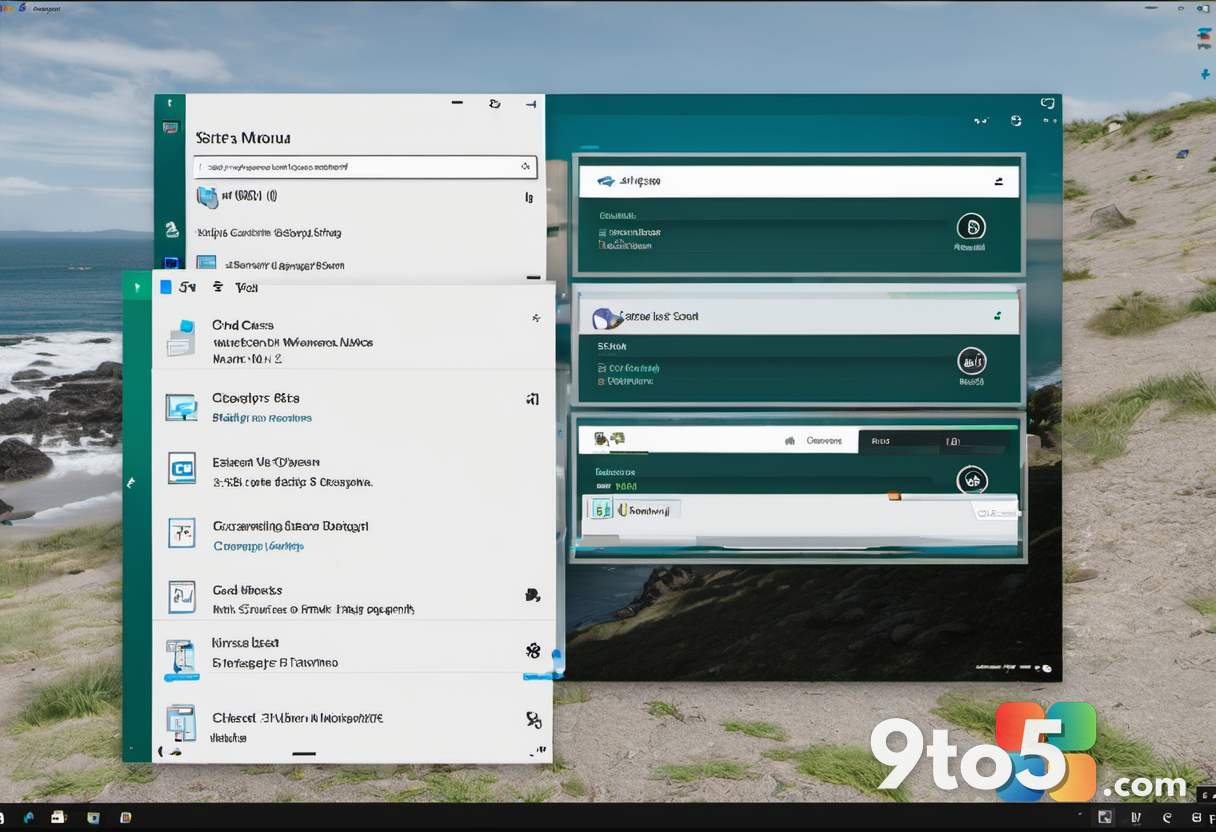
Microsoft is preparing to revamp the Windows 11 Start menu once again. After receiving significant criticism regarding the size and behavior of the previous redesign introduced in versions 24H2 and 25H2, the company is testing a new iteration that aims to address user concerns about screen real estate and responsiveness.
According to recent Insider builds spotted by Windows Latest, these changes go considerably further than what regular users received in 2025. The updates are expected to arrive with the Windows 11 26H2 release scheduled for October this year.
#1 Adjustable Start menu sizes
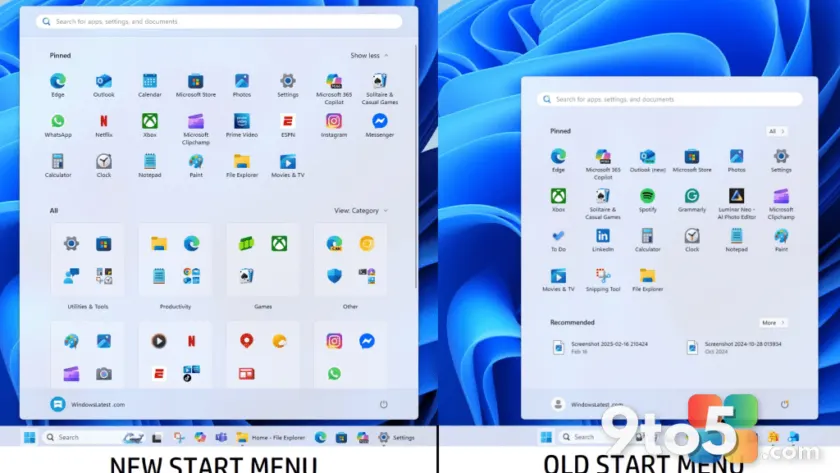
The most visible change is the introduction of resizable presets for the Start menu. Users will be able to choose between a Large preset, which displays more pinned apps and larger category sections, and a Small preset designed to shrink the interface for a more compact view.
This adjustment directly addresses feedback that the current design takes up too much screen space, particularly on displays with lower resolutions. The Small preset should help reclaim valuable desktop area without sacrificing functionality.
#2 Granular section toggles
Microsoft is also adding new customization toggles to control what appears in the Start menu. You will be able to hide specific sections, including the pinned apps list, the general apps list, and the recommended items section.
Additionally, users can now hide their account name and profile image from the interface. This level of granularity allows for a cleaner, more personalized experience, letting you strip away elements you don’t use daily.
#3 Performance boosts via native WinUI
Beyond visual changes, the upcoming redesign focuses on performance. Microsoft is rebuilding the Start menu using native WinUI, which should result in smoother interactions and faster load times.
This effort is supported by the new Low Latency Profile feature introduced in recent updates. This feature revs up the CPU during repetitive tasks, such as opening the Start menu, to reduce lag and make the system feel snappier overall.
What this means for you: If you’ve found the current Windows 11 Start menu too bulky or slow, these changes in 26H2 offer a more customizable and responsive alternative. The ability to resize and hide sections gives you back control over your desktop layout.
Over to you: Will you use the new Small preset to save screen space, or stick with the Large view for easier access?