- Status: Confirmed by Microsoft
- Affected software: Legacy Outlook for Mac (specifically versions after 16.109)
- Issue: Replying to or forwarding emails omits the original message body
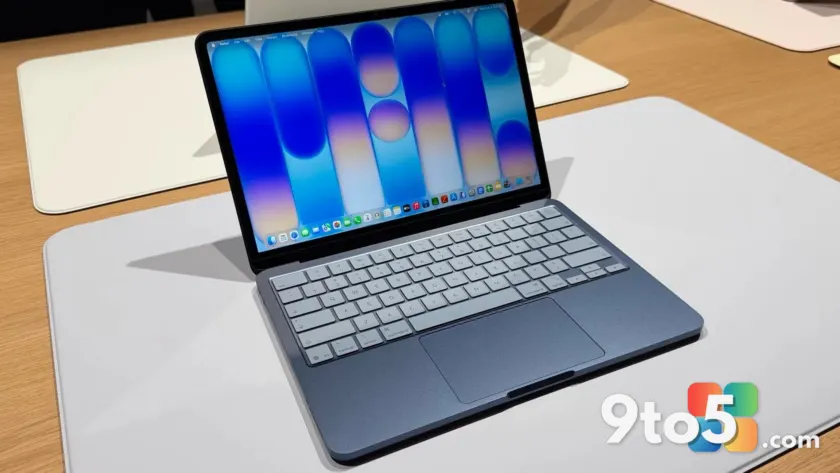
Microsoft has confirmed a frustrating bug in the legacy version of Outlook for Mac that strips away the context of email conversations. When users attempt to reply to or forward an email, the application fails to include the original message text, leaving recipients with only the new response and no reference to what was being discussed.
The missing conversation thread
Email threading is essential for maintaining context in professional and personal communications. Normally, when you hit reply or forward, Outlook inserts the previous message below your cursor so the recipient knows exactly what you are responding to. This bug breaks that flow entirely.
Users have reported that after updating to recent versions of the legacy app, their replies appear as standalone messages without any historical data. This makes it difficult for recipients to understand the subject matter, often leading to confusion or unnecessary follow-up questions to clarify the topic at hand.
Legacy vs. New Outlook on Mac
This issue is isolated to the legacy version of Outlook for Mac, a native application that has been around for decades but is nearing its end of life. Microsoft plans to retire support for legacy Outlook with Exchange Online mailboxes in October. While it will still receive security updates, it will no longer function as a primary email client for many users.
In contrast, the new Outlook for Mac is a native application focused on cloud accounts and is the primary version moving forward. Microsoft reports that over 95% of Microsoft 365 users have already transitioned to the new app. This stands in stark contrast to the Windows experience, where the shift to a web-based Outlook client has been controversial among power users.
Workarounds and fixes
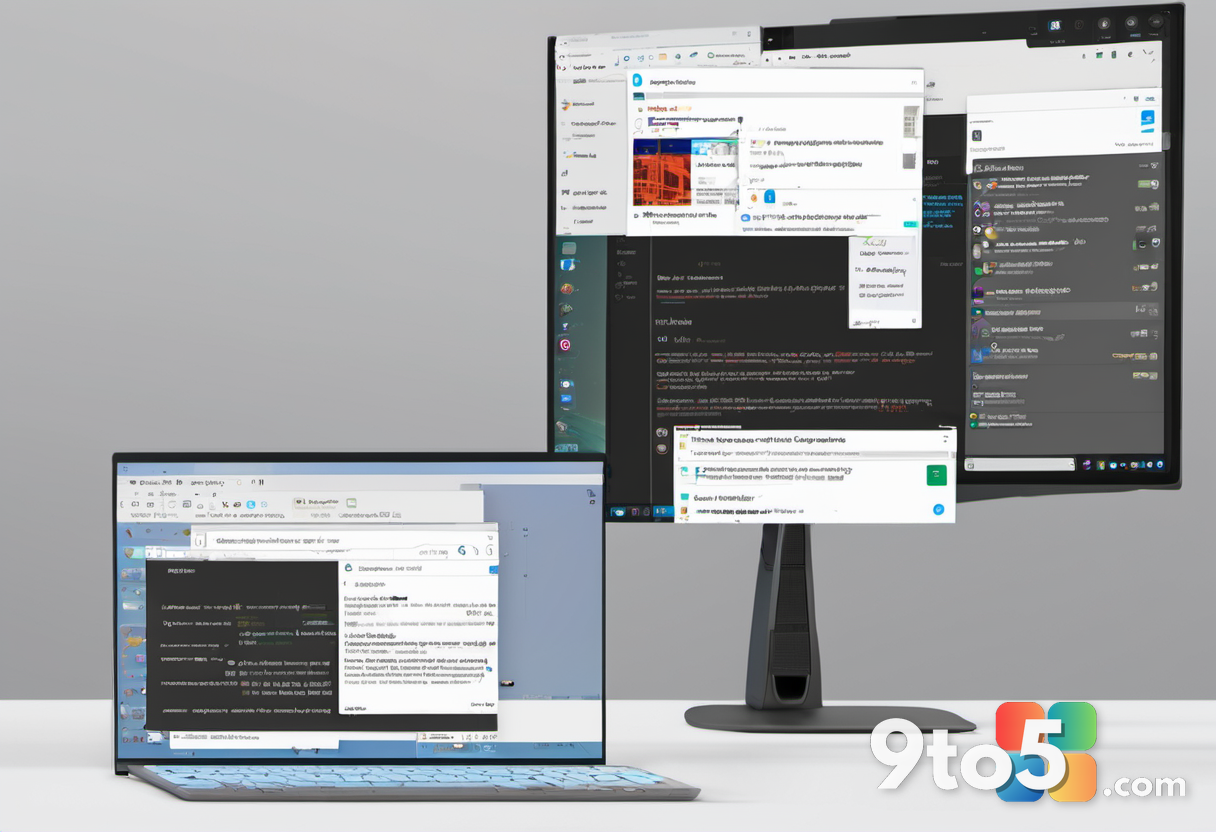
Microsoft is currently investigating the issue, but no patch has shipped yet. In the meantime, users have two primary options to restore normal functionality. The official recommendation from Microsoft is to migrate to the new Outlook for Mac, which does not suffer from this specific bug.
If you prefer to stay on the legacy client, you can roll back to version 16.109 of Outlook for Mac. This earlier build predates the introduction of the bug and should allow replies and forwards to include the original message content as expected. Users have expressed frustration that such a significant issue evaded testing before release, highlighting the importance of checking update notes before upgrading.
Source: Windows Central
Over to you: Are you sticking with legacy Outlook for Mac until October, or have you already made the switch to the new version?
You may also like
 Windows 11 Canary builds bring targeted audio driver and settings improvements
 Microsoft drops new Windows 11 builds for June 19, including version 26H2 for Experimental
 Windows Insider builds for June 12: New unified update experience, typo-tolerant search, and 26H1 updates
 Windows 11 Insider builds for June 12: Unified updates, smarter search, and new inbox app notes