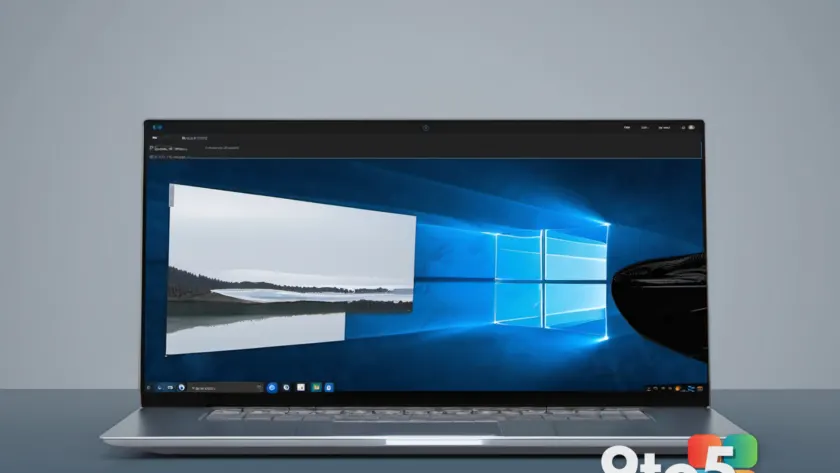
Windows 11 26H2 is about to get a leaner, more portable version, and the headline feature is a “tiny” ISO that could let almost any PC—even machines Microsoft never officially supported—install and run the operating system.
According to a report from Neowin, Microsoft is preparing this smaller-footprint install image for the 26H2 release, the next major Windows 11 update slated for 2026. The idea is straightforward: strip out components that most users don’t need, shrink the download, and lower the hardware bar enough that older machines can take a shot at the latest build.
What the ‘tiny’ ISO actually changes
A standard Windows 11 ISO ships with a full set of features, services, and bundled apps designed to work across the widest possible range of hardware. That completeness comes at a cost—the install image is large, and the resulting system uses more RAM and disk space than a minimal setup would.
The “tiny” variant trims some of that weight. By removing less-common drivers, optional features, and background services that many machines never touch, the ISO takes up less space on a USB drive and installs into a smaller footprint on disk. In practice, this tends to free up resources on low-end and older hardware, which can feel snappier when the OS isn’t juggling components it never uses.
Why this matters for unsupported PCs
Microsoft’s official Windows 11 requirements include a relatively modern CPU, TPM 2.0, Secure Boot support, at least 4GB of RAM, and 64GB of storage. Machines that fall short—whether because of an older processor or missing security hardware—are flagged as “unsupported,” and Microsoft won’t push them feature updates or offer a clean install through normal channels.
A smaller ISO doesn’t magically upgrade a CPU or add a TPM chip, but reducing RAM and storage demands can bring marginal machines into a workable range. That’s why the report frames this as a way to get 26H2 running on “almost all” unsupported PCs rather than every single one—hardware that’s only slightly off the list may finally clear the lowered bar.
Where the ‘tiny’ idea comes from
This isn’t the first time the concept of a stripped-down Windows has captured attention. The community-driven Tiny11 project, which began around Windows 11’s 2022 launch, gained a following by removing telemetry, bloatware, and unnecessary components to make the OS run on modest hardware. It became a popular workaround for people who wanted modern Windows on older machines but hit the support wall.
Microsoft has long maintained that it doesn’t endorse or distribute community-modified images, largely over security and stability concerns. A “tiny” ISO offered directly by Microsoft would be a notable shift—if the company ships an official lean image, it removes the need for third-party tweaks and keeps the install covered under normal update and support paths. That distinction matters, since modified ISOs can introduce security risks and break Windows Update.
What this means for you
If you’re holding onto an older PC that Microsoft considers unsupported, a “tiny” 26H2 ISO could be a legitimate way to extend the machine’s life without resorting to unofficial modifications. The appeal is real: less resource use, a smaller download, and the possibility of running a current Windows build on hardware you’d otherwise retire.
But keep expectations grounded. “Almost all” unsupported PCs isn’t “all,” and the biggest barriers—CPU age and missing TPM 2.0—may still block some machines even with a leaner image. If your hardware is only marginally off the list, this is worth watching; if it’s well outside the requirements, you may still hit a wall.
How to get it
As of now, the “tiny” 26H2 ISO hasn’t been released, so there’s nothing to download yet. When it becomes available, it should appear through Microsoft’s official channels alongside the standard Windows 11 media creation tools—keeping it a supported, verifiable install rather than a community hack.
Until then, the practical move is to watch official Microsoft sources for the 26H2 rollout and any announcement about the lean image. If you’re currently on an older Windows 11 build and your machine is supported, there’s no rush—wait for the official “tiny” option if your goal is specifically to run 26H2 on hardware that’s currently unsupported.
Source: Neowin
Over to you: Would you try a tiny Windows 11 26H2 ISO to revive an older PC, or stick with what your machine officially supports?