Microsoft is iterating on Windows 11’s search experience once again. The company has rolled out two new Insider Experimental preview builds that ship another redesign of the Search feature, adding to a long line of changes that have reshaped how users find apps, files, and web results.
According to the Windows Insider Blog, the two new builds land on the Experimental channel and mark the latest step in Microsoft’s ongoing effort to refine the Search UI. While the changelog for this specific update stays relatively light on granular detail, the headline change is clear: another pass at the look and feel of Search.
What just changed
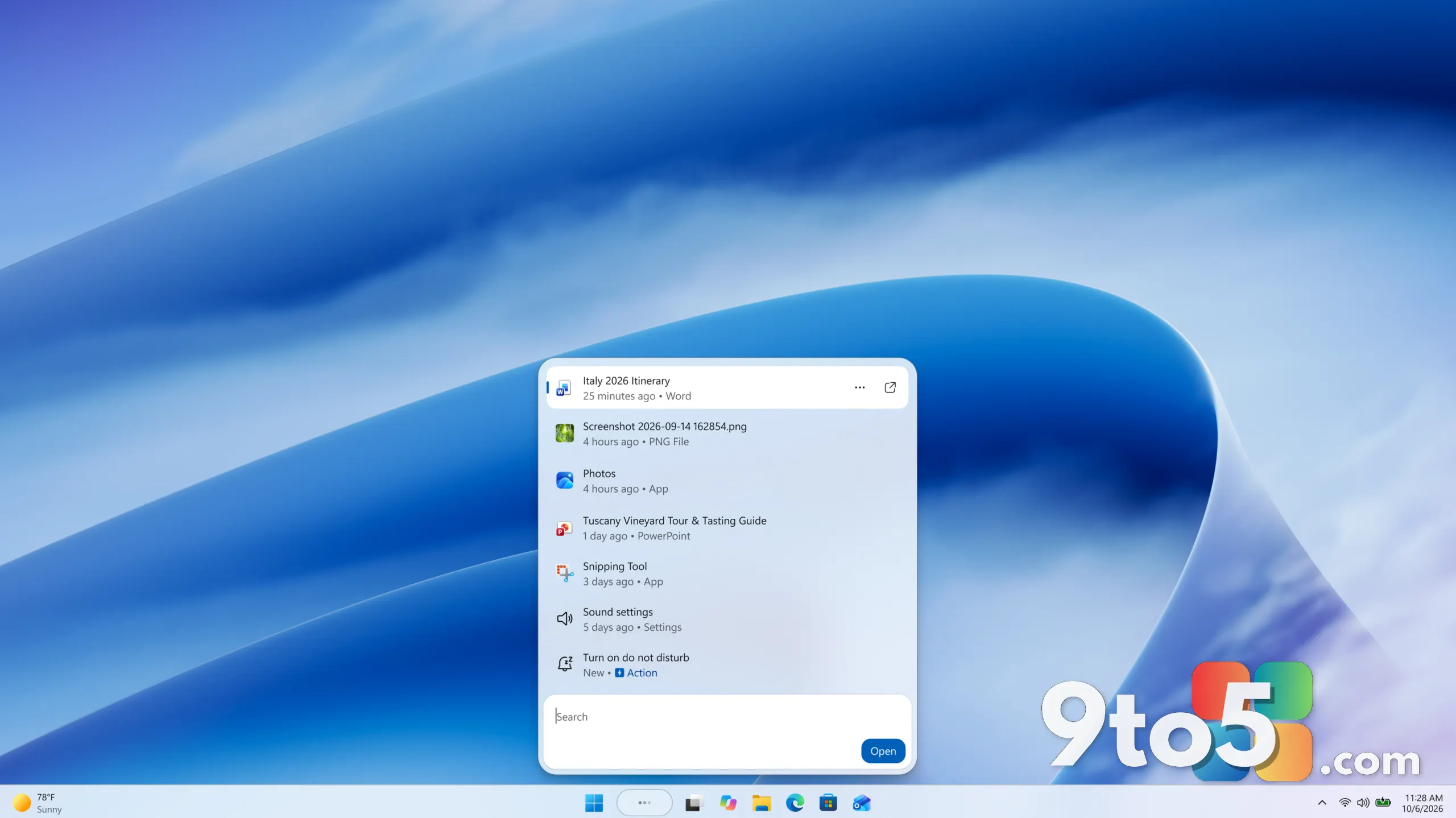
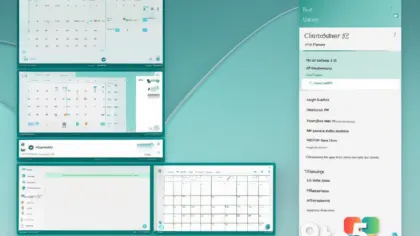
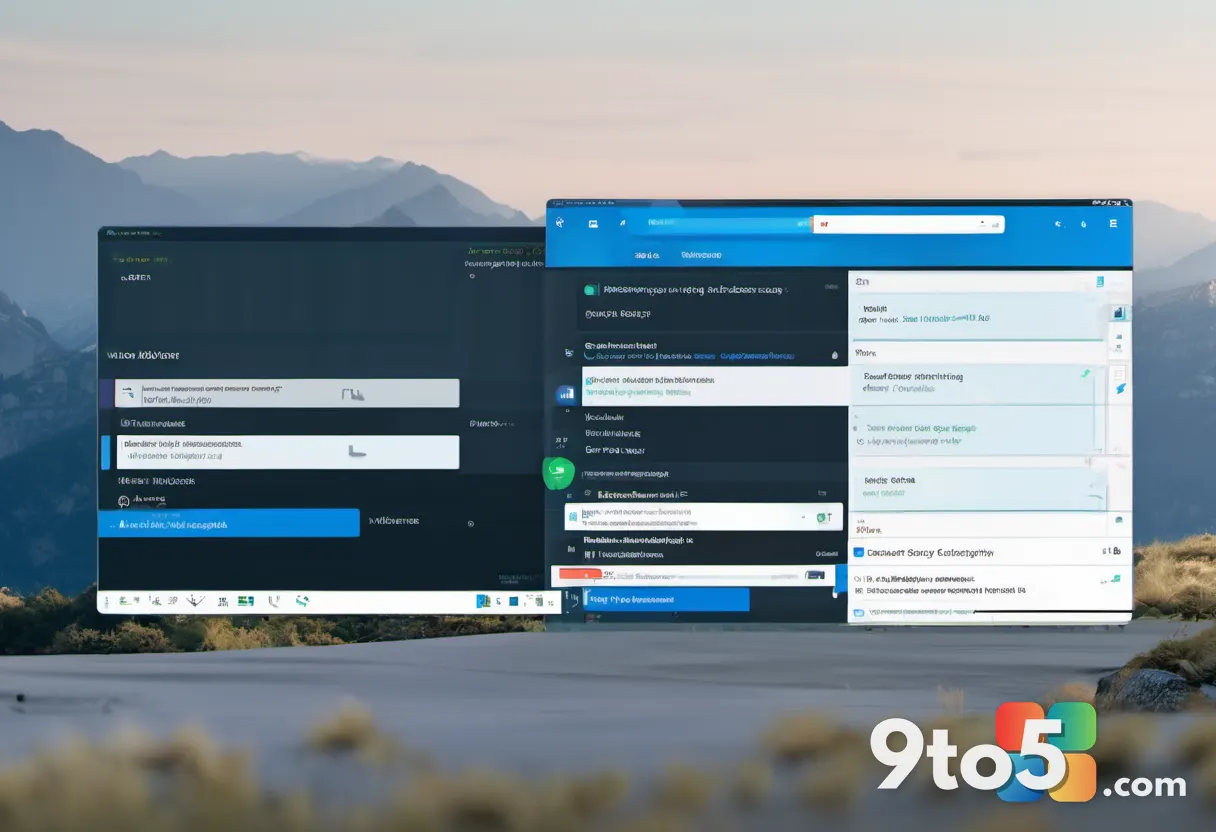
The primary change in these builds is a fresh redesign of the Search experience. This is not the first time Microsoft has touched this area, and it likely won’t be the last. Over the past couple of years, the company has repeatedly reshuffled the Search interface, toggling between a full-screen overlay and a more compact panel, adjusting how web and local results are combined, and experimenting with the layout of result cards.
What this particular update delivers is another iteration of that redesign. Microsoft has not published a detailed list of pixel-level changes for this build, so the exact nature of the new layout is best observed firsthand on an Experimental build rather than described from a spec sheet. The consistent signal, though, is that Microsoft still considers Search a priority area worth revisiting.The two new builds
Microsoft released two separate Experimental preview builds, each targeting a different Windows 11 version. The first is Build 26340.9616, which sits on the current 24H2 track. The second is Build 28120.3181, which belongs to the upcoming 26H1 version.
Shipping the same change across two builds is a normal practice for the Insider program. It lets Microsoft validate the Search redesign against both the current release and a future version at the same time, catching compatibility issues before either build reaches the general public. The Experimental channel is the most volatile of the Insider rings, meaning these builds are intended for testers who expect instability and want the newest changes earliest.
Why Search keeps getting redesigned
Windows 11 launched with a Search experience that looked quite different from Windows 10’s. Early on, pressing the Windows key or clicking the Search icon opened a full-screen overlay that mixed local results with web suggestions powered by Bing. That approach drew criticism from users who wanted faster, more focused access to apps and files, which set the stage for the repeated redesigns that followed.
Microsoft has treated Search as a central navigation hub for the operating system, which is why it keeps investing in it. A well-designed Search box is supposed to be the fastest way to launch apps, open settings, find documents, and jump to web results without touching a mouse. Each redesign attempts to balance those competing goals, and the latest Experimental builds are simply the newest attempt at that balance.
It is worth noting that the specific improvements in this build have not been spelled out in detail by Microsoft, so any claims about exact new features should be treated as unconfirmed until you see them on your own machine or until Microsoft publishes a fuller changelog.
What this means for you
For most Windows users, the practical takeaway is simple: the Search box you click in the taskbar will keep evolving over the coming months. If you are not an Insider, you will not see this change today, but you can expect a version of it to eventually reach the general public as Microsoft folds the refined design into a stable release.
If you do run Insider builds, this is a chance to test the new Search layout and report feedback. Microsoft relies on Experimental-channel testers to flag crashes, layout glitches, and performance issues before a change ships more widely, so your reports directly shape the final product.
How to get it
To try these builds, you need to be enrolled in the Windows Insider Program and switched to the Experimental channel. Open Settings and navigate to the Insider Program section, then select the Experimental channel. Once switched, check for updates and Windows will download the latest available Experimental build for your version.
Because Experimental builds are highly unstable, Microsoft recommends installing them only on a secondary or test machine rather than your daily driver. Make sure you have a backup before updating, since these builds can introduce bugs, crashes, and unexpected behavior.
What this means for you
For most Windows users, the practical takeaway is simple: the Search box you click in the taskbar will keep evolving over the coming months. If you are not an Insider, you will not see this change today, but you can expect a version of it to eventually reach the general public as Microsoft folds the refined design into a stable release.
If you do run Insider builds, this is a chance to test the new Search layout and report feedback. Microsoft relies on Experimental-channel testers to flag crashes, layout glitches, and performance issues before a change ships more widely, so your reports directly shape the final product.
How to get it
To try these builds, you need to be enrolled in the Windows Insider Program and switched to the Experimental channel. Open Settings and navigate to the Insider Program section, then select the Experimental channel. Once switched, check for updates and Windows will download the latest available Experimental build for your version.
Because Experimental builds are highly unstable, Microsoft recommends installing them only on a secondary or test machine rather than your daily driver. Make sure you have a backup before updating, since these builds can introduce bugs, crashes, and unexpected behavior.
What this means for you
For most Windows users, the practical takeaway is simple: the Search box you click in the taskbar will keep evolving over the coming months. If you are not an Insider, you will not see this change today, but you can expect a version of it to eventually reach the general public as Microsoft folds the refined design into a stable release.
If you do run Insider builds, this is a chance to test the new Search layout and report feedback. Microsoft relies on Experimental-channel testers to flag crashes, layout glitches, and performance issues before a change ships more widely, so your reports directly shape the final product.
How to get it
To try these builds, you need to be enrolled in the Windows Insider Program and switched to the Experimental channel. Open Settings and navigate to the Insider Program section, then select the Experimental channel. Once switched, check for updates and Windows will download the latest available Experimental build for your version.
Because Experimental builds are highly unstable, Microsoft recommends installing them only on a secondary or test machine rather than your daily driver. Make sure you have a backup before updating, since these builds can introduce bugs, crashes, and unexpected behavior.
Source: Neowin
Over to you: Have you noticed the new Search layout on your Experimental build, or does it feel like just another round of the same changes?