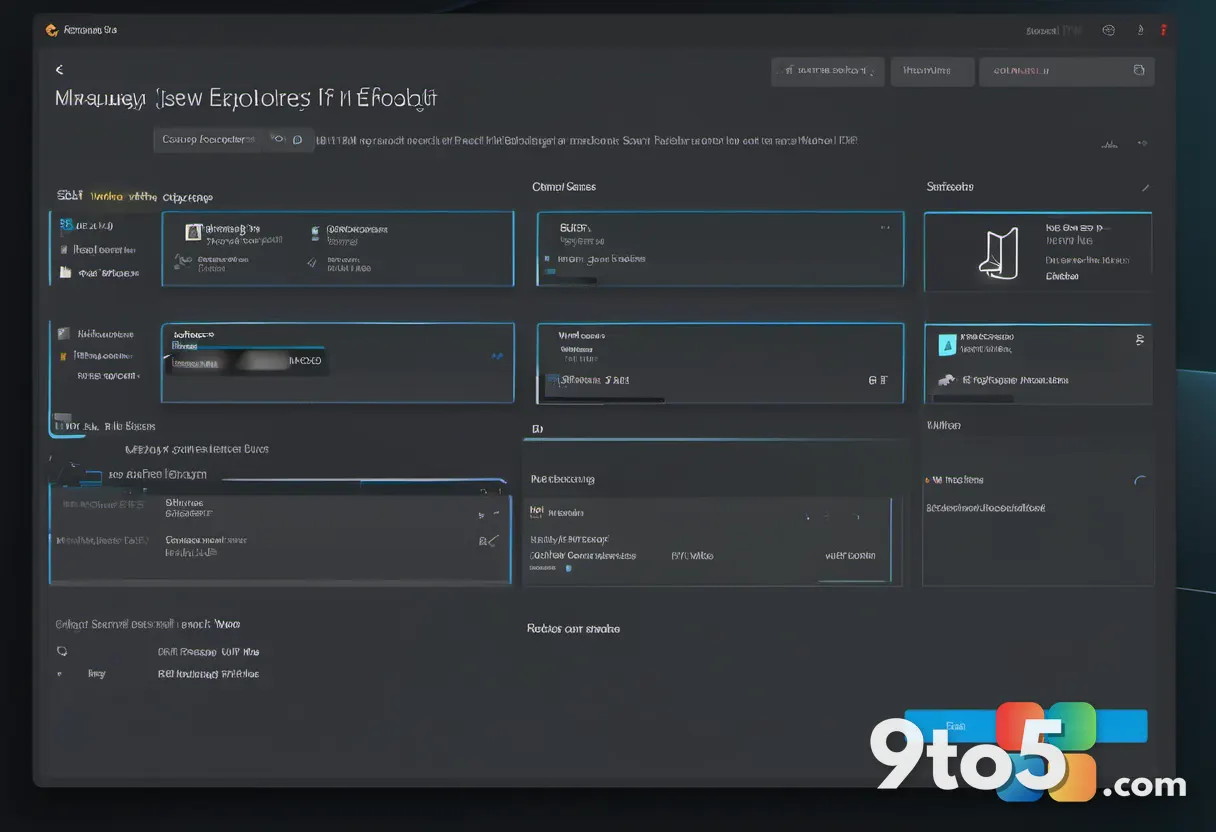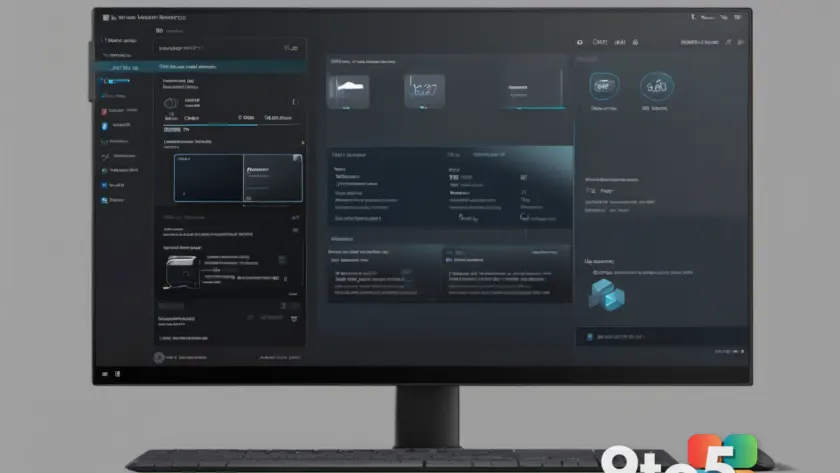
For years, Windows 11 users have noticed a jarring inconsistency in the operating system’s interface. Even when you switch your system to dark mode, the Properties dialog remains stubbornly bright. That is about to change. Microsoft is quietly testing a modern, dark version of the Properties dialog, bringing it in line with the rest of the Windows 11 design language.
The Properties dialog is one of the oldest and most frequently used windows in Windows. You open it to check file details, view system information, or adjust settings for installed programs. Despite Windows 11’s extensive redesign, this specific window has not received a full visual overhaul. It has relied on legacy rendering that ignores the system theme.
What’s Changing in the Properties Dialog
The update introduces a significant visual shift. The new Properties dialog will now adapt to your system’s color mode. If you are using dark mode, the window will display dark backgrounds with light text. If you switch to light mode, it will revert to the traditional bright appearance. This ensures visual consistency across the entire operating system.
This change is part of Microsoft’s broader effort to modernize the Windows user interface. The company has been gradually updating older components to match the Fluent Design System, which emphasizes depth, motion, and material. The Properties dialog has been a notable holdout, and this update finally addresses that gap.
The update also appears to refine the layout slightly. The new design may include improved spacing and updated icons that align with the current Windows 11 aesthetic. These changes are subtle but contribute to a more cohesive user experience. The integration of the dark theme is handled dynamically, meaning the dialog will respond instantly when you toggle your system theme.
Why This Update Matters
For users who prefer dark mode, this change is a welcome improvement. Dark mode reduces eye strain in low-light environments and can help conserve battery life on devices with OLED screens. Having the Properties dialog match your system theme eliminates the harsh contrast that can be distracting during extended use.
From a design perspective, consistency is key to a polished operating system. When individual components look outdated or out of place, it can make the entire system feel less refined. This update helps Windows 11 maintain a unified look and feel, which is important for both casual users and professionals.
Additionally, this update addresses long-standing user feedback. Many users have requested that the Properties dialog support dark mode for years. Microsoft’s decision to implement this change shows that the company is listening to its user base and prioritizing usability.
What This Means for You
If you are a Windows 11 user, you can expect to see this change in a future update. Once it rolls out, your Properties dialog will automatically adapt to your chosen theme. You will no longer need to adjust your system settings just to view file details.
This update is particularly beneficial for users who spend a lot of time in File Explorer. Checking file properties is a common task, and having a consistent interface can make that experience more pleasant. It is a small change, but it reflects Microsoft’s ongoing commitment to improving the user experience.
For developers and IT professionals, this update may also simplify troubleshooting. A consistent interface can make it easier to identify and resolve issues, as the visual cues will be more uniform across the system.
How to Get the Update
Microsoft has not announced a specific release date for this update. It is currently being tested, likely as part of a preview build or a staged rollout. To get the update as soon as it becomes available, keep your system up to date.
Go to Settings and select Windows Update. Click Check for updates to see if the latest version is available. If you are using the Windows Insider Program, you might see this change in the Dev or Canary channels sooner. Insiders can provide feedback on the update, helping Microsoft refine it before the general release.
Looking Ahead
This update is just one of many improvements Microsoft is making to Windows 11. The company continues to refine the operating system based on user feedback and design trends. As Windows 11 matures, we can expect more components to receive similar modernization updates.
The Properties dialog has been a staple of Windows for decades. This update ensures it remains relevant and visually consistent in the modern era. It is a testament to Microsoft’s attention to detail and its dedication to providing a seamless user experience. As the operating system evolves, these small but meaningful changes will continue to enhance the way we interact with our devices.
Source: Neowin
Over to you: Will you notice the difference in your daily workflow, or is this just a minor tweak for you?