The New Widgets Layout
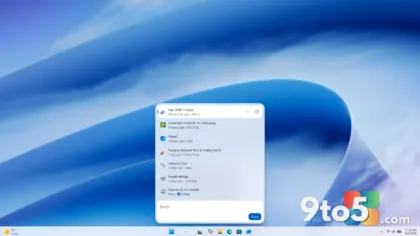
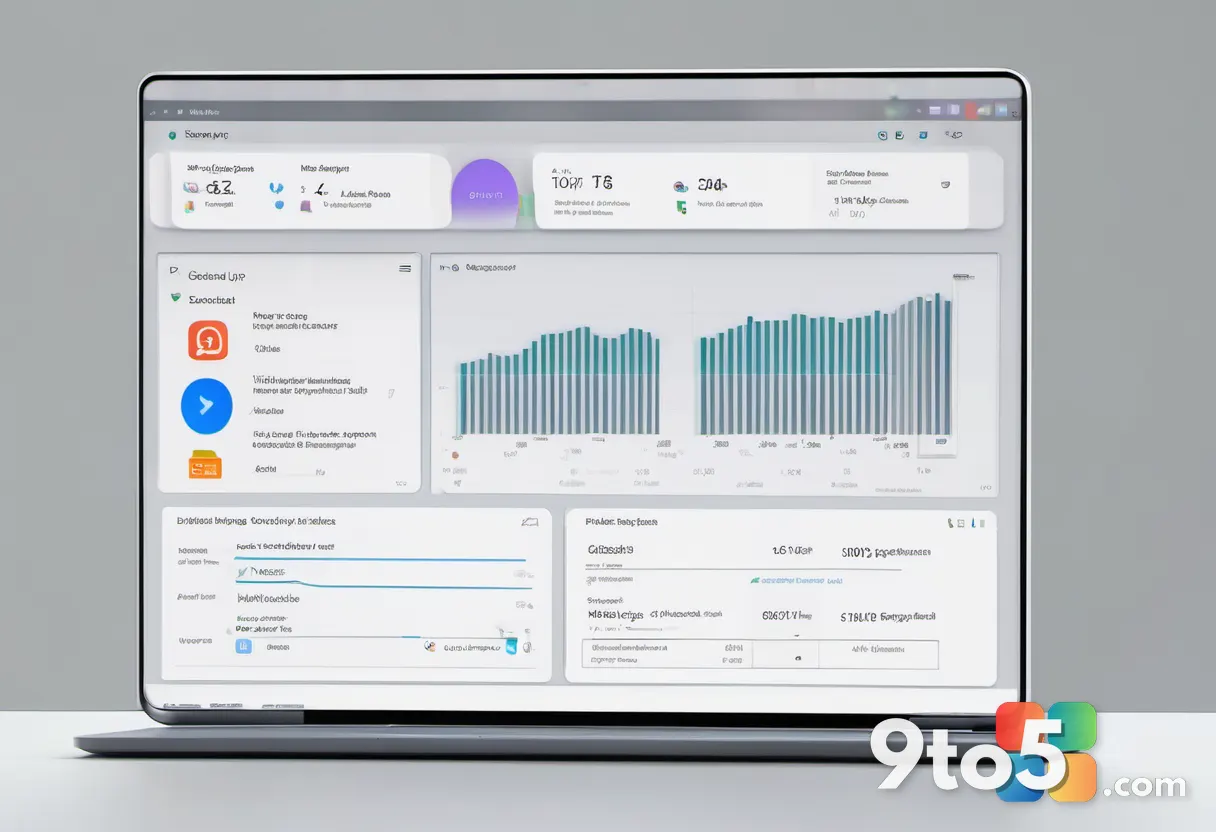
Microsoft is rolling out a comprehensive visual and structural overhaul to the Windows 11 Widgets panel, moving away from the dense, feed-heavy interface that launched alongside the operating system. The updated panel introduces a cleaner, grid-based layout that prioritizes readability and reduces visual clutter. Instead of a single scrolling column of mixed content, the redesigned panel organizes information into clearly defined sections with distinct typography and spacing. Cards now feature rounded corners, updated icons, and a more consistent color palette that aligns with Microsoft’s current Fluent Design guidelines. The header area has been simplified, removing redundant navigation elements and giving the panel a more focused appearance. This shift reflects a broader effort to make the Widgets hub feel less like a social media aggregator and more like a dedicated information dashboard.
Card Management and News Integration
One of the most noticeable changes involves how content cards are generated and managed. Microsoft is restructuring the underlying logic that pulls data from Microsoft Start, Bing News, and third-party publishers. The new system prioritizes contextual relevance, meaning the cards you see will adapt more quickly to your location, time of day, and recent activity. Card sizing has also been standardized, eliminating the previous inconsistency where certain news stories or weather widgets would dominate the screen while smaller utilities got pushed to the margins. Users will notice a dedicated section for weather, calendar, and news headlines, each rendered with optimized loading sequences that reduce initial render time. The company is also refining how cards interact with the taskbar, ensuring that quick-access widgets like the clock and battery status remain visible without competing for attention with editorial content.
Why Microsoft Is Making the Change
The decision to redesign the Widgets panel stems from years of user feedback and internal telemetry data. Early Windows 11 users consistently reported that the original panel felt cluttered, distracted from primary workflows, and occasionally contributed to background resource usage. Microsoft acknowledged these concerns in public documentation, noting that the initial rollout prioritized feature breadth over usability. The new design philosophy centers on intentionality: every element in the panel now serves a clear purpose, whether it is delivering a news update, displaying a calendar reminder, or providing quick access to system settings. From a technical standpoint, the new card rendering engine uses a more efficient data pipeline that prefetches content only when the panel is opened or when background refresh cycles trigger. This reduces unnecessary network requests and extends battery life on laptops and tablets. According to Microsoft’s official Windows Blog announcement, the changes also align with the company’s broader strategy to integrate Windows 11 more tightly with its web and cloud services, creating a unified experience across devices.
What This Means for You
For everyday Windows 11 users, the redesign translates to a faster, more predictable Widgets experience. You will spend less time scrolling past irrelevant content and more time seeing the information that actually matters to your daily routine. The optimized card system means the panel will load more quickly, even on older hardware, and background processes will consume less memory and battery life. Power users will appreciate the improved customization options, which allow you to pin, rearrange, or remove specific cards without relying on third-party tools. If you frequently use the Widgets panel for news, weather, or calendar updates, the new layout should feel significantly more intuitive. The changes also set the stage for future integrations, including deeper compatibility with Microsoft Copilot and enhanced productivity features that will roll out incrementally over the coming months.
How to Get It
The redesigned Widgets panel will arrive as part of a scheduled Windows 11 feature update. Microsoft typically distributes major interface changes through the Settings app under Windows Update, where eligible devices will receive the update automatically or via a manual check. If you are running Windows 11 22H2 or later, you can navigate to Settings > Windows Update and select Check for updates to see if the package is available for your system. Enterprise administrators managing fleet deployments should monitor the Windows Insider program for preview builds, as the changes will be distributed through the Release Preview channel before hitting the stable branch. Users who prefer to delay updates can pause them temporarily, though Microsoft recommends staying current to benefit from the performance improvements and security patches bundled with each release.
Source: Neowin
Over to you: Are you keeping the Widgets panel pinned to your taskbar, or do you rely on it only when you need quick news and weather?