Microsoft is preparing to ship a substantial overhaul to Windows 11 later this year, targeting some of the most persistent user complaints since the operating system’s 2021 debut. According to recent previews and official confirmations, the update will introduce a completely refreshed taskbar, a highly customizable Start menu, and a redesigned Settings app. These changes are part of the broader K2 initiative, which aims to modernize the core experience for connecting devices and streamline the overall interface.
However, the scale of this Windows 11 major update has reignited a long-standing debate in the tech community. When a new operating system iteration brings this many foundational changes, does it still make sense to keep the Windows 11 branding, or should Microsoft have simply launched Windows 12? As we look at the trajectory of the OS, the line between a major feature release and a fresh operating system continues to blur.
The K2 Initiative and the UI Overhaul
The upcoming changes are not minor cosmetic tweaks. The K2 initiative represents a significant shift in how Microsoft approaches the desktop environment. The new taskbar will likely offer more granular control over icon placement, sizing, and grouping, addressing years of feedback from power users who found the default layout restrictive. Similarly, the customizable Start menu aims to move away from the static grid layout that frustrated many early adopters.
From a technical standpoint, these updates suggest that Microsoft is finally acknowledging that the initial Windows 11 design philosophy prioritized visual minimalism over functional flexibility. The Settings app redesign is particularly notable, as it attempts to consolidate scattered configuration panels into a more logical hierarchy. If you are running the current stable builds, you will notice that these improvements are still in the final stages of testing, indicating a relatively quick path to general availability.
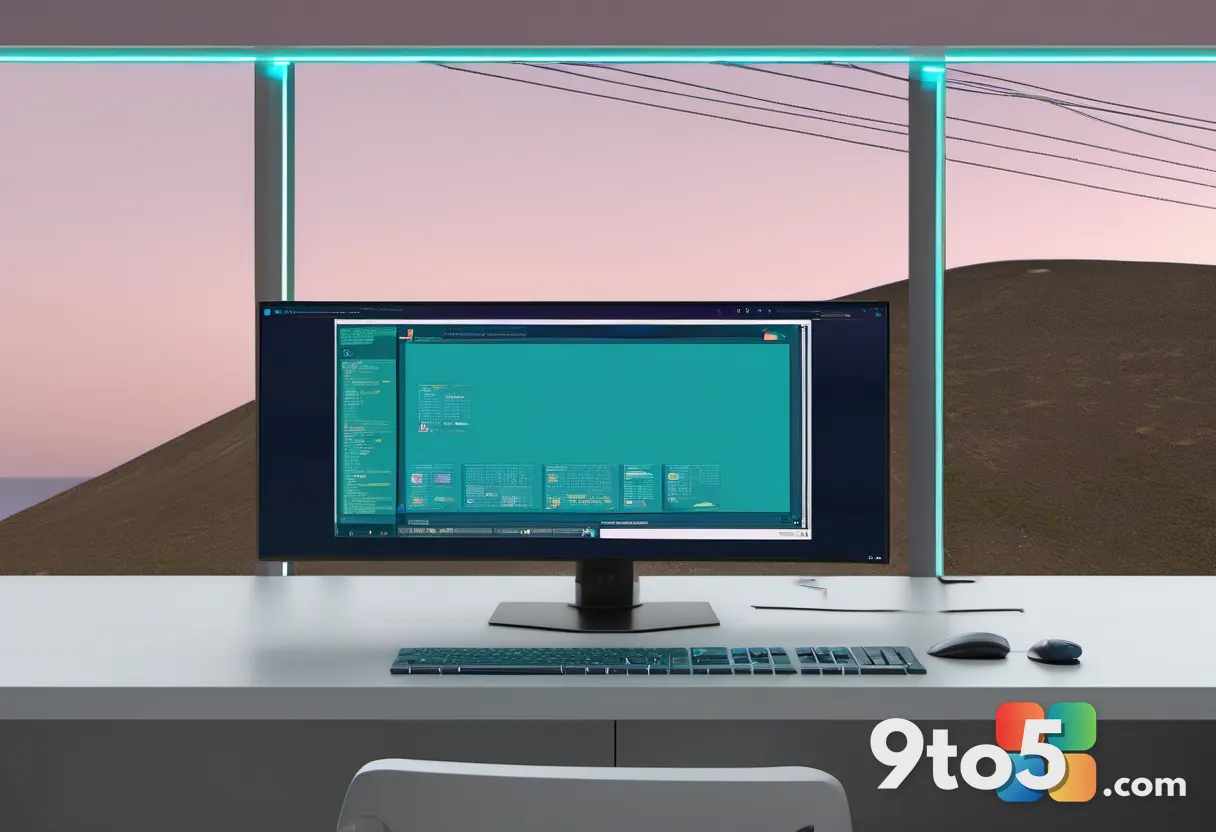
The Impact of a Windows 11 Major Update
Historically, major version jumps in Windows coincided with significant architectural shifts. Windows 10 introduced the Universal Windows Platform and Cortana, while Windows 11 brought a new design language and stricter hardware requirements. Today, the underlying kernel and codebase remain largely identical across major version numbers. This raises an interesting question: what actually defines a new operating system in 2026?
If Microsoft were to rebrand this update as Windows 12, it would signal a clear break from the past. It would acknowledge that the cumulative changes to the user interface, system integration, and core experience are substantial enough to warrant a new name. Furthermore, it could help reset public perception. Windows 11 launched with considerable controversy, largely due to the TPM 2.0 hardware requirements that disqualified millions of older PCs. A fresh name might help distance the OS from those early criticisms and the perception that the upgrade path was unnecessarily restrictive.

The AI Trap and Copilot+ PCs
One of the most pressing concerns regarding a potential Windows 12 is the risk of Microsoft over-indexing on artificial intelligence. The company has heavily promoted Copilot+ PCs, positioning them as the future of personal computing. However, consumer adoption of AI-specific hardware features has been gradual rather than explosive. If Microsoft designs Windows 12 primarily around AI capabilities, it risks creating a fragmented ecosystem where the core OS experience feels secondary to niche features.
A hypothetical Windows 12 should focus on resolving the foundational issues that have plagued Windows 11, rather than pushing AI as the primary selling point. The TPM 2.0 requirement will likely become less of a barrier over time as older hardware naturally retires. More importantly, the UI fixes and performance optimizations should take center stage. If Microsoft uses the success of Copilot+ PCs to justify an AI-centric Windows 12, it may overlook the fact that most users upgrade their hardware for reliability and performance, not just for integrated AI models.
What This Means for You
For everyday users, the immediate takeaway is that Windows 11 is not going away anytime soon. The upcoming update will bring meaningful improvements to the desktop experience, making the OS more intuitive and customizable. If you are currently on a supported version, you should keep Windows Update enabled to receive these changes as they roll out. The debate over the Windows 12 name is largely a strategic one for Microsoft; it will not affect your ability to upgrade or use your current hardware.
What to Do Next
If you are looking to take advantage of these improvements, ensure your system meets the current hardware requirements. You can check your compatibility by navigating to Settings > System > About and verifying your TPM version and processor specifications. For those in the market for new hardware, the Dell XPS 14 (2025) remains a strong contender, offering a 3.2K OLED touch display, 32GB of RAM, and a Core Ultra 7 255H processor. With current pricing reflecting a significant discount, it provides a solid foundation for experiencing the next generation of Windows features.
Source: Latest from Windows Central
Over to you: Are you hoping to see a Windows 12 announcement at this year’s Build conference, or do you prefer Microsoft to keep refining Windows 11?