Stardock has officially announced AltTabby, a robust alternative to the native Alt+Tab experience on Windows 11. Designed for power users who demand more control over their workspace, this utility replaces the standard app switcher with a suite of customizable layouts, smart grouping capabilities, and seamless integration with other Stardock Object Desktop tools.
For years, Windows users have relied on third-party utilities to tweak the operating system’s core interfaces. AltTabby continues this tradition by addressing a fundamental interaction point: how you navigate between open applications. Whether you prefer a visual carousel or a compact grid, AltTabby aims to make that transition faster and more intuitive.
What is AltTabby?
At its core, AltTabby is a drop-in replacement for the Windows 11 task switcher. When you press Alt+Tab, instead of the default Microsoft overlay, AltTabby takes over the display. It provides a highly configurable environment where you can tailor the look and behavior of the switcher to match your workflow.
The utility supports five distinct views, ranging from a modern 3D carousel to classic icon grids. Beyond aesthetics, it introduces functional enhancements such as application pinning, which allows you to keep specific windows always visible in the switcher, and smart grouping that can organize windows by application.
One of the standout features is the built-in search box available in several views. This allows users to quickly type the name of an application to jump directly to it, bypassing the need to scroll through a long list of open windows. This is particularly useful for users who keep dozens of applications running simultaneously.
Five Views and Deep Customization
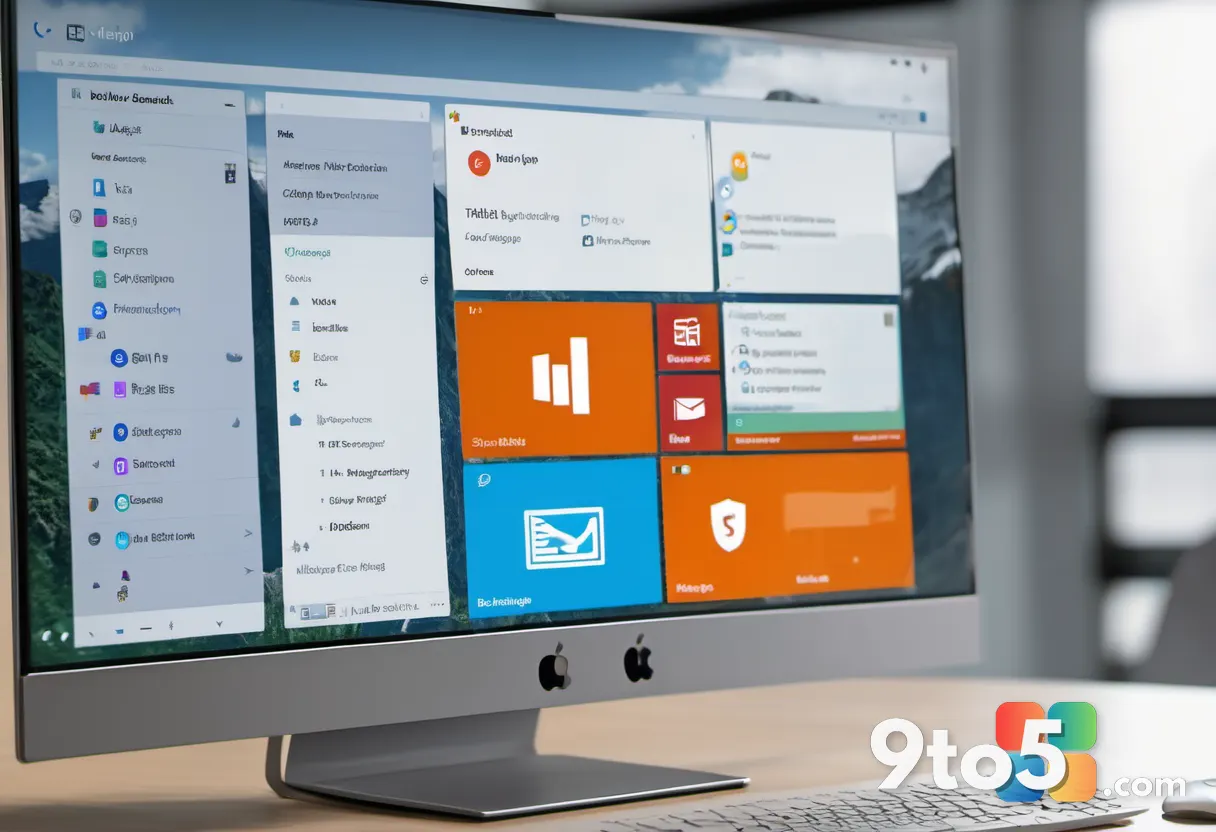
Stardock has packed AltTabby with visual options to suit different preferences. The views include:
- Carousel: A curved, 3D rotating display of window previews. This view is praised for its fluid motion and natural navigation feel.
- Icons: A compact, grid-based layout that prioritizes screen real estate. It includes a search bar at the top for quick access.
- Classic Icons: A nostalgic return to the Windows 98/2000 style switcher, appealing to users who prefer simplicity.
- Minimal: A streamlined view that reduces visual clutter.
- Custom: Allows users to mix and match elements from other views.
Customization extends beyond just the layout. Users can adjust window colors, modify the curvature of the carousel, and tweak animation speeds. For those who find the default views too crowded, options like “Keep AltTabby interface open when hotkeys are released” ensure the switcher stays visible until you make a selection, preventing accidental dismissal.
Smart Features and Groupy Integration
AltTabby isn’t just about looks; it introduces intelligence to window management. The utility can learn your most frequently used windows, promoting them to the front of the switcher for faster access. This adaptive behavior means the more you use AltTabby, the more it tailors itself to your habits.
For users who already invest in the Stardock ecosystem, AltTabby integrates smoothly with Groupy. This allows for advanced grouping behaviors where windows from different applications can be stacked together, and AltTabby can navigate these groups intelligently. This synergy is a significant draw for existing Object Desktop subscribers.
Multi-monitor setups are also well-supported. AltTabby offers options to display windows from all displays in the switcher or limit the view to your current monitor. This prevents confusion when working across multiple screens and ensures you only see windows relevant to your active workspace.

Availability and Pricing
AltTabby is available for immediate download from the Stardock website. It is included as part of the Object Desktop subscription, which provides access to the entire suite of Stardock customization tools. New users can also purchase AltTabby individually.
Stardock has released a trial version that allows users to test the full functionality before committing. This is an excellent way to evaluate whether the customizable views and smart features align with your workflow. The trial typically includes a code that grants full access for a limited period.
For users who have long felt constrained by the native Windows 11 Alt+Tab experience, AltTabby offers a compelling upgrade path. With its blend of aesthetic flexibility and functional enhancements, it stands out as a must-try utility for anyone looking to reclaim control over their desktop navigation.
What This Means for You
If you find yourself constantly pressing Alt+Tab to switch between applications, AltTabby could significantly improve your productivity. The ability to customize the look and feel of the switcher reduces cognitive load, making it easier to locate the window you need. The search functionality alone is a game-changer for users with many open applications.
Moreover, the integration with Groupy and multi-monitor support makes it an ideal choice for professionals who rely on complex workspace setups. By streamlining the most frequent interaction in Windows, Stardock has delivered a utility that feels essential rather than optional.
How to Get AltTabby
You can download AltTabby directly from the Stardock website. If you are already an Object Desktop subscriber, you can install it via the Desktop Central launcher. New users can opt for a standalone purchase or the subscription plan, depending on their interest in other Stardock utilities like WindowBlinds and Start11.
Source: Latest from Windows Central
Over to you: Which of the five AltTabby views do you think will become your daily driver?