
Most families today do not share a single computer. Instead, a household typically runs a Windows 11 laptop, a macOS desktop, an Android tablet, an iPhone, and perhaps a smart TV or gaming console, all tethered to the same home network. The convenience of this setup is undeniable, but it introduces a persistent security liability: fragmentation. When protection is spread across different apps and operating systems, coverage gaps become inevitable. Attackers know this and actively hunt for the weakest link in the chain.
According to the 2025 Verizon Data Breach Investigations Report, approximately 60 percent of breaches involve the human element, including misconfigurations and phishing. When every device in a home relies on a different security posture, the margin for error grows. A unified defense strategy is no longer a luxury for tech enthusiasts; it is a practical necessity for anyone managing a connected household.
#1 The risk of fragmented security
Using disparate security solutions across devices creates an unbalanced defense. A Windows 11 laptop might have a robust antivirus installed, while a child’s Android tablet runs without one, or a macOS device relies on built-in tools that may not align with the family’s broader threat model. This inconsistency creates openings that malicious actors can exploit.
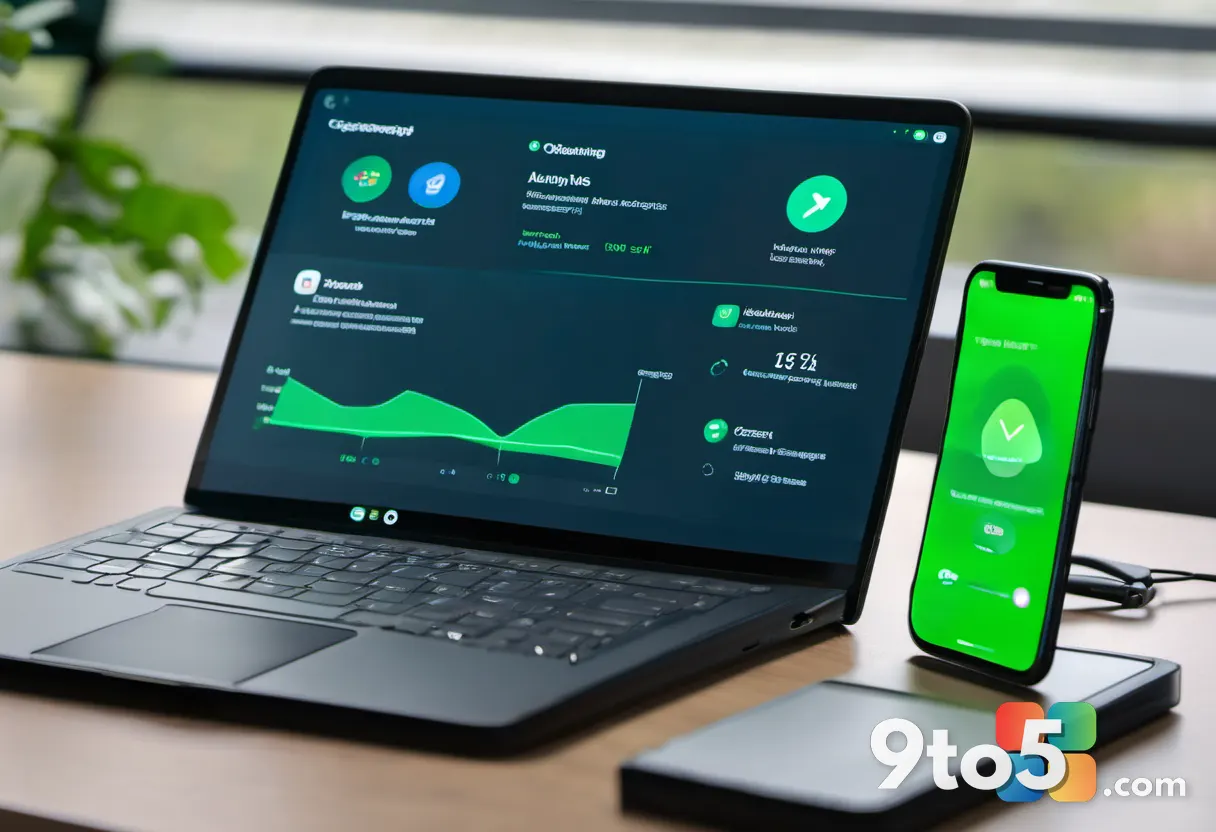
Can one vulnerable device really compromise an entire home network? The answer is yes. Modern cyberattacks frequently utilize lateral movement, where malware on a single compromised device scans the local network to identify and access other connected systems. If a tablet or phone is breached, it can serve as a gateway to more valuable targets like a primary workstation or cloud storage accounts containing sensitive family data.
When each device in the home uses a different security solution, the chances of configuration mistakes increase. Alerts may be ignored, updates delayed, or settings left at defaults. A single, cohesive platform eliminates this friction by ensuring every device follows the same protection protocol.
#2 Bitdefender Total Security provides seamless coverage
Bitdefender Total Security is designed as a single defense layer for mixed-device households. It brings Windows 11, macOS, iOS, and Android under one unified dashboard, removing the need to juggle multiple interfaces and subscription renewals. This tier is the appropriate starting point for busy homes that want to stop the manual labor required to stay safe across different operating systems.
The core value of this suite lies in its centralization. A central dashboard monitors the security status of every family device from a single location, providing a clear overview of what is protected and what might be vulnerable. Real-time protection uses advanced threat detection to block malware, ransomware, and zero-day threats as they attempt to execute.
Integrated privacy tools are also a key component. The suite includes webcam and microphone protection that alerts users when applications attempt unauthorized access, a critical feature for devices used by children or for remote work. Bitdefender consistently ranks at the top of independent laboratory tests. In the latest AV-Comparatives Real-World Protection Test, Bitdefender achieved a 99.5 percent protection rate with one of the lowest false-positive scores, validating its effectiveness in practical scenarios.
#3 Premium Security removes common limitations
While the standard Total Security suite is robust, the jump to Bitdefender Premium Security addresses limitations that often lead users to disable security features altogether. The most significant addition is an integrated, unlimited VPN. Data caps on free or entry-level VPNs frequently cause users to disconnect when traveling or using public Wi-Fi, leaving their traffic exposed. An unlimited connection ensures encryption is always active without the hassle of monitoring usage.
Upgrading to Bitdefender Premium Security is particularly worthwhile for households that regularly use public Wi-Fi, travel frequently, or work remotely. The integrated password manager further enhances the all-in-one approach by helping family members generate strong, unique passwords and sync them across devices. This reduces password reuse, which remains a major cause of account compromise in shared environments.
The unified experience extends to account management as well. Instead of maintaining separate renewals for an antivirus, a VPN, and a password manager, users manage everything through a single Bitdefender account. This consolidation simplifies the user experience and ensures that privacy tools are not treated as an afterthought.
#4 Ultimate Security focuses on identity protection
Device protection is fundamental, but personal data is equally exposed in the modern digital landscape. Families share devices, accounts, and wireless networks, creating more opportunities for information to slip through the cracks. Bitdefender Ultimate Security focuses on this risk by adding tools aimed at protecting financial and personal data, not just the hardware itself.

The Ultimate tier includes Bitdefender Digital Identity Protection, which monitors across thousands of websites and dark-web sources for leaked credentials. Real-time breach alerts notify users immediately if their data appears in a known breach, allowing for rapid response. The suite also offers up to $2 million in identity theft insurance and access to restoration specialists who can guide users through the complex process of recovering credit and accounts.
For larger households managing multiple users and devices, Bitdefender offers Family Plans that provide centralized protection and easier subscription management across the entire home network. These plans allow parents to manage permissions and monitor activity across children’s devices from a single parent dashboard.
What this means for you
A security setup is only as effective as its consistency. When protection is split between different apps and services, gaps emerge. An all-in-one approach reduces complexity by bringing device security, account protection, and privacy tools into one place. For households running a mix of Windows, macOS, and mobile devices, Bitdefender Total Security offers a practical path to closing those gaps without requiring deep technical expertise.
How to get it
Users can start with Bitdefender Antivirus Plus for essential protection on a single device before scaling up to full-suite plans. Bitdefender Total Security, Premium Security, and Ultimate Security are available directly through the Bitdefender website, with discounts often applied for multi-year subscriptions. Family Plans are also accessible for those looking to cover multiple users under a single agreement.
Source: Latest from Windows Central
Over to you: Are you currently using a unified security suite across all your devices, or do you manage each platform separately?
You may also like
 Windows Update Blocker Drops Feature Windows 11 Users Can Live Without
 I Replaced a $29 Speechify Subscription With Microsoft Edge’s Free Read Aloud — Here’s How It Stacks Up
 Best VPN Services 2026: Top 7 Picks for Privacy, Speed, and Streaming
 How to Control Your Android Phone From Your PC With This Free Tool