Microsoft has released new Windows 11 Insider Preview builds for July 6, 2026, bringing significant improvements to system recovery and user account management. The update targets both the Beta and Experimental channels, with specific builds also available for the upcoming 26H1 release.
If you are enrolled in the Windows Insider Program, here is what is new in today’s drop:
Build numbers by channel
- Beta Channel: Build 26220.8764
- Experimental Channel: Build 26300.8782
- Beta (26H1): Build 2820.2380
- Experimental (26H1): Build 28120.2387
Note that there is no new build for the Experimental (Future Platforms) channel today. Microsoft reminds users that release notes are now organized by the new channel system, making it easier to find information regardless of which specific track you are on.
Cloud rebuild: A fix for unbootable PCs
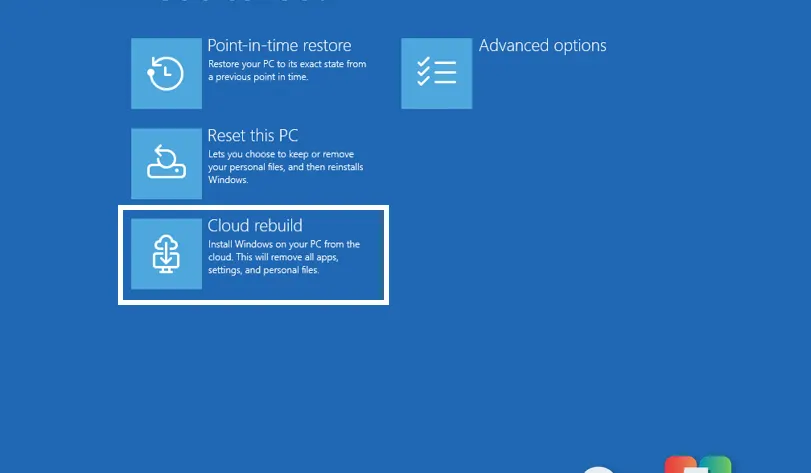
The most significant technical addition in this update is Cloud rebuild, a new recovery option currently available in the Experimental channel. This feature addresses one of the most frustrating scenarios for Windows users: when the operating system fails to boot and traditional repair tools are inaccessible.
Unlike the standard “Reset this PC” function, which relies on local files that may be corrupted if the drive is failing or the OS is broken, Cloud rebuild downloads a fresh copy of Windows 11 directly from Windows Update. It also pulls the necessary device drivers during this process.
This means you can restore your PC to a clean, working state without needing a USB installation media, a custom recovery image, or access to the currently installed operating system. The feature is designed to work even when Windows won’t load at all, offering a more robust safety net for critical hardware issues.
Redesigned Account Control flyout
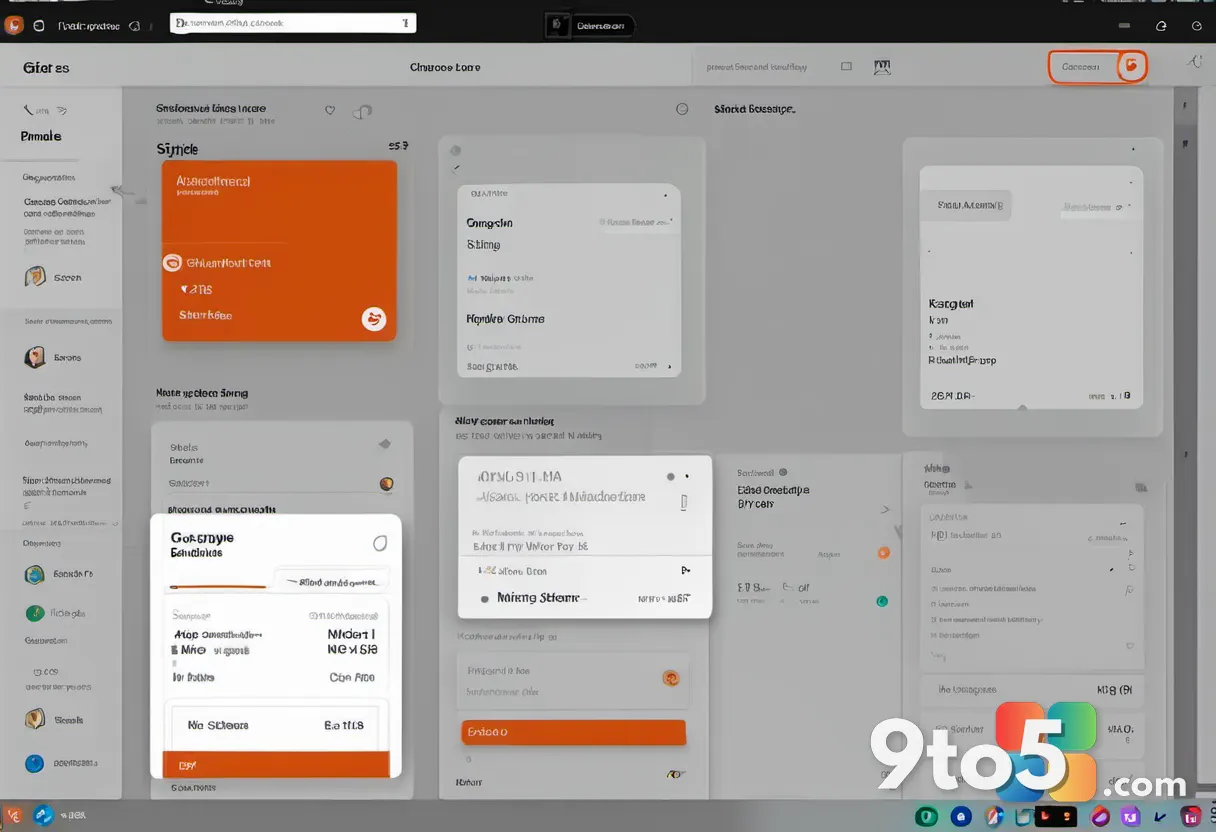
Also arriving in the Experimental channel is a visual refresh of the Account Control flyout. Microsoft has updated the design to be more modern and intuitive, helping users quickly understand their current account status.
The new interface includes clear subscription badges that make it easy to identify your plan type at a glance. It also highlights associated benefits and provides direct paths to explore upgrades or manage storage details. This change aims to reduce confusion around Microsoft 365 subscriptions and other tied services by presenting the information in a cleaner, more accessible format.
What this means for you
For everyday users waiting for these features to hit stable releases, the Cloud rebuild option is particularly noteworthy. It could eventually eliminate the need to create recovery USB drives or visit repair shops when Windows fails to start. The Account Control update suggests Microsoft is continuing its push toward clearer subscription management within the OS interface.
As always, Insider builds may contain bugs and are not recommended for daily drivers. If you choose to update, ensure your data is backed up before installing Build 26300.8782 or the other new versions listed above.
Source: Windows Blog
Over to you: Would you rely on Cloud rebuild for future system repairs, or do you prefer keeping a physical USB backup drive?
You may also like
 Windows 11 version 26H2: 7 key upgrades coming in the 2026 update
 How Windows 11’s built-in virtualization powers Sandbox and Hyper-V
 Microsoft calls Copilot key ‘main character energy’ right before admitting it hurts productivity
 Microsoft unlocks new Windows 11 Start menu with fresh Group Policy controls