Microsoft continues to roll out refinements to the Xbox console experience through its Insider Program, and a new update is now available for members of the Beta Flight Ring. According to reports from Neowin, this latest update brings a suite of practical improvements, including local save management tools, upgrades to profile badges, and various home screen tweaks designed to streamline navigation and personalization.
For long-time Xbox users, these changes represent a shift toward giving players more control over their data and interface. Whether you are managing storage on a single console or curating your public profile, these updates aim to reduce friction and enhance the overall gaming experience.
#1 Local Save Management Tools
One of the most significant additions in this update is the introduction of local save management tools. Historically, Xbox has relied heavily on cloud synchronization for game saves, which works seamlessly for most users but can sometimes feel restrictive when dealing with local storage or specific backup scenarios.
This new feature set allows Insider users to manage their local game saves directly from the console interface. While specific details on the granular controls are still emerging, the inclusion of local management tools suggests that Microsoft is addressing user feedback regarding data portability and storage organization. For users who frequently transfer games between consoles or prefer to keep local backups, this is a welcome development.

The implications for power users are substantial. In the past, managing local saves often required connecting to a PC or using third-party tools. By integrating these capabilities directly into the console’s settings, Microsoft is simplifying the workflow for those who need to maintain full control over their save data. This move aligns with broader trends in gaming where players expect more transparency and control over their digital assets.
It is worth noting that cloud saves remain the default for most Xbox Online features, ensuring that your progress is still synced across devices. However, having the option to manage local instances provides a necessary layer of flexibility, particularly in scenarios where internet connectivity might be unreliable or when prioritizing local storage efficiency.
#2 Profile Badges Upgrade
Alongside storage improvements, the update includes an upgrade to Profile Badges. These badges serve as a visual representation of a player’s achievements, milestones, and affiliations within the Xbox ecosystem. They are a key component of personalization and social identity on the platform.
The upgrade likely introduces new badge designs or enhances the visibility and customization options for existing badges. For many gamers, their profile is a digital business card, showcasing their gaming history and preferences to friends and the broader community. Enhancements in this area allow for more expressive and detailed self-representation.
This update reflects Microsoft’s ongoing effort to foster a stronger sense of community and identity within the Xbox network. By refining how players display their accomplishments and affiliations, the platform encourages engagement and recognition among peers. It also adds a layer of prestige to long-standing achievements, making them more prominent in social interactions.
#3 Home Screen Tweaks
The update also brings various home screen tweaks, which, while perhaps less headline-grabbing than new features, play a crucial role in the daily user experience. The home screen is the primary interface through which players navigate their console, and even minor refinements can improve usability.
While specific details on the nature of these tweaks are not fully detailed, they typically involve improvements to the dashboard layout, navigation flow, or content organization. These changes are often driven by user feedback and data on how players interact with the system. The goal is usually to reduce the number of clicks required to access frequently used features or to make the interface more intuitive.
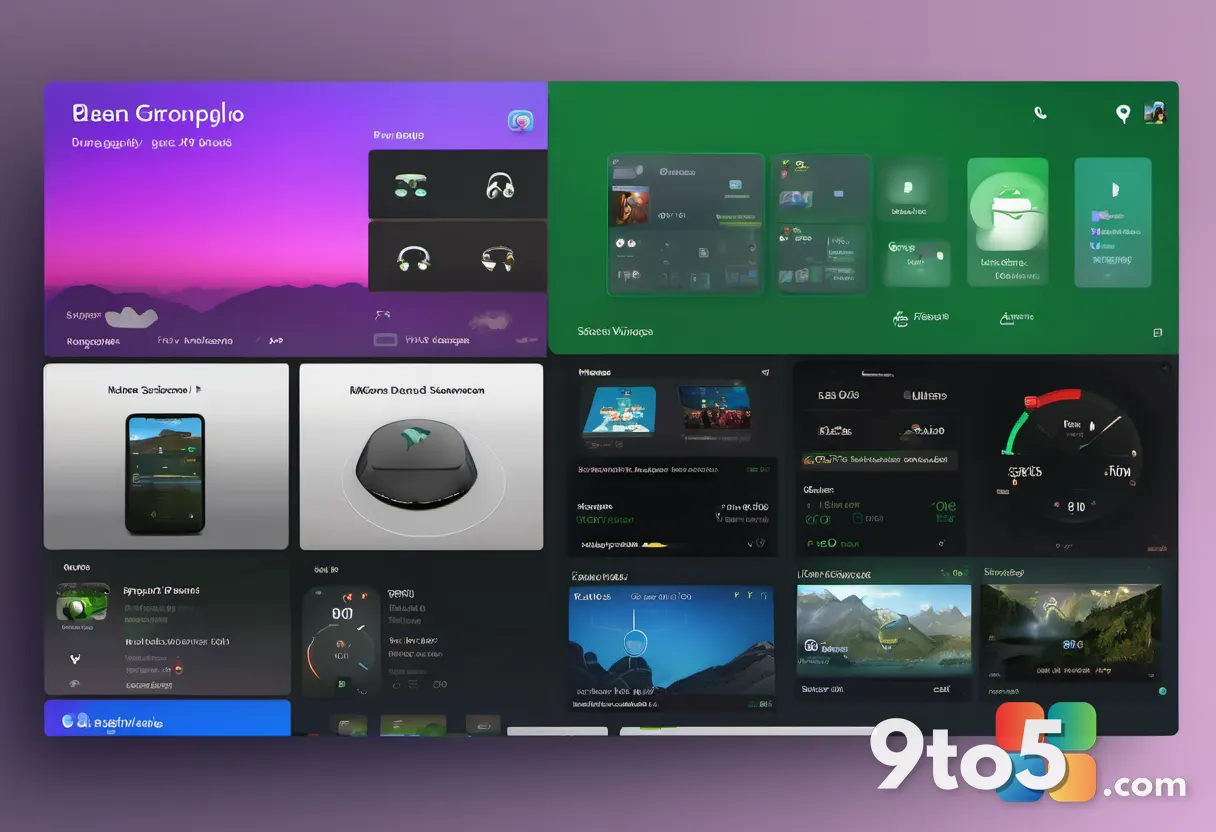
For users who have noticed any sluggishness or clutter in the home screen, these tweaks may offer a smoother and more efficient navigation experience. Microsoft has been actively working on optimizing the Xbox dashboard in recent years, and this update is another step in that direction. It ensures that the interface remains modern and responsive, keeping pace with the evolving needs of its user base.
What This Means for You
For Xbox Insider users, this update offers immediate access to these improvements, allowing you to test and provide feedback on the new features. The local save management tools are particularly relevant if you value control over your game data, while the profile badge upgrades enhance your social presence on the platform.
Even if you are not currently an Insider, these features will likely roll out to the broader Xbox user base in the future. The inclusion of local save management, in particular, signals a potential shift in how Microsoft handles game data, which could benefit all users by offering more flexibility and control.
How to Get It
To access these updates, you need to be a member of the Xbox Insider Program and enrolled in the Beta Flight Ring. You can join the program through the Xbox Insider Hub app on your console or via the web. Once enrolled, ensure your console is set to receive the latest updates, and the new features should appear automatically.
If you encounter any issues with the update, you can report feedback directly through the Insider Hub, which helps Microsoft refine these features before a wider release. This feedback loop is essential for the success of the Insider Program, allowing users to influence the direction of the Xbox platform.
Source: Neowin
Over to you: Are you excited about the new local save management tools, or do you prefer the simplicity of cloud-only saves?