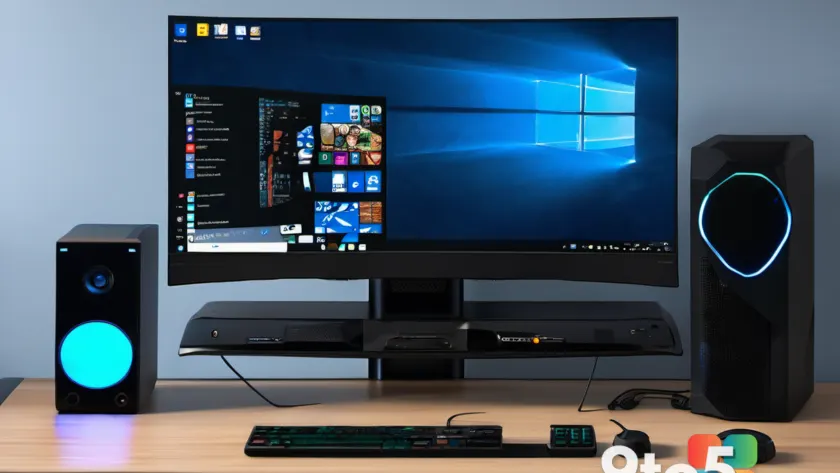
Valve has released official Windows drivers for its newly launched Steam Machine hardware. This move reinforces the company’s stance that the device is a fully functional personal computer, capable of running operating systems other than its proprietary SteamOS.
Official driver support confirms PC flexibility
The availability of these drivers means you can install Windows on your Steam Machine without relying on generic or third-party hardware support. Valve explicitly states that both the Steam Deck and Steam Machine are PCs, allowing users to install other applications and operating systems as they see fit.
This aligns with Valve’s previous approach for the Steam Deck, where official drivers were provided to ensure compatibility if a user chose to switch away from the default Linux-based environment. For the Steam Machine, this ensures that hardware components function correctly under Windows, removing potential barriers for users who prefer the traditional Microsoft ecosystem.
Dual-boot support remains unavailable
While you can install Windows, there is a significant limitation for those hoping to keep both operating systems readily accessible. Valve currently does not officially support dual-booting on Steam hardware.
This means you cannot easily switch between SteamOS and Windows from a boot menu without manual intervention or third-party tools. For users who want the convenience of SteamOS for gaming but need Windows for productivity tasks, this lack of native dual-boot functionality may be a drawback. You will likely need to perform a clean install of your preferred OS rather than maintaining both side-by-side.
What this means for you
If you own or plan to buy the Steam Machine, know that it is not locked down like a traditional console. The $1,000+ price tag reflects current market conditions, including rising memory costs, but the hardware itself remains open.
You have the freedom to wipe SteamOS and install Windows if you prefer, thanks to these new drivers. However, do not expect a seamless dual-boot experience out of the box. If you need both environments, you will need to manage partitions manually or stick to one OS at a time.
Source: Windows Central
Over to you: Would you install Windows on your Steam Machine, or stick with SteamOS for a console-like experience?
You may also like
 Discord accidentally bans 8,000 users for posting Minecraft screenshots
 Xbox’s Asha Sharma memo: What was said, what wasn’t, and why it matters for Windows gamers
 Dell pushes Windows 11 Pro as the standard for new AI-powered business PCs
 Dell maps out its AI PC lineup: Copilot+, High Performance, and beyond