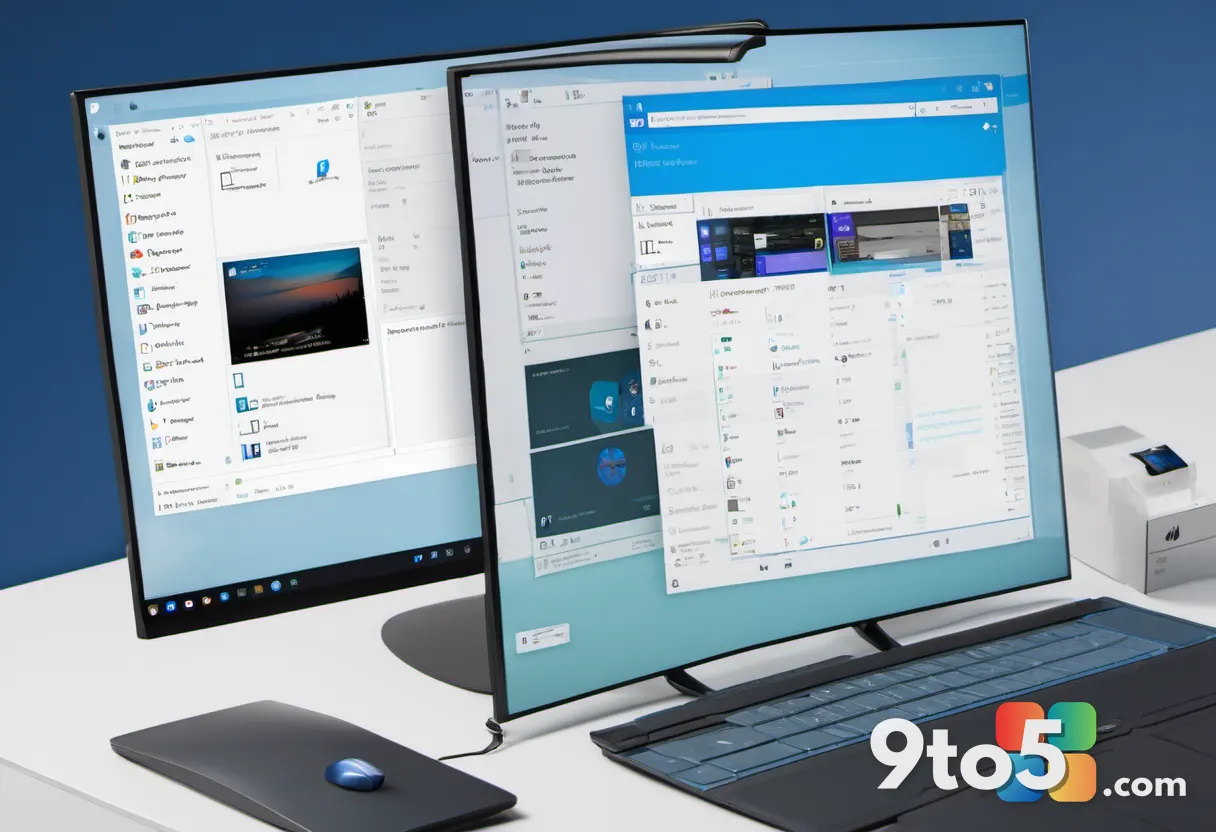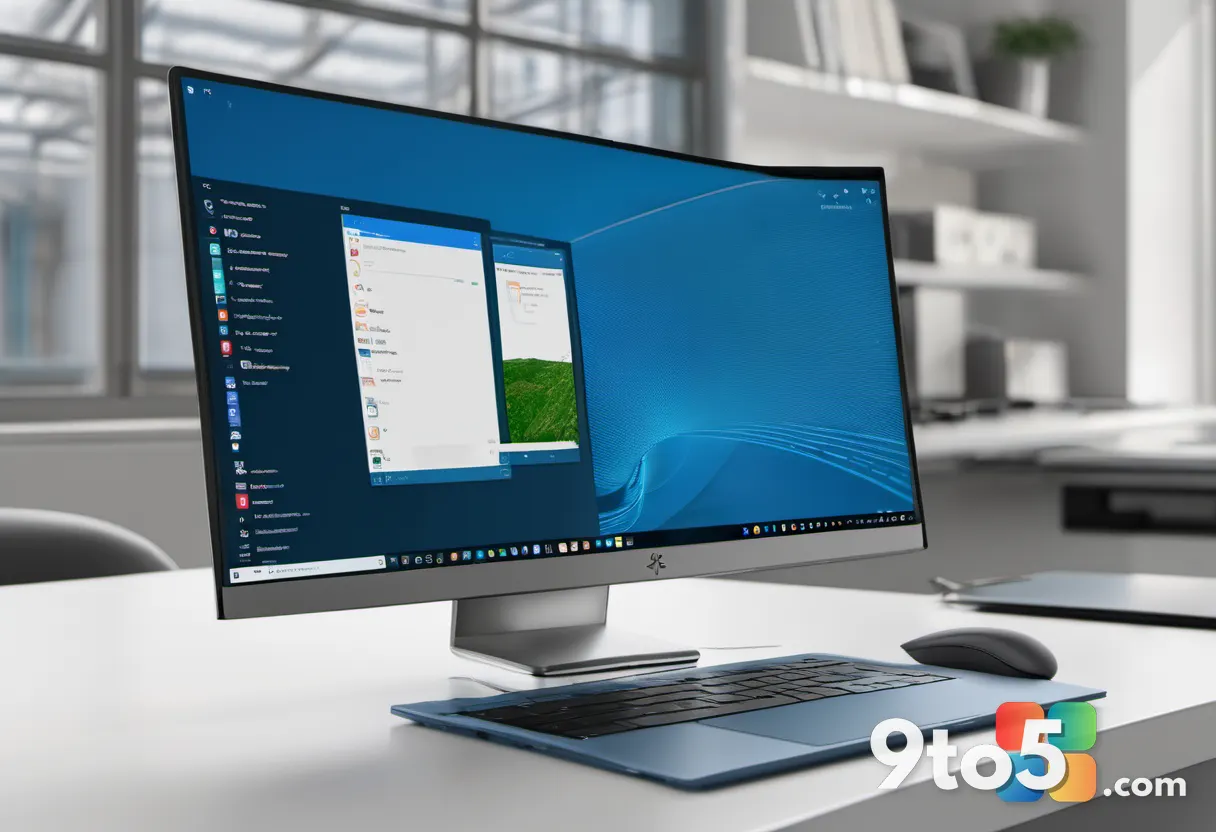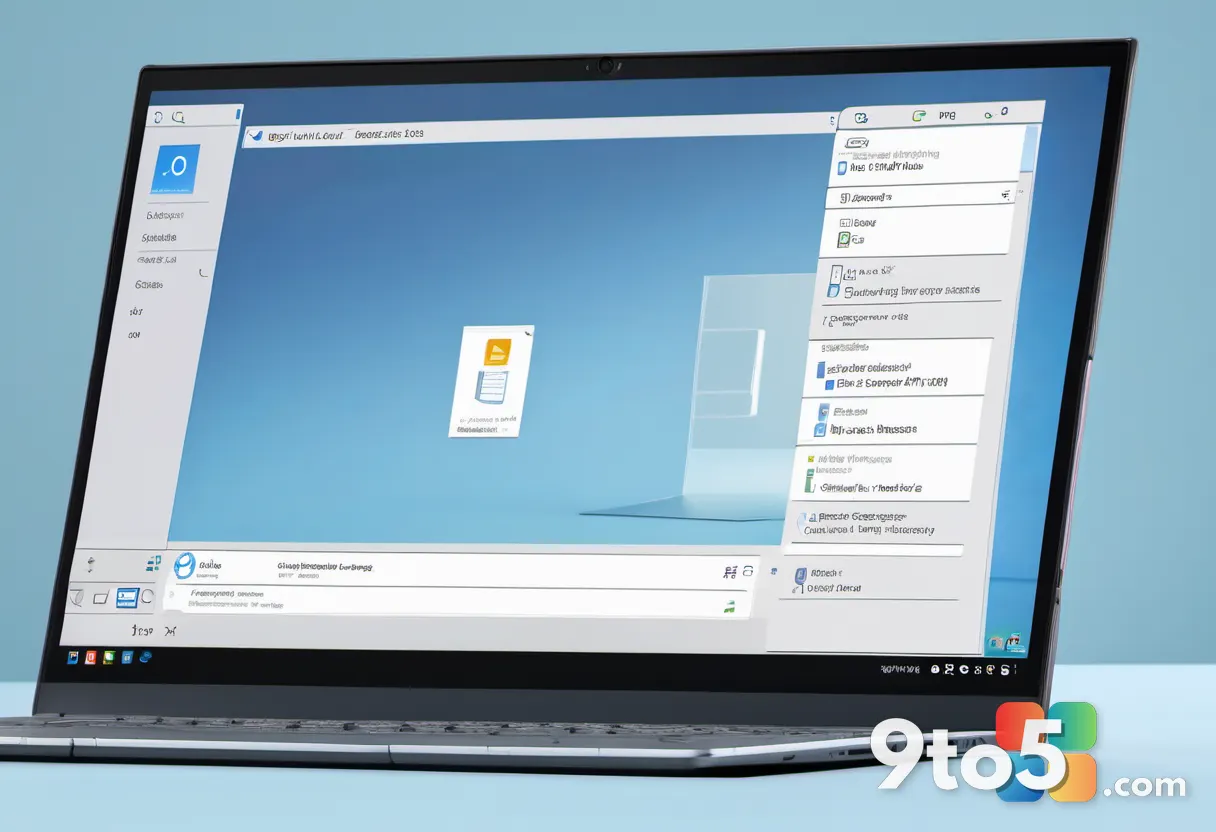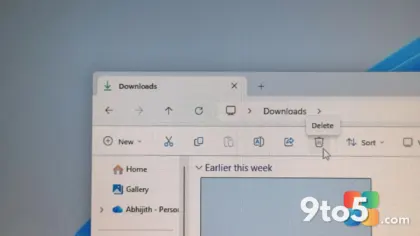
Microsoft has officially pushed new Windows 11 Release Preview builds to the public, marking a significant step toward the next major update. The new builds, designated as 26200.9267 for Windows 11 25H2 and 26100.9267 for Windows 11 24H2, are now available for download and installation. This release, documented under KB5120998, brings a comprehensive list of features and improvements designed to enhance the user experience before the final launch.
The Release Preview channel serves as the final testing ground before a major Windows update hits the general public. Unlike earlier Insider builds, these releases are intended to be as close to the final product as possible, offering a stable environment for users to explore new capabilities without the instability often associated with Dev or Beta channels. This phase is critical for Microsoft, as it allows the company to gather final feedback and make any necessary adjustments before the update is rolled out to the broader audience.
For Windows 11 25H2 users, build 26200.9267 introduces a suite of enhancements that align with Microsoft’s ongoing efforts to refine the operating system. While the specific details of the feature list are extensive, the update focuses on performance optimizations, security enhancements, and user interface tweaks that aim to make the OS more responsive and intuitive. These improvements are particularly important for users who rely on their devices for productivity and creative tasks, as even minor enhancements can significantly impact their workflow.
Windows 11 24H2 users are not left behind, with build 26100.9267 bringing similar improvements tailored to the current release channel. This ensures that all users, regardless of their current version, have access to the latest advancements in Windows 11 technology. The 24H2 update, which has been in development for some time, continues to receive refinements that enhance its stability and performance, making it a compelling option for users looking to upgrade.
The availability of these builds allows enthusiasts and early adopters to test the upcoming features in a controlled environment. This feedback loop is crucial for Microsoft, as it helps identify and resolve any lingering issues before the update is rolled out to the broader audience. Users who participate in the Insider Program play a vital role in this process, providing valuable insights that help shape the final product.
To get these builds, users can visit the Microsoft Software Download website or use the Windows Insider Program. The ISO files are available for clean installations, while existing users can opt-in to the Release Preview channel to receive the update via Windows Update. It’s worth noting that while these builds are generally stable, they are still intended for testing purposes, and users should be prepared for potential issues.
What This Means for You: For everyday users, this release preview is an opportunity to experience the future of Windows 11 before it becomes widely available. It’s a chance to explore new features, provide feedback, and ensure compatibility with your hardware and software. If you’re considering an upgrade, this is a great time to test the waters and see if the new features meet your needs. However, even though these builds are stable, it’s always a good idea to back up your data before installing any preview version.
How to Get It: You can download the ISOs directly from Microsoft’s website or join the Windows Insider Program to receive the update automatically. For those who prefer a more hands-on approach, the ISO files offer a clean installation option, allowing you to start fresh with the latest version of Windows 11. You can use tools like Rufus or the Media Creation Tool to create installation media from the ISO files.
The release of these builds also highlights Microsoft’s commitment to transparency and user involvement in the development process. By sharing these previews, Microsoft allows users to be part of the journey, fostering a sense of community and engagement. This approach not only helps improve the product but also builds trust and loyalty among users who appreciate being included in the development process.
As we move closer to the official launch, these release previews will continue to evolve, with Microsoft addressing feedback and making final adjustments to ensure a smooth transition for all users. The next few weeks will be crucial, as Microsoft works to finalize the update and prepare it for a wide-scale release.
In conclusion, the new Windows 11 Release Preview builds represent a crucial milestone in the Windows 11 update cycle. They offer a glimpse into the future of the operating system, providing users with the opportunity to explore new features and contribute to the final product. Whether you’re a tech enthusiast eager to test the latest developments or a casual user looking to stay up-to-date, these builds provide a valuable opportunity to experience Windows 11 in its most refined state yet.
Source: Neowin
Over to you: Are you planning to install the new Windows 11 Release Preview build to test out the latest features?