Microsoft is officially moving to eliminate the picture password feature from Windows 11, marking the end of an era for one of the operating system’s most distinctive login methods. According to a newly published support document, the ability to set up a new picture password will no longer be available as of the July 2026 security update. This change affects both consumer and enterprise editions, signaling a definitive shift toward modern authentication standards.
If you currently use a picture password, you can continue to log in with it. However, Microsoft is making it clear that this is a permanent deprecation. Once you remove or disable the feature, you will not be able to re-enable it. This decision aligns with Microsoft’s broader strategy to push users toward more secure alternatives like Windows Hello, PINs, and passkeys.
What Exactly Changed in the July 2026 Update
The removal of the picture password option is included in the July 2026 cumulative update, designated as KB5101650. This update is rolling out to specific builds, including OS builds 26200.8875 and 26100.8875. These build numbers correspond to the Windows 11 24H2 release and the LTSC variant, respectively, ensuring the change applies across the supported Windows 11 ecosystem.
Microsoft confirmed the change in a support document, stating: “To help enhance security, picture password is no longer available for new enrollment. Users who have already configured a picture password can continue to use it to sign in to Windows. If a picture password is removed, disabled, or not previously configured, it cannot be set up again.” The company recommends using a Windows Hello PIN, facial recognition, or fingerprint recognition where available.
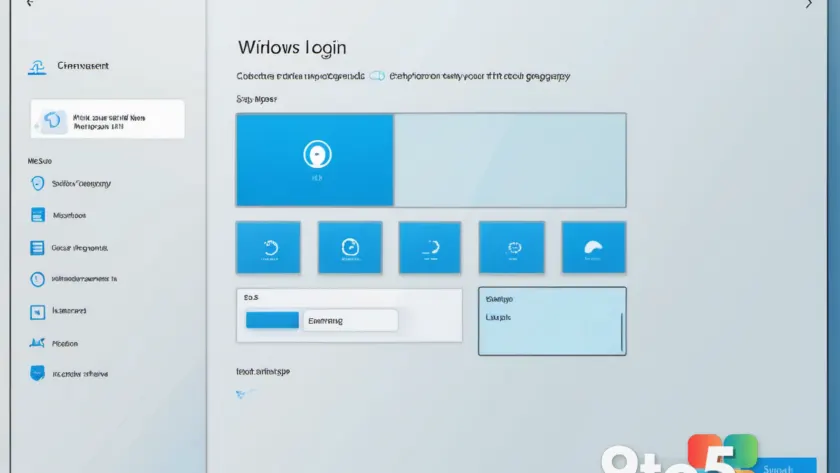
This update follows a long trend of Microsoft gradually reducing support for legacy authentication methods. While the picture password was a staple of the Windows 8 era, designed to showcase touch-centric interactions, it has become increasingly outdated as security threats have evolved. The feature allowed users to unlock their PCs with a series of touches or gestures, such as tapping the eyes of a smiley face or swiping across a mouth, using combinations of circles, straight lines, or taps.
Why Microsoft Is Prioritizing Security Over Nostalgia
The decision to remove the picture password is driven by well-documented security vulnerabilities. Research papers, including a notable 2013 study highlighted by Neowin, have long flagged the risks associated with picture passwords. The primary issue is that these gestures are often predictable. Users tend to select gestures around key objects in an image, making it easier for attackers to guess the sequence.
Furthermore, picture passwords are susceptible to “smudge attacks.” Because the feature relies on physical touch, hackers can analyze smudges on a screen to determine where a user frequently touches. This physical evidence can reveal the exact coordinates needed to unlock a device, rendering the password ineffective. In an era where passkeys and biometric data are becoming the standard, static gesture-based authentication is no longer considered sufficient for protecting personal or enterprise data.
Microsoft’s push toward Windows Hello and passkeys reflects a global industry trend. While passkeys cannot currently be used to log in directly to a Windows 11 PC, they are increasingly supported for cloud services and enterprise environments. The removal of the picture password forces users to adopt these more robust methods, reducing the attack surface for potential breaches.
What This Means for You
For the average user, this change is largely a background update. If you do not use a picture password, you will not notice any difference in your login experience. However, if you are currently relying on this feature, you need to take action. The most critical step is to avoid removing or disabling your existing picture password. Once it is gone, it cannot be restored, even if you uninstall the update.
Microsoft suggests transitioning to a Windows Hello PIN, facial recognition, or fingerprint recognition. A PIN is often the recommended alternative because it is device-specific and does not rely on biometric data, which can be compromised. If your device supports facial recognition or a fingerprint scanner, these options provide a more secure and convenient login experience.
For IT administrators managing enterprise fleets, this update may require communication with users who have custom setups. While the update does not force a change, it prevents new enrollments. You may need to guide users toward Windows Hello or other approved authentication methods to ensure compliance with security policies.
How to Get the July 2026 Update
To receive the changes included in KB5101650, you need to install the July 2026 security update. You can do this by navigating to Settings > Windows Update and clicking Check for updates. If the update is available, it will download and install automatically, or you can choose to schedule the restart.
For users on the Windows Insider program, this update may already be available in the relevant release channels. Enterprise users can deploy the update via Windows Update for Business, WSUS, or Microsoft Endpoint Configuration Manager, depending on their management infrastructure.
As Microsoft continues to phase out legacy features, the focus remains on enhancing security and user experience. The removal of the picture password is a clear step toward a more secure Windows 11 ecosystem, even if it means saying goodbye to a nostalgic login method.
Source: Latest from Windows Central
Build details:
- kb5101650
Over to you: Are you currently using a picture password, or have you already switched to Windows Hello?