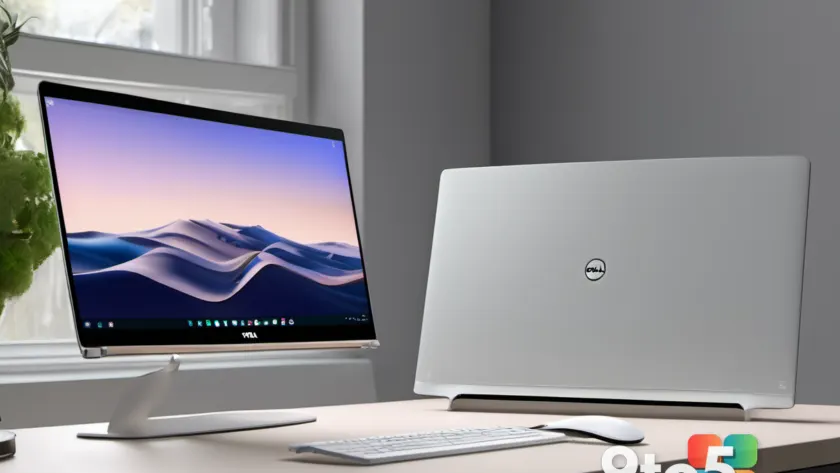
The race to redefine the affordable premium laptop segment just got significantly more competitive. At Computex 2026, both Dell and Acer unveiled new contenders in the sub-$700 space that refuse to compromise on build quality or core features. On one side, we have the latest iteration of a proven champion: the Dell XPS 13 (DX13260). On the other, a bold challenger from Acer: the Swift Air 14 (SFA14). Both machines start at $699, but they take fundamentally different approaches to solving the equation of premium design at a budget price point.
Having spent time with both devices during the Computex hands-on sessions, it is clear that these laptops are not just spec sheets on paper. They represent two distinct philosophies for the modern Windows user. Dell has doubled down on its legacy of ultra-compact, high-resolution displays and dense battery technology, while Acer is pushing back with a larger 14-inch form factor, a more generous port selection, and a wider array of personalization options. This Dell XPS 13 vs Acer Swift Air 14 comparison will help you determine which philosophy aligns better with your daily workflow.
Design and Build Quality: Compact Precision vs. Expressive Utility
One of the most immediate differences between these two machines is their physical presence. Both laptops utilize aluminum unibody chassis, a material choice that signals a commitment to durability and a premium tactile experience that is rarely found at the $699 price mark. However, the execution differs in ways that directly impact portability.
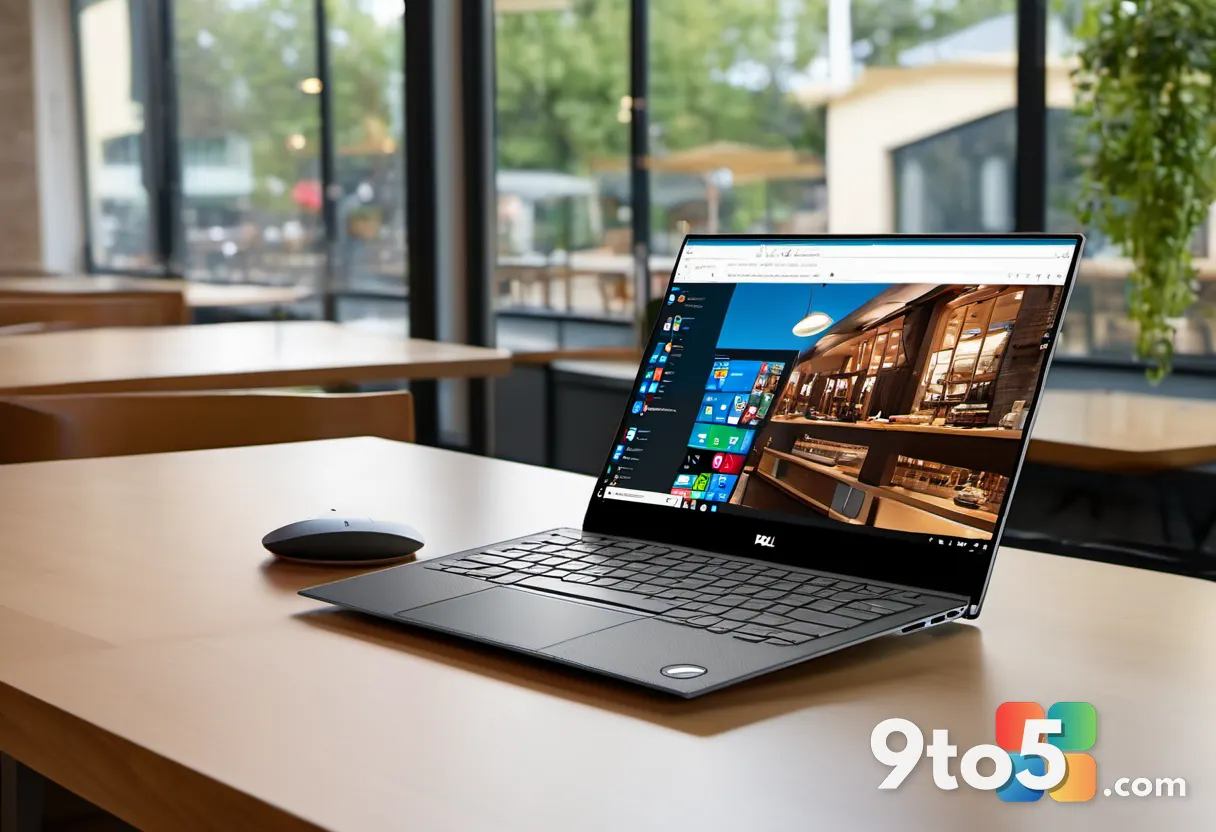
The Dell XPS 13 continues its tradition of being a masterclass in miniaturization. Measuring just 11.69 x 7.9 x 0.5 inches and weighing in at a featherweight 2.2 pounds (1kg), it is designed for users who prioritize maximum mobility. The 0.5-inch thickness is remarkable, making it one of the thinnest 13-inch laptops currently available. Dell offers this in two understated finishes: Storm (a dark gray) and Sky (a light blue-gray), catering to a more traditional professional aesthetic.
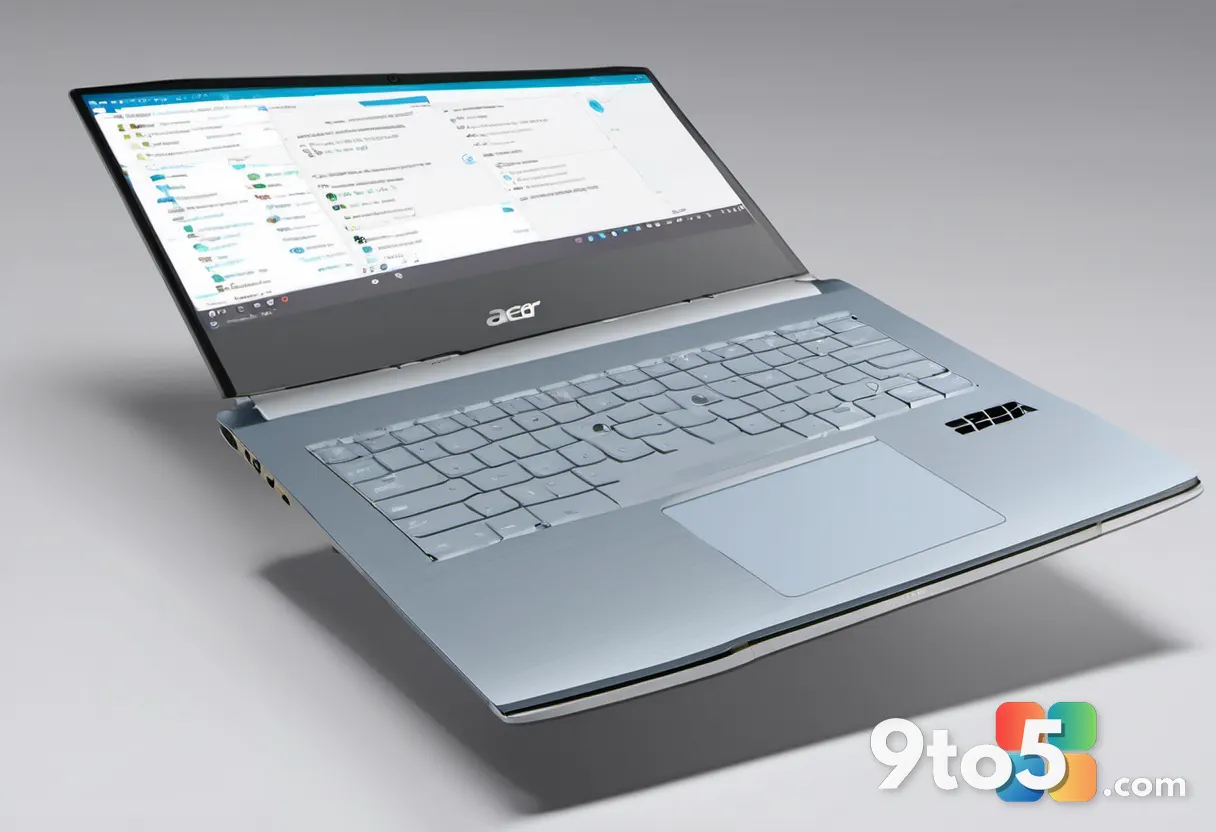
In contrast, the Acer Swift Air 14 opts for a slightly larger footprint to accommodate a bigger screen, measuring 12.36 x 8.77 x 0.51 inches and weighing 2.75 pounds (1.25kg). While it is heavier, the difference is marginal enough that it remains highly portable. The real differentiator here is Acer’s commitment to personalization. The Swift Air 14 launches in four distinct colors: Sage Green, Frost Blue, Blossom Pink, and Lilac Purple. This gives users, particularly students and creative professionals, a way to make their device stand out in a crowded coffee shop or classroom.
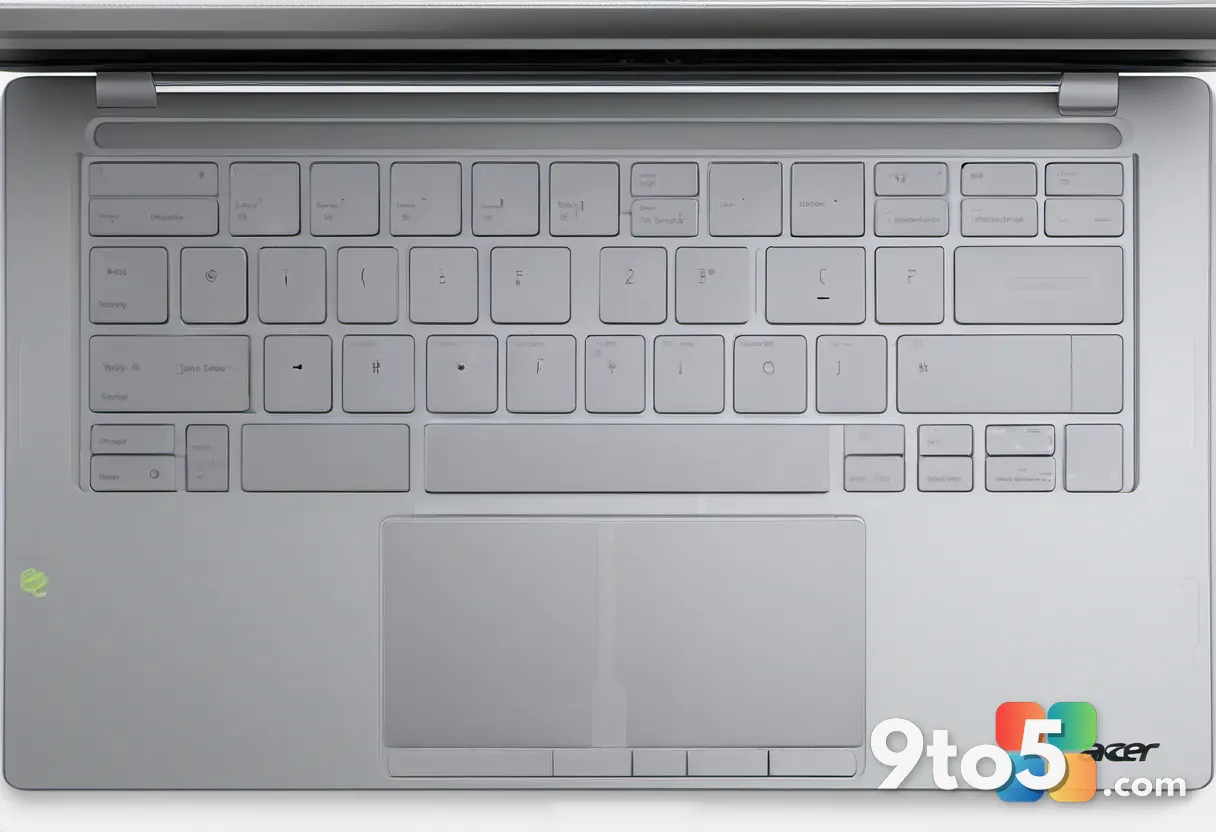
Both laptops feature large, glass-painted touchpads and backlit keyboards that do not feel like cost-cutting measures. Dell has retained a traditional mechanical touchpad with a satisfying click, while Acer’s touchpad offers precise tracking. Neither skimps on the input experience, ensuring that daily typing and navigation feel premium regardless of which machine you choose.
Display Showdown: Resolution and Refresh Rate vs. Size and Smoothness
The display is often the most critical factor in laptop satisfaction, and this is where the Dell XPS 13 vs Acer Swift Air 14 debate becomes most nuanced. Dell has chosen to prioritize pixel density and visual fidelity, while Acer focuses on screen real estate and motion smoothness.
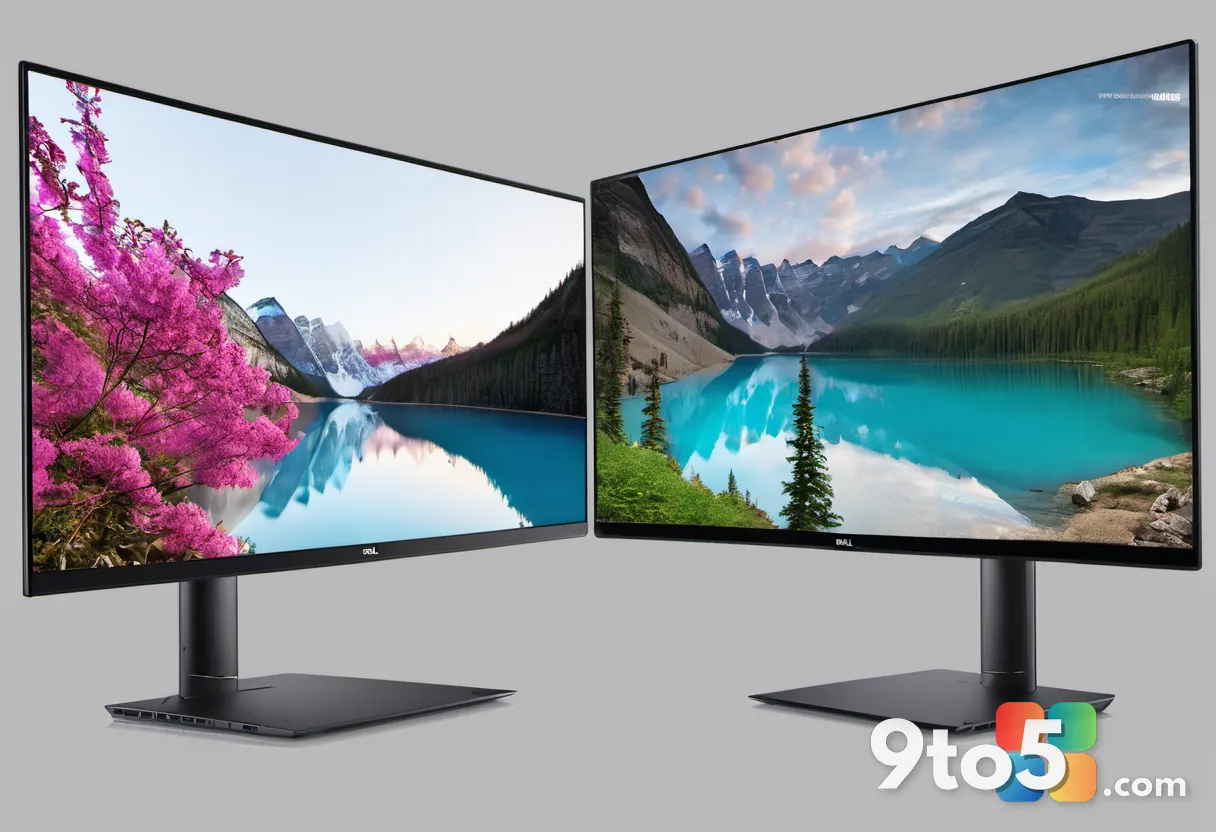
The XPS 13 sports a 13.4-inch panel with a native resolution of 2560×1600 (2.5K). This resolution delivers a sharp, crisp image that makes text rendering exceptionally clean, which is a significant advantage for users who spend hours reading documents or coding. Dell pushes the brightness up to 500 nits, ensuring excellent visibility even in bright office environments or near windows. The panel is covered by an anti-glare coating and supports 100% DCI-P3 color gamut, making it suitable for photo and video editing. A standout feature is the inclusion of Dolby Vision certification and a 30Hz to 120Hz variable refresh rate (VRR). The VRR is particularly beneficial for battery life; the display can drop to 30Hz when viewing static content and ramp up to 120Hz for scrolling or video, optimizing power consumption dynamically.
The Acer Swift Air 14 counters with a 14-inch display, offering roughly 10% more screen area. This extra space is genuinely useful for multitasking, allowing you to comfortably run two full-sized windows side-by-side. However, this size comes with a trade-off in resolution: Acer has opted for a 1920×1200 (FHD+) panel. While this is perfectly adequate for most tasks, it will feel noticeably less sharp than the XPS 13’s 2.5K screen when viewing fine details. The Acer panel reaches 350 nits of brightness and covers 100% sRGB, which is standard for the category. It also runs at a fixed 120Hz refresh rate. While a fixed 120Hz provides smooth motion, it lacks the power-saving intelligence of Dell’s variable refresh rate, potentially impacting battery life during light tasks.
If your workflow involves media consumption, detailed image editing, or working in bright environments, the XPS 13’s display technology is superior. If you prefer a larger canvas for productivity and don’t mind a standard resolution, the Swift Air 14’s 14-inch form factor is a compelling upgrade.
Performance and Internals: Wildcat Lake Efficiency and Upgrade Paths
At the heart of both laptops lies Intel’s latest efficiency-focused architecture. Both machines are powered by Intel Wildcat Lake processors from the Core Series 3 lineup. This chip family is designed specifically to deliver high performance per watt, which is essential for maintaining long battery life in thin chassis.
The base configuration for both laptops features the Intel Core 5 320 processor. For the vast majority of users—handling web browsing, office applications, video calls, and media playback—this chip will feel incredibly responsive. Both systems come with LPDDR5 RAM in 8GB or 16GB configurations. It is worth noting that RAM is soldered onto the motherboard in both devices, so choosing the right amount at purchase is critical for future-proofing.
Where the two laptops diverge is in their potential upgrade paths. Dell has announced that a higher-tier configuration will be available later, featuring the more powerful Intel Core Ultra 7 355 from the Panther Lake series. This processor offers enhanced AI capabilities and higher peak performance, and it will be paired with up to 32GB of RAM and 1TB of storage. If you anticipate needing more computational power for heavier multitasking or creative workloads, holding out for the Panther Lake XPS 13 model is a smart move.
Acer’s Swift Air 14 offers a different upgrade trajectory. Alongside the base Core 5 320, Acer lists a Core 7 350 option for those who want a step up in performance without jumping to the Panther Lake tier. Storage options on the Acer side go up to 512GB of M.2 PCIe 4.0 NVMe SSD. While Dell’s post-launch models offer more storage headroom, both laptops utilize fast PCIe 4.0 interfaces, ensuring quick boot times and rapid file transfers.
Battery Life: Dense Cells vs. Raw Capacity
Battery life is a non-negotiable feature for modern laptops, and both manufacturers have employed different engineering strategies to maximize endurance.
Dell has equipped the XPS 13 with a 52Wh battery. On paper, this looks smaller than Acer’s offering, but Dell utilizes proprietary 800ED battery cells. These cells are engineered to pack more energy into a smaller physical volume, effectively giving the XPS 13 more usable capacity than its watt-hour rating might suggest. Dell claims up to 17 hours of video playback on this configuration. Given the efficiency of the Wildcat Lake chip and the power-saving variable refresh rate display, real-world usage should easily clear a full workday.
The Acer Swift Air 14 goes with raw capacity, housing a larger 70Wh battery. Acer estimates this can deliver up to 19 hours of video playback or 16 hours of web browsing. While Acer does not mention using 800ED cells, the sheer size of the battery provides a substantial buffer. The larger 14-inch chassis allows for this extra space without making the laptop excessively thick.
In practical terms, both laptops are designed to last a full day of intensive use without needing a charger. The XPS 13’s advantage lies in its efficiency-focused approach, potentially squeezing more life out of a smaller battery, while the Swift Air 14 relies on physical size to provide a longer runtime. For users who frequently work away from outlets, both are excellent choices, though the Swift Air 14’s 70Wh cell might offer a slight edge in worst-case scenarios.
Ports and Connectivity: The Thunderbolt and Audio Debate
Port selection is often where budget laptops cut corners, but both Dell and Acer have made conscious decisions here that will impact your daily setup.
The base model Dell XPS 13 comes with two USB-C 3.2 Gen 2 ports. It is important to note that Thunderbolt 4 support is only available on the more expensive models equipped with the Intel Panther Lake processor. If you purchase the base Core 5 320 model, you are limited to standard USB-C 3.2 speeds. Additionally, the XPS 13 completely omits a 3.5mm audio jack and USB-A ports. Users who rely on wired headphones or legacy USB peripherals will need to carry dongles or a hub.
The Acer Swift Air 14 takes a more user-friendly approach to connectivity. It includes dual Thunderbolt 4 ports right from the start, ensuring maximum peripheral compatibility and fast data transfer speeds without a price premium. Crucially, Acer has retained a USB-A 3.2 port and a 3.5mm audio jack. This eliminates the need for dongles for many users, allowing you to plug in a standard mouse, flash drive, or wired headphones directly. For students and professionals who value a streamlined carry bag with fewer adapters, the Swift Air 14’s port layout is significantly more practical.
On the wireless front, the XPS 13 has a slight technological edge with Wi-Fi 7 and Bluetooth 6.0. The Swift Air 14 utilizes Wi-Fi 6E and Bluetooth 5.3. While Wi-Fi 7 offers higher throughput and lower latency, the difference is unlikely to be perceptible in typical home or office Wi-Fi environments. Both wireless standards are more than sufficient for streaming, video conferencing, and cloud-based work.
Camera and Audio: Secure Login and Immersive Sound
Both laptops recognize that remote work and online learning are standard, so they include modern features that were once reserved for high-end devices.
Both the XPS 13 and Swift Air 14 feature a 1080p webcam paired with an infrared (IR) sensor. This combination enables Windows Hello facial recognition, allowing you to log into your device securely and instantly without typing a password. Having an IR camera at the $699 price point is a significant bonus, as many competitors in this range still rely on standard 720p cameras without facial recognition capabilities.
For audio, both laptops utilize quad-speaker setups to deliver immersive sound. Dell pairs its speakers with Dolby Atmos processing, which creates a surround-sound effect that enhances movies and gaming. Acer uses DTS X:Ultra technology to achieve a similar spatial audio experience. While external headphones will always provide the best audio quality, the built-in speakers on both machines are robust enough for casual media consumption in shared spaces.
Pricing, Availability, and Final Verdict
The Dell XPS 13 (DX13260) is available now, starting at $599 for students and $699 for everyone else. The Acer Swift Air 14 (SFA14) is expected to launch in North America in August, also starting at $699.
So, which laptop should you buy? The answer depends entirely on your priorities. If you value a sharper, more vibrant display with Dolby Vision support, ultra-compact portability, and the potential for future Panther Lake upgrades, the Dell XPS 13 remains the benchmark for affordable premium laptops. The student discount makes it an even more attractive proposition.
However, if you prefer a larger 14-inch screen for multitasking, want the convenience of built-in USB-A and an audio jack, and appreciate having Thunderbolt 4 standard across the board, the Acer Swift Air 14 is the more practical choice. Its larger battery and colorful design options also make it a strong contender for users who want a device that is both functional and expressive.
Both laptops prove that the $699 price point no longer means compromising on core features. Whether you choose Dell’s refined precision or Acer’s utility-focused approach, you are getting a machine that will handle modern demands with ease.
Source: Latest from Windows Central
Over to you: Are you prioritizing the higher-resolution display of the XPS 13, or the larger screen and extra ports of the Swift Air 14?