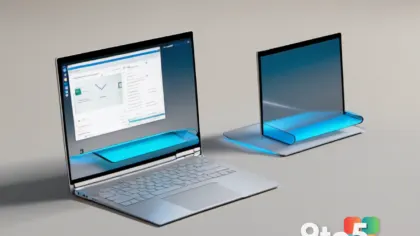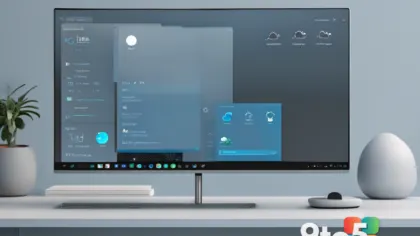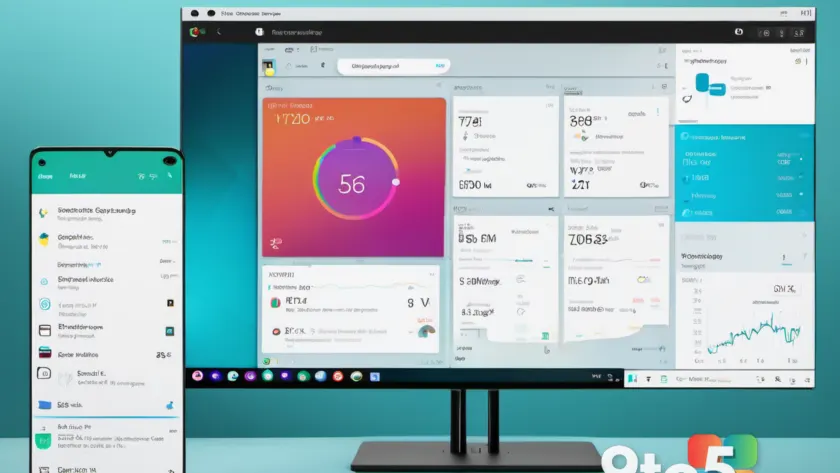
Microsoft is quietly adding another system-focused tool to the Windows 11 Widgets panel, and it might be one of the most practical additions yet: a native battery widget.
The reveal comes from recent Windows Insider builds, where code and UI hints point to a dedicated battery tile that would live alongside the news, weather, and other feed-based widgets. Rather than pointing you to a third-party app or a settings page, the widget would surface your laptop’s or desktop’s power status right there in the Widgets panel you already swipe to.
What the Windows 11 battery widget would show
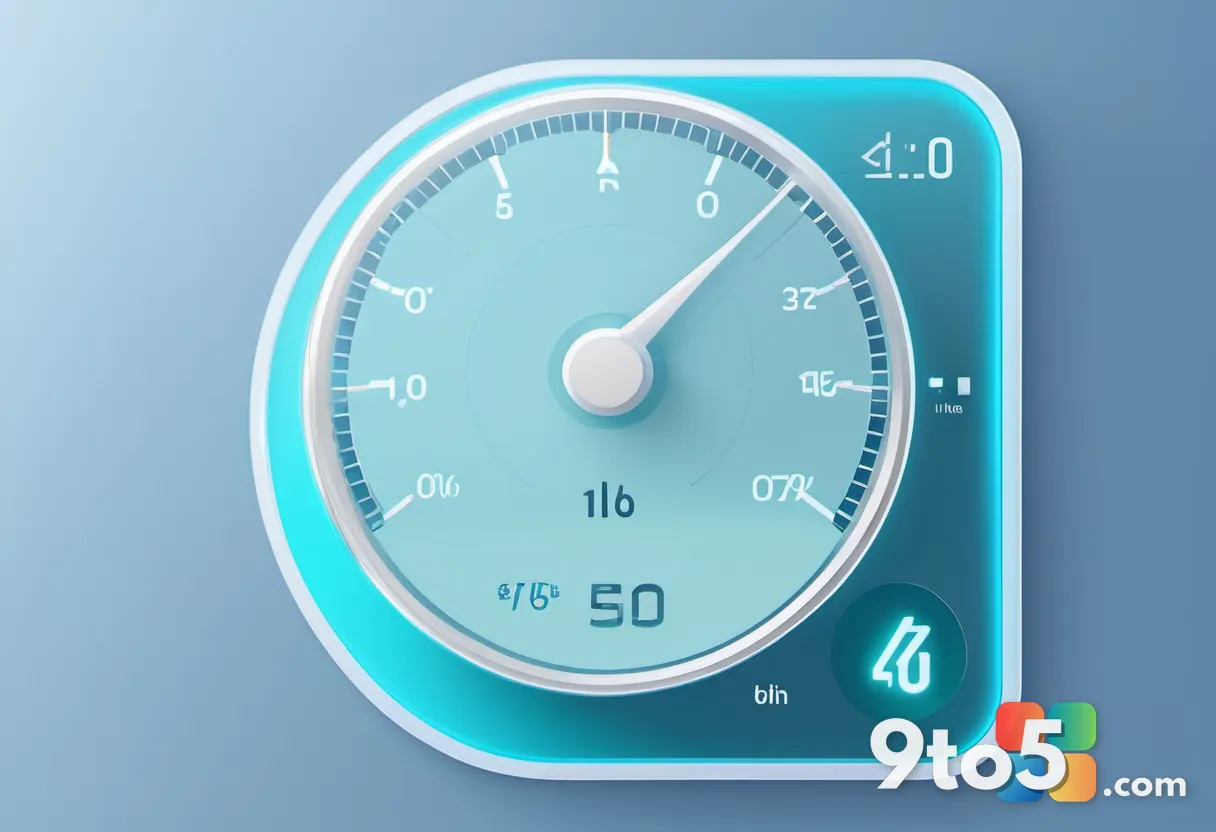
According to what’s been spotted in the Widgets app, the tile is designed to give you a quick read on your device’s charge without digging through the system tray. In its most basic form, that means a live percentage alongside a battery icon, so you can glance at how much juice you have left while scrolling through your morning headlines.
Based on the direction Microsoft has taken similar system widgets, it’s plausible the tile could also surface additional context such as whether the device is plugged in or running on battery, and possibly an estimate of time remaining. That detail has not been confirmed, so treat it as a reasonable expectation rather than a guarantee.
Why it belongs in the Widgets panel
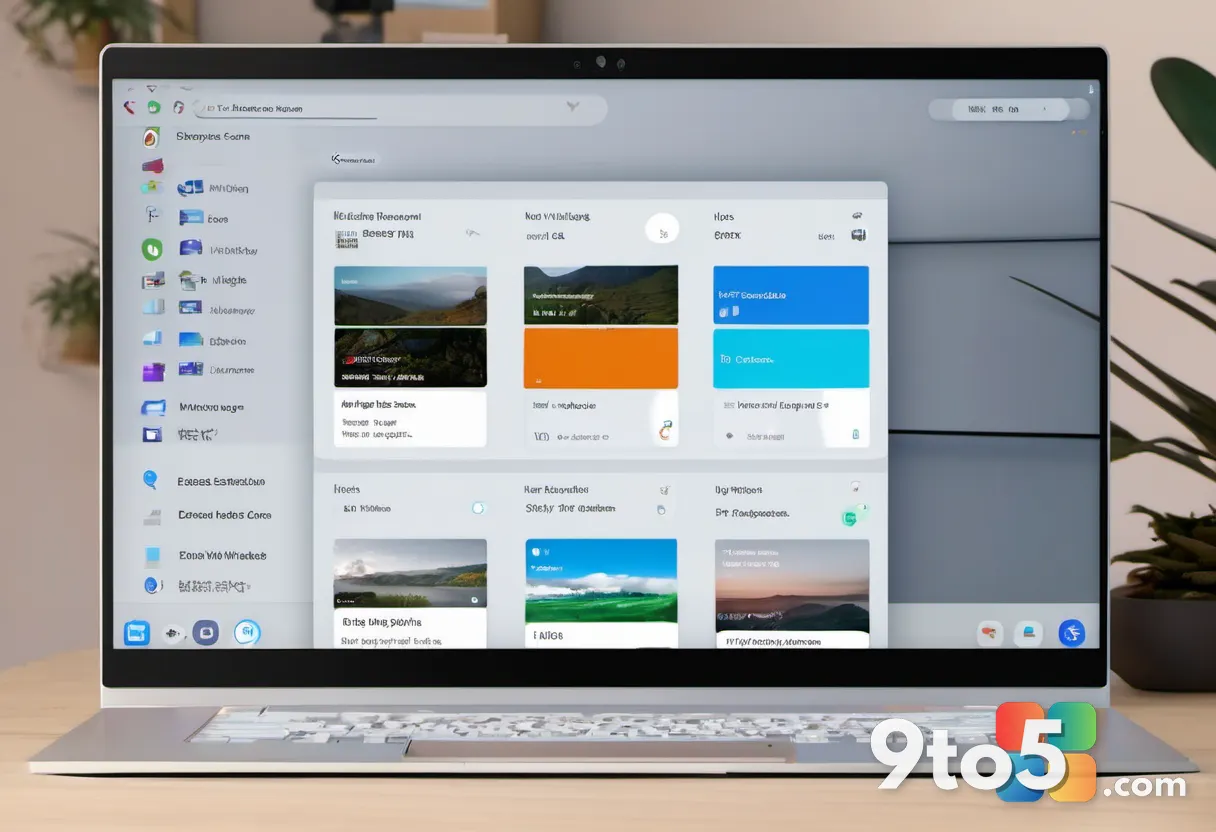
The Windows 11 Widgets panel has long leaned toward content — news stories, sports scores, calendar reminders, and weather. System utilities like this have historically lived elsewhere, tucked away in Quick Settings or the Action Center. Adding a battery widget marks a shift toward making device health just as accessible as your inbox.
This fits a broader pattern. Microsoft has steadily expanded what the Widgets panel can do since it launched in 2021, moving from a simple news aggregator toward a more general-purpose hub. A battery widget is a natural next step, especially for laptop users who check their charge throughout the day.
Microsoft has also layered battery tracking into Settings over the years, including a Battery Usage section that breaks down consumption by app. The widget wouldn’t replace that depth, but it would put a one-glance figure front and center where you’re already looking, rather than forcing you to open Settings to check.
For desktop users, the value is a bit different. A persistent, glanceable power indicator can still be handy if you’re running an uninterruptible power supply or want a quick sanity check on a multi-monitor setup where the task tray gets cramped with icons.
What this means for you
If you’re a laptop owner, the practical upside is simple: less time hunting for your battery percentage. Instead of clicking the battery icon in the system tray or opening Settings, you’d get the info in the same panel you already use. It’s the kind of small convenience that adds up over a day of glancing at your screen.
That said, this is a discovery, not a shipped feature. Nothing about timing, availability, or exact behavior has been confirmed by Microsoft, so don’t clear your schedule to set it up just yet. The Widgets panel does roll out to both Insider and, eventually, general availability builds — but only once Microsoft decides to enable it.
How to keep an eye on it
The fastest way to see the widget (if and when it lands in your build) is to join the Windows Insider Program and run the latest Canary or Dev Channel builds, where new Widgets features typically appear first. From there, just open the Widgets panel with the Windows + W shortcut or the taskbar button and look for a new battery tile.
If you’re not chasing Insider builds, you can simply wait. Microsoft usually folds finished Widgets additions into the standard Windows 11 updates, so the widget should reach stable machines eventually — assuming it makes the cut. If you’d rather not live on the bleeding edge, there’s no harm in letting it arrive through your normal update cadence.
In the meantime, your current battery info is still just a click away in the system tray, so there’s no rush to change anything. Keep your system updated, and watch the Windows Insider Blog for an official announcement before expecting the feature to appear.
Source: Neowin
Over to you: Would you actually use a battery tile in the Widgets panel, or do you prefer keeping your eye on the system tray icon?