- Status: Rolling out in phases (July–October 2026)
- Affected Apps: Microsoft Teams (Desktop, Web), Teams Rooms on Windows/Android
- Key Changes: AI Facilitator expansion, Chat UI overhaul, Guest invite email fix
Microsoft has confirmed a significant wave of updates for Microsoft Teams, moving beyond the June 2026 release. Spotted in the Microsoft 365 admin portal, these changes introduce smarter AI capabilities for physical meeting spaces, a cleaner chat interface, and long-requested fixes for guest communications. Here is what you need to know about the upcoming features.
#1 AI Facilitator expands to Teams Rooms on Windows
AI-powered meeting notes are no longer limited to virtual calls. Microsoft is bringing real-time note-taking and action item generation to Teams Rooms on Windows. This feature allows in-person meetings to capture decisions and summaries automatically without needing to schedule a hybrid or remote session.
The rollout begins in August 2026, with general availability for all users expected by October 2026. When enabled via the Meeting AI menu, tapping “Take notes” generates a summary that appears on the side of the screen. These notes are stored in SharePoint and accessible to anyone within your tenant.
Microsoft also confirmed that Teams Rooms on Android will eventually receive similar AI note-taking capabilities, ensuring consistency across different hardware platforms for physical meeting spaces.
#2 Controversial ‘Knowledge Gap’ detection in AI Facilitator
The update includes a more aggressive version of the AI Facilitator. Microsoft is testing a feature where the AI listens to participants and detects potential confusion or knowledge gaps. If it identifies uncertainty, the system can initiate a chat conversation with AI-generated answers powered by web searches.
This capability has raised privacy concerns among some users. In response to previous backlash, Microsoft stated this feature will not be enabled by default. Additionally, a new single-toggle switch allows both organizers and participants (but not guests) to disable all Meeting AI features during a call, giving you direct control over what the AI can hear and do.
#3 New Muted and Meeting chat sections
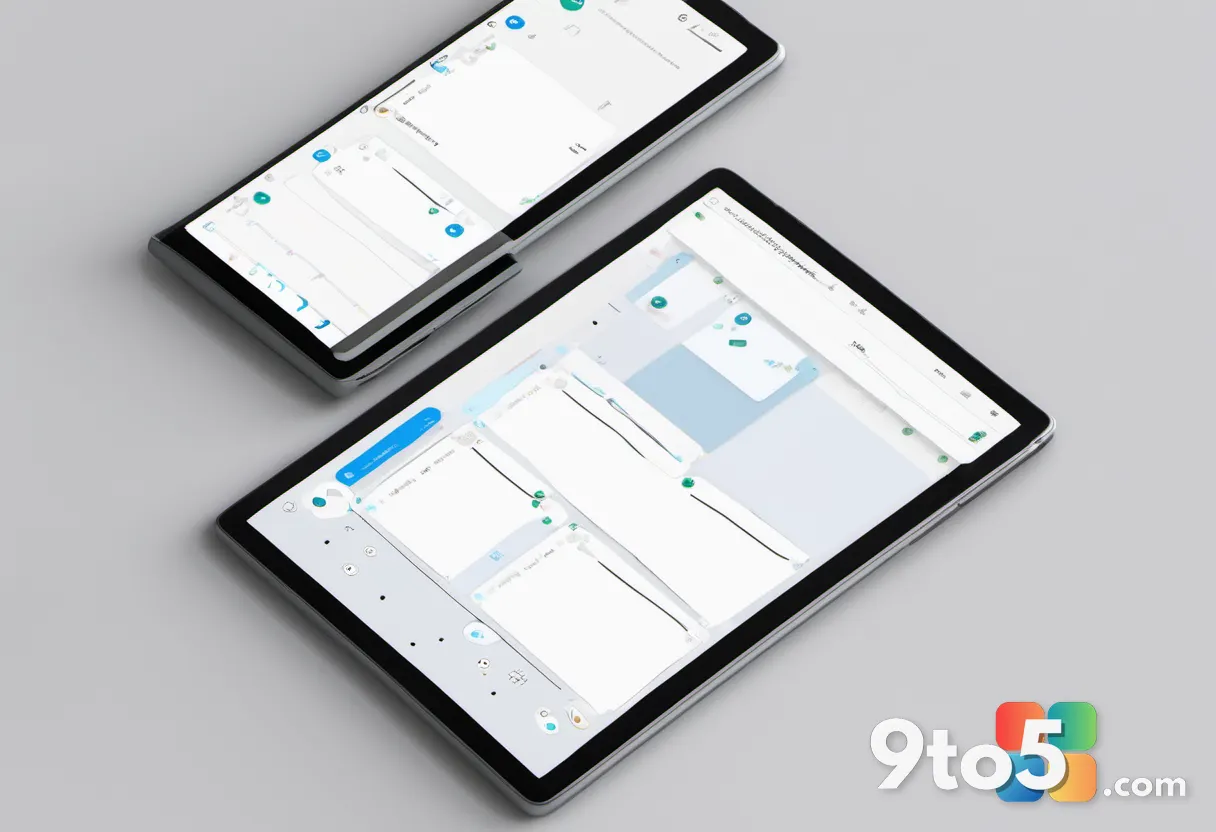
To address clutter in the Teams interface, Microsoft is introducing two new dedicated chat sections: Muted and Meeting. This change aims to help you organize conversations more effectively. Important chats remain visible, while irrelevant or noisy threads can be moved to the Muted section.
This update replaces the existing Meeting chat filters. By segregating muted conversations into their own tab, Microsoft hopes to reduce visual noise and make it easier to find active discussions without sifting through a long list of inactive chats.
#4 Guest invites now use your actual email address
A longstanding annoyance for Teams users is the inability to reply directly to guest invitation emails. Previously, invites sent to people outside your tenant came from a generic no-reply address, making direct communication difficult.
This is changing immediately. Microsoft is updating the system so that guest invitations are now sent from the inviter’s actual email address. This allows for more authentic and direct replies between hosts and external guests. The rollout is already underway and is expected to be complete by the end of July 2026.
What this means for you: If you manage physical meeting rooms, prepare for AI note-taking in late summer. For daily users, expect a cleaner chat list and better control over AI listening features. The guest email fix should make collaborating with external partners smoother starting next month.
Source: Windows Latest
Over to you: Will you enable the new AI Facilitator features in your Teams Rooms, or prefer to keep them disabled?