OpenAI’s ChatGPT is reaching deeper into macOS than ever before. The latest addition to the desktop app is a new ChatGPT Messages plugin that can read, write, search, and send your Messages—and it asks for Full Disk Access in return, prompting fresh questions about how much an AI assistant should be allowed to see on your machine.
The move follows OpenAI’s earlier unveiling of a Computer History feature that tracks what you do on your Mac. Together, they signal a push toward an assistant that acts on your personal data rather than simply answering questions about it. As Apple has repeatedly warned that competitors want access to users’ most private information, this plugin puts that warning into practice.
What the ChatGPT Messages plugin can do
According to OpenAI, the Apple Messages plugin is available on all plans in the ChatGPT desktop app for macOS. It lets you use the assistant to read, write, and send texts through Apple’s Messages app, search through your conversation history, and pull out summaries and other information directly from those chats.
There are some boundaries, though. OpenAI specifies that in Codex and ChatGPT Work, the plugin can read and search iMessage, SMS, and RCS chats on your Mac and send messages on your behalf through the Messages app. It does not let you interact with ChatGPT remotely through Messages, and it does not work in regular ChatGPT chats.
OpenAI has floated a handful of example prompts, including asking the tool to suggest follow-ups from messages sent yesterday, check your calendar and reply to a contact with a few times you’re free for dinner next week, or find birthdays buried in Messages and add them to your calendar.
What access does it actually demand?
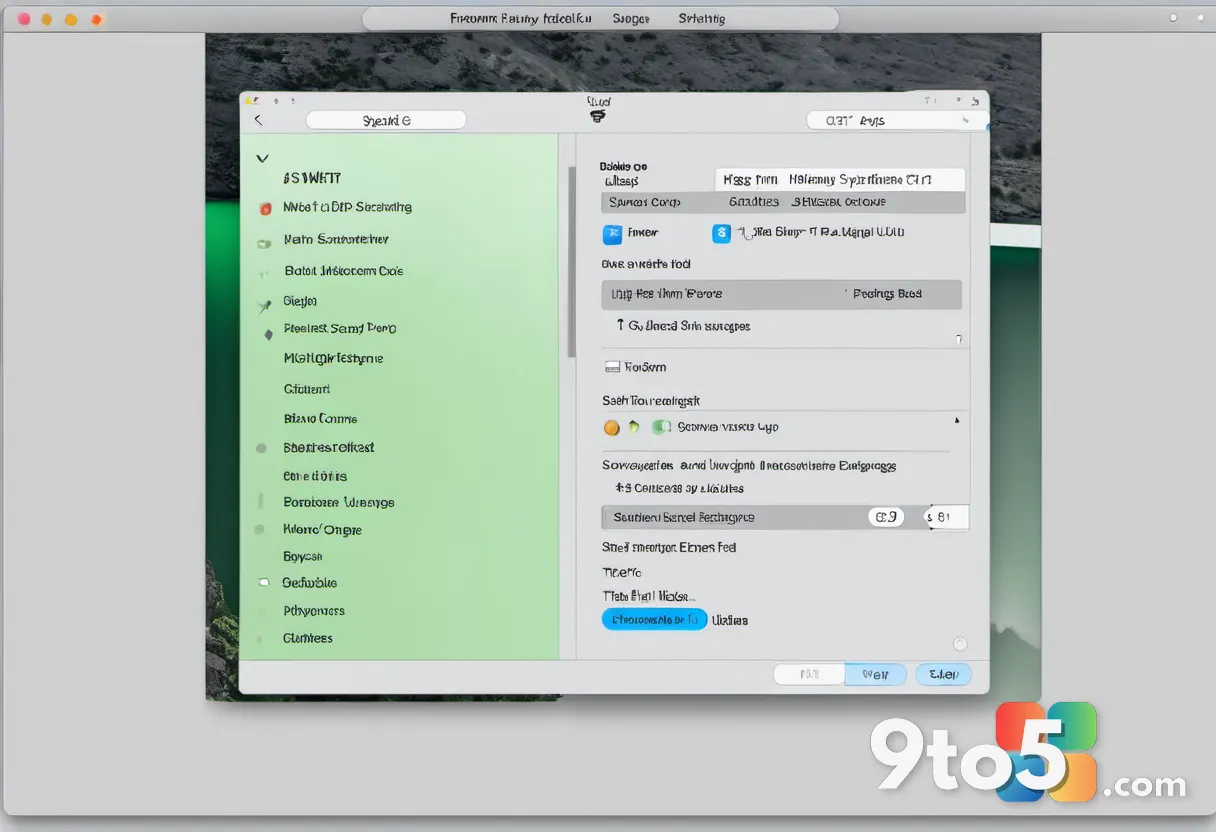
Here is where the plugin gets demanding. Beyond the Messages app itself, it asks for Full Disk Access in System Settings, along with access to your contact names and macOS automation tools. That is a broad set of permissions for a tool that reads your private conversations.
OpenAI told Bloomberg that the plugin runs locally on the Mac and does not create an index of a user’s messages. That claim is hard to fully verify, though: the system still reads your existing messages and presumably keeps some record of the analysis it performs. OpenAI also advises against turning on persistent approval, warning that doing so “removes your final chance to review a message before ChatGPT sends it as you.”
Privacy concerns and the backlash
The depth of OpenAI’s access into macOS has already drawn mixed reactions. Some commentators dismiss privacy concerns, while others warn that AI automation is quietly becoming an always-on surveillance system that is itself a target for exploitation and attack. Both perspectives carry weight here.
What is missing, critics argue, is clear transparency about how the tool delivers its conveniences without compromising privacy. Consent is required before the plugin works, and OpenAI suggests granting permission on a per-use basis rather than as a blanket approval—but informed consent requires knowing exactly what data is being read and where it goes.
There is also a security angle. ChatGPT on a Mac has become a prime target for hackers; if attackers cannot reach Messages directly, the ChatGPT app now offers an alternate route, including a tool that could help them build the code to do it.
What this means for you
For everyday Mac users, the practical takeaway is simple: this plugin trades convenience for access. If you want ChatGPT to manage your messages, you must hand it broad permissions to your machine and your contacts. The safest approach, consistent with OpenAI’s own advice, is to grant permission per use and keep an eye on each message before it is sent.
It is also worth noting that a similar feature on iPhone and iPad is quite likely, which could bring these same questions to a device where far more personal data is collected. In the European Union, the Digital Markets Act requires Apple to give third-party AI developers the same deep system-level access it uses for its own SiriAI tooling—and Apple has not yet offered SiriAI in Europe until it resolves how to provide that access while protecting privacy.
How to get it and what to do
If you want to try the plugin, it is available on all plans in the ChatGPT desktop app for macOS. Before enabling it, weigh whether the convenience of AI-managed messages is worth the Full Disk Access and contact permissions it requires. If you decide to proceed, grant permission on a per-use basis, review each message before it is sent, and avoid turning on persistent approval.
For those who would rather not hand an AI assistant deep access to their Mac, the simplest option is to leave the plugin disabled and continue using Messages as you always have. Your data stays where it has always been—just out of reach of the assistant.
Source: Computerworld
Over to you: Would you grant ChatGPT Full Disk Access to your Mac so it can manage your Messages, or would you leave the plugin disabled?