Microsoft has officially committed to improving how Windows 11 handles systems equipped with only 8GB of RAM. This pledge comes after years of user feedback highlighting memory management inefficiencies that left many users frustrated. The operating system is already seeing meaningful changes, including decluttered context menus that no longer stretch the full height of your screen, legacy components being overhauled, and the introduction of Xbox Mode to prioritize gaming performance. These updates signal a genuine shift in Microsoft’s development priorities, moving away from the bloated interface that characterized early Windows 11 releases.
However, the rollout of new hardware alongside these software promises has sparked valid criticism regarding timing. Earlier this year, Microsoft began selling the Surface Pro 12-inch and Surface Laptop 13-inch with base configurations of just 8GB of RAM. This decision was a direct response to the ongoing RAM price crisis, aiming to keep entry-level devices affordable for everyday users. While the gesture is appreciated, it reveals a fundamental disconnect between the Windows and Surface divisions. The company is pushing hardware with limited memory before ensuring the operating system can actually run smoothly on it.
Why the Timing Feels Off
When Microsoft releases a device with 8GB of RAM, it sets an expectation for performance. If the operating system isn’t optimized for that constraint, users immediately notice stuttering, slow app switching, and excessive disk swapping. Testing by our own staff has shown that Windows 11 can handle 8GB, but it requires disciplined resource management. By launching the hardware first and promising software fixes later, Microsoft has effectively asked users to tolerate a subpar experience until the OS catches up to the hardware. This approach puts the cart before the horse, prioritizing immediate sales over long-term user satisfaction.
What This Means for You
If you are currently using a Surface with 8GB of RAM, you might experience performance hiccups when running multiple applications or keeping numerous browser tabs open. The promised optimizations will likely improve background process management and memory allocation, but those changes are not available today. For now, you can mitigate issues by closing unused apps, disabling startup programs, and relying on cloud storage to reduce local disk pressure. The good news is that Microsoft has acknowledged the problem and is actively working on solutions, so incremental improvements should arrive over the next few feature updates.
How to Get It: Smart Upgrades Right Now
Until the full Windows 11 8GB RAM optimization lands, the safest bet for a new Surface is to grab a model with 16GB of RAM. Current deals make this much more accessible than ever. The Surface Pro 13 with the Snapdragon X2 Elite processor is seeing discounts up to $300 off at Best Buy, while Amazon offers a top-tier configuration with 1TB of storage and an OLED display. These models provide the headroom needed for multitasking and future-proofing, ensuring you won’t feel constrained by memory limits as Windows 11 continues to evolve.
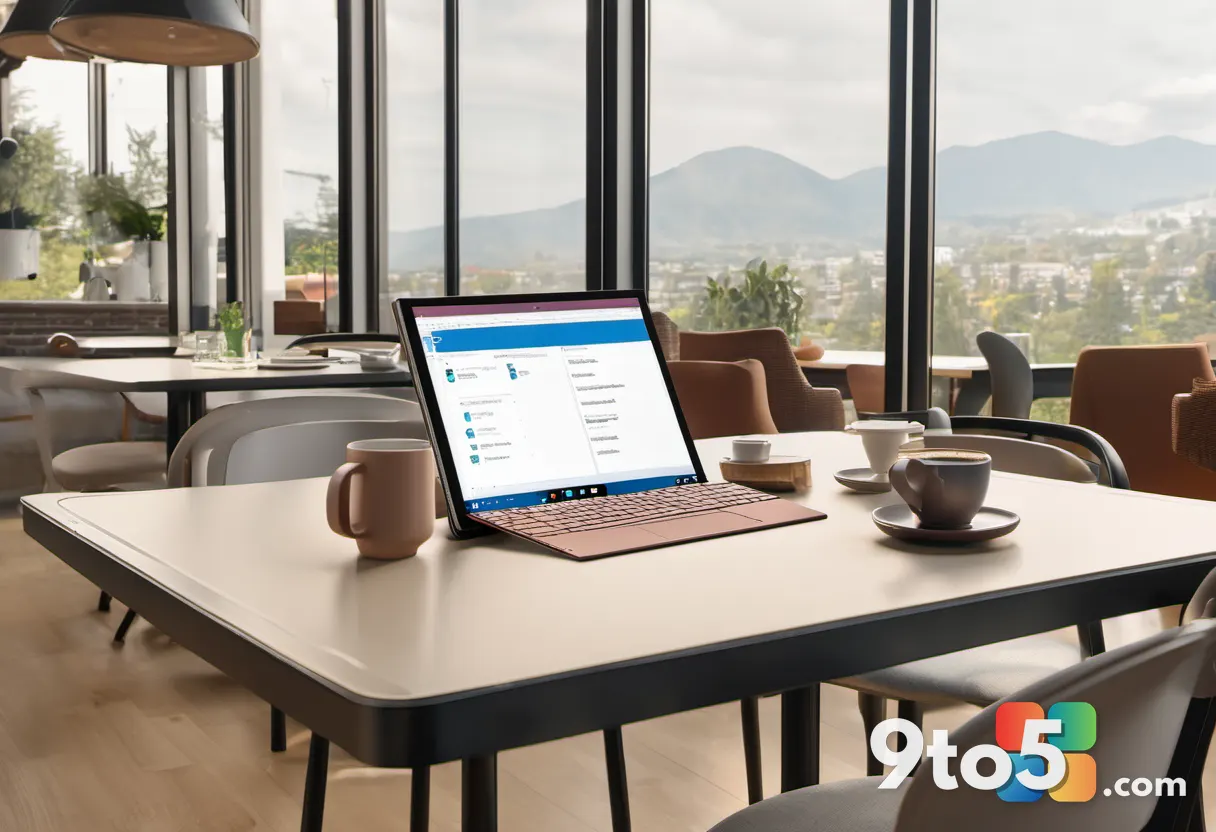
Top Surface Pro Deals to Consider
The best value right now sits in the 16GB configurations. At Best Buy, the Dune-colored Surface Pro 13 OLED model drops $300, offering a premium display and powerful Snapdragon X2 Elite performance. Amazon lists a platinum variant with 1TB of SSD storage, making it the highest-specced option available through that retailer. If you prefer a more budget-friendly approach, the Snapdragon X2 Plus model with 16GB of RAM and 512GB of storage provides excellent everyday performance without the elite processor premium. Each of these options sidesteps the 8GB limitation entirely, giving you room to breathe as Microsoft rolls out its memory management improvements.
The Broader Context
RAM prices have remained stubbornly high, forcing manufacturers to trim base configurations to hit psychological price points. Microsoft’s move to 8GB base models was a necessary market response, but it highlights a broader industry trend of hardware constraints outpacing software efficiency. Users deserve devices that work seamlessly out of the box, not products that require software patches to function properly. The upcoming Windows 11 updates should address these gaps, but the initial launch strategy will likely continue to draw scrutiny until the optimized experience matches the hardware’s potential.
Final Thoughts
Microsoft’s commitment to refining Windows 11 for lower-memory systems is a step in the right direction. The OS is clearly becoming more efficient, with visible improvements in UI design and resource allocation. However, the decision to ship 8GB RAM devices before those optimizations mature creates a temporary gap in user experience. For now, opting for 16GB models during sale events is the most practical path forward. As the software updates land, the 8GB configurations will hopefully become viable alternatives, but until then, extra memory remains the smartest investment for long-term satisfaction.
Source: Latest from Windows Central
Over to you: Are you sticking with an 8GB Surface for now, or waiting for the RAM optimization updates before upgrading?
You may also like
 Climate Change Is Forcing Xbox Owners Into Summer Hibernation
 Xbox Play Anywhere Support Is Finally Crossing the 50% Mark, But Major Hurdles Remain
 Microsoft Word Opens Twice as Slow on Windows 11 vs MacBooks: What the Lab Tests Reveal
 Windows 11 Search Gets a Smarter Index That Learns Your Favorite Folders