Microsoft has officially confirmed that it will not be introducing native transparency sliders or Liquid Glass-style customization options to Windows 11. Instead, the company is pointing users toward established third-party solutions like Windhawk for those seeking deeper visual personalization.
The announcement comes as Apple’s Liquid Glass design language continues to evolve across iOS, iPadOS, and macOS. Since its initial reveal at WWDC 2025, the translucent interface has undergone significant refinement, with Apple addressing early legibility complaints and adding user-adjustable intensity sliders. As the aesthetic gains traction across the tech industry, questions naturally arise about its potential adoption on the Windows platform.
Why Microsoft won’t add transparency sliders
The discussion began in earnest on June 11, when March Rogers, Partner Director of Design at Microsoft, posted about upcoming changes to the Start menu settings for Windows Insiders. The update included section toggles, a resizable Start menu, and an option to hide your name during screen sharing. In the comments, a user named Emrah asked why Windows does not allow users to adjust the transparency of the taskbar and Start menu to match the level of customization available on other platforms.
Rogers responded by noting that transparency effects can already be disabled entirely through Settings > Personalization > Colors. However, he emphasized that Microsoft deliberately restricts users from increasing transparency beyond the default levels. The primary reason cited was the potential impact on legibility and overall usability.
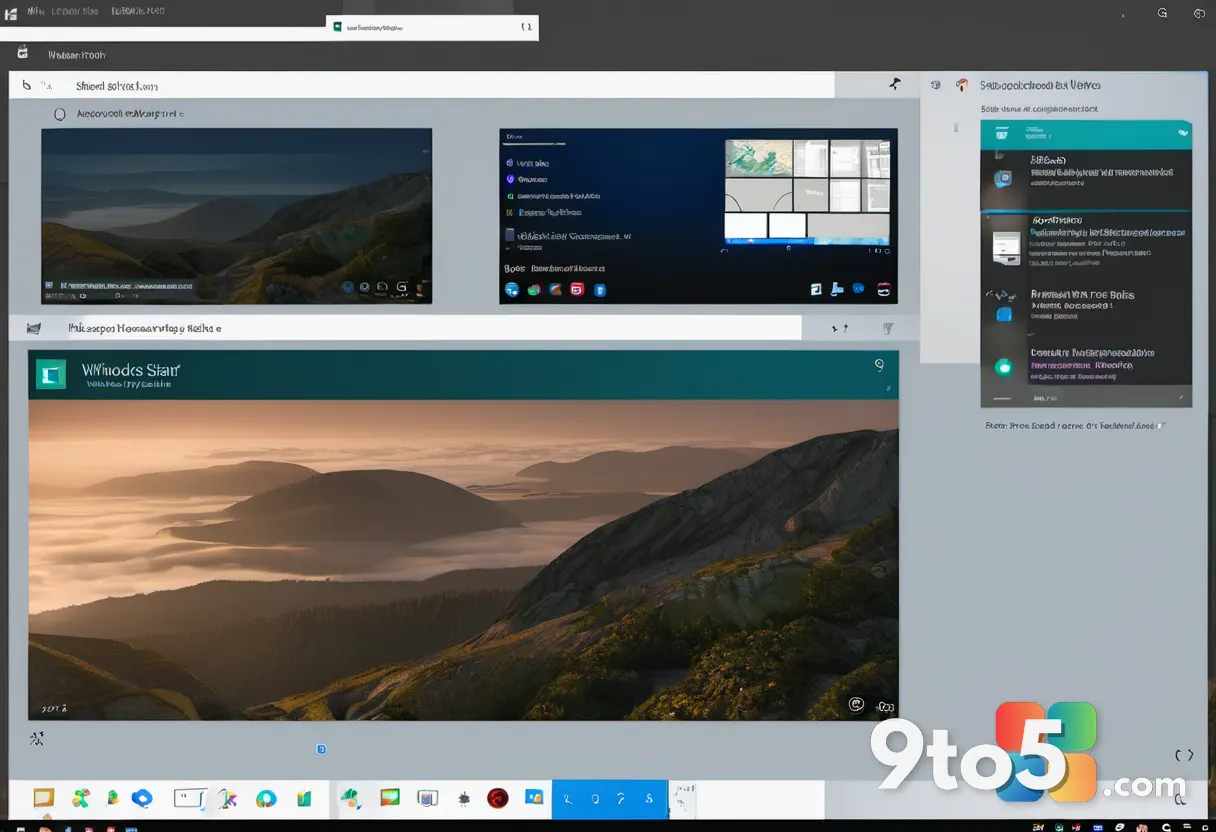
This stance aligns with Microsoft’s broader design philosophy for Windows 11, which prioritizes clarity and accessibility. When considering large-scale visual changes, the design team evaluates who will benefit from the investment, weighs usability and accessibility considerations, and ensures they can deliver a high-quality experience for all users. Rogers stated that whenever they evaluate such changes, they must be confident in meeting all requirements for a great experience across the entire Windows ecosystem.
A design philosophy rooted in legibility
The conversation resurfaced on July 31 under a post by Design lead Marcus Ash regarding a Windows quality update. Emrah revisited the topic, prompting Rogers to provide a more detailed explanation of Microsoft’s position. He reiterated that the company will not be making immediate changes to the existing transparency options in Windows 11, though he acknowledged the feedback remains valuable for future design iterations.
It is worth noting that Windows actually pioneered this aesthetic nearly two decades ago. Windows Vista, released in 2007, introduced Aero Glass, a translucent, frosted-glass interface that defined the look of the operating system for years. However, Microsoft eventually phased out Aero in Windows 8 in favor of flatter Acrylic and Mica effects, prioritizing performance and readability over heavy visual effects.
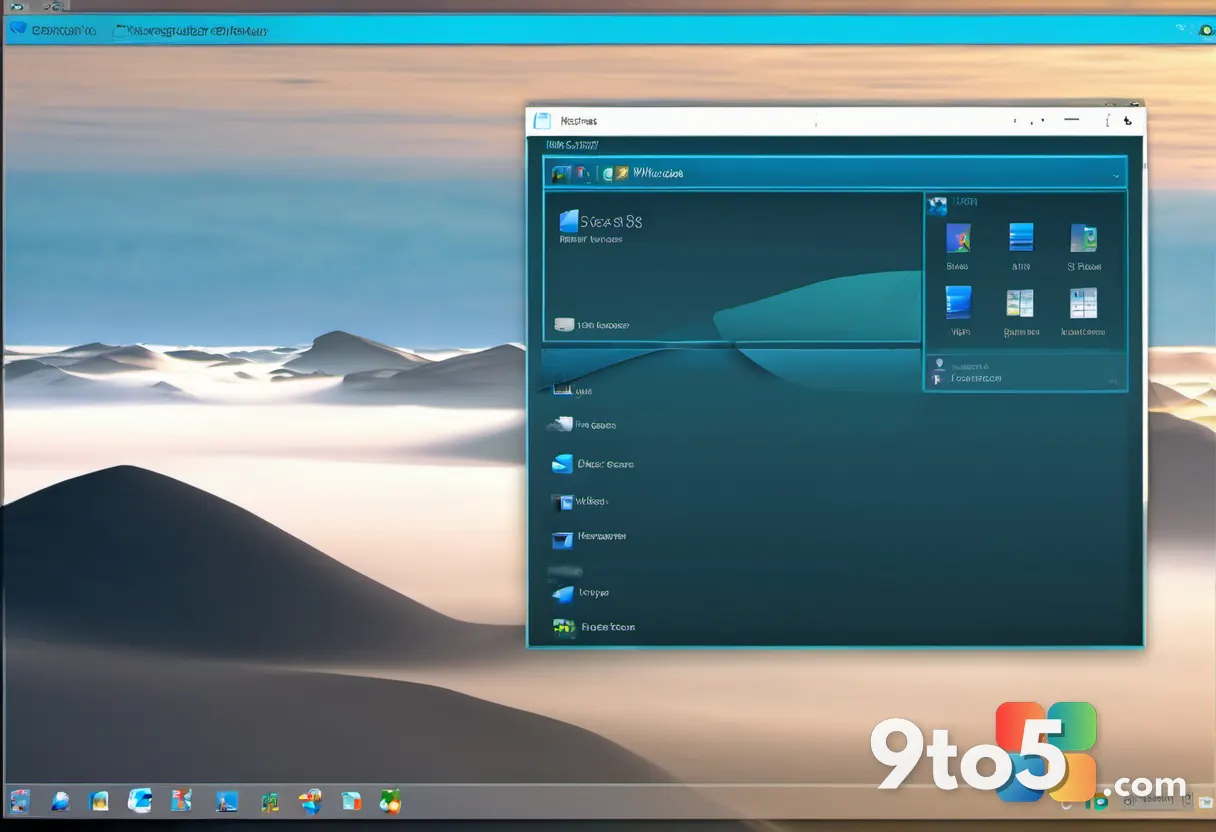
Rogers also pointed out that Microsoft considers what the developer community is already providing. Tools like Windhawk have filled the gap for users seeking advanced customization, allowing them to apply heavy frosted-glass blur effects to the Start menu, notifications, and calendar while keeping text and icons fully legible. By leveraging these community-driven solutions, Microsoft can offer flexibility without compromising the baseline accessibility standards required for the OS.
What this means for you
For the average Windows 11 user, this confirmation means that native transparency customization is not on the immediate roadmap. While Microsoft has been actively addressing other customization requests under its “Performance, Reliability, and Craft” pillars—such as a movable taskbar, a resizable Start menu, and section toggles—visual effects like Liquid Glass-style transparency are being deprioritized.
This decision reflects a broader trend in modern operating system design, where manufacturers balance aesthetic appeal with functional clarity. Heavy transparency effects can sometimes reduce contrast and make text difficult to read, particularly in bright environments or for users with visual impairments. By maintaining default transparency levels, Microsoft ensures that Windows 11 remains accessible and readable across a wide range of devices and use cases.
However, for power users and enthusiasts who prioritize personalization, the lack of native controls may feel limiting. Customization has long been a key argument for switching away from Windows, and the inability to deeply modify the interface can be a deterrent. While third-party tools offer a workaround, they often require additional setup and may not integrate as seamlessly as native features.
How to get a Liquid Glass-style look right now
If you are eager to achieve a Liquid Glass-inspired aesthetic on your Windows 11 PC, you can turn to Windhawk, a free, open-source mod manager for Windows. Once installed, you can search for the Windows 11 Start Menu Styler and Windows 11 Taskbar Styler mods within the application.
After enabling these mods, navigate to their settings tab and apply the TranslucentStartMenu and TranslucentTaskbar themes. You can select these themes directly from the dropdown menu or paste in the theme’s style code manually for more granular control. This approach allows you to add a frosted-glass effect to the Start menu, taskbar, File Explorer, and other shell surfaces.
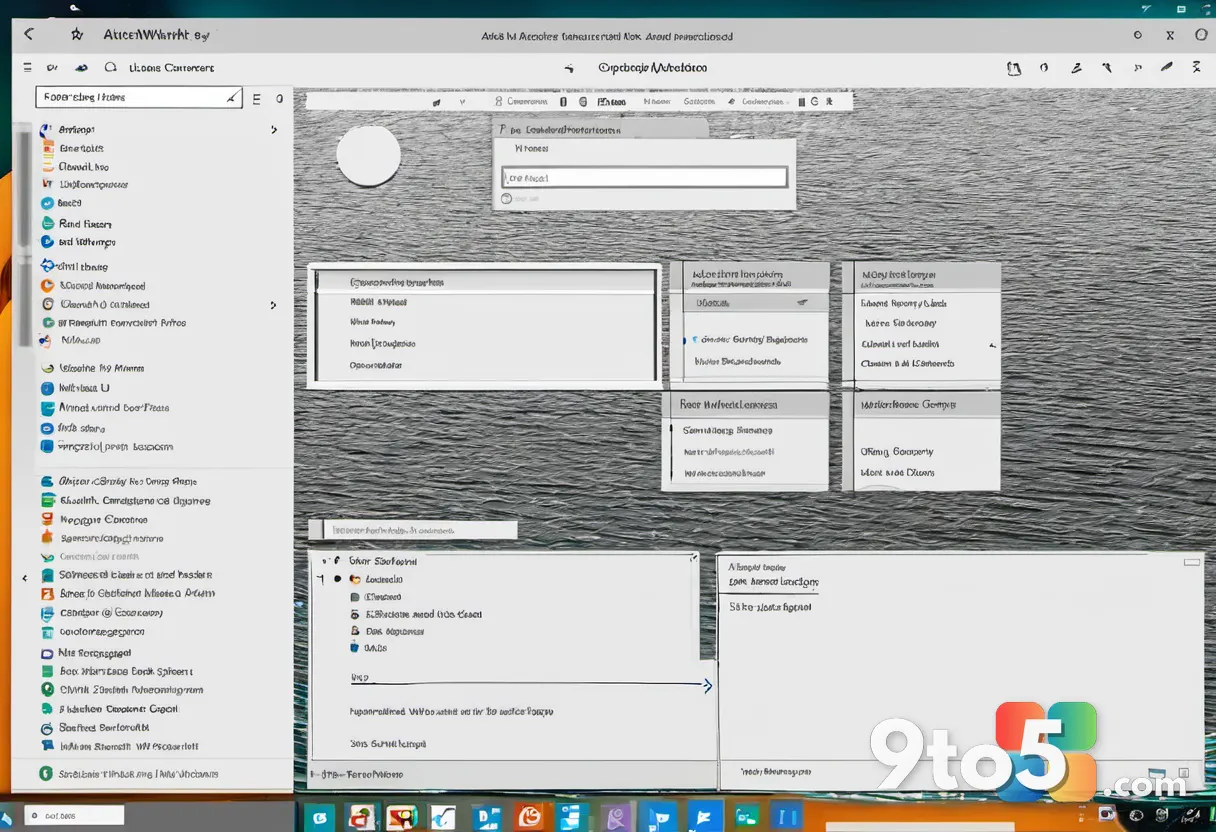
While this method provides a functional workaround, it is important to note that third-party mods may occasionally break after system updates and require manual adjustments. Additionally, relying on external tools for core interface elements carries a slight risk of instability compared to native OS features. For now, Microsoft’s stance is clear: Windows 11 will focus on optimizing performance and reliability, leaving deep visual customization to the community.
Source: Windows Latest
Over to you: Will you stick with the default Windows 11 look, or do you rely on third-party tools to customize your desktop?