Microsoft has officially confirmed that the sudden appearance of its new OneDrive Photos app on Windows 11 systems was the result of an accidental, overly broad rollout. The company told Windows Latest that the app “went more broadly than it should have in Windows” and stated that it is actively working to correct the situation. This admission comes after widespread reports of the app appearing on consumer devices and, more problematically, on enterprise PCs where it is not supported and cannot function properly.
The OneDrive Photos app first emerged on Windows Insider machines earlier this year as a beta feature. Starting August 1, 2026, it began appearing on consumer PCs equipped with the OneDrive sync client, eventually reaching nearly all users with the service installed. However, the rollout failed to respect the boundaries between consumer and enterprise environments, leading to significant friction with IT administrators who manage hundreds of devices via Microsoft Intune.
What is the OneDrive Photos app?
The new OneDrive Photos app is a web-based application powered by Microsoft Edge’s WebView2 runtime. It is designed to unify your photo experience by displaying images from both your local storage and your OneDrive cloud account in a single gallery view. The app replicates the interface you would see on OneDrive.com or the mobile app, aiming for consistency across platforms.
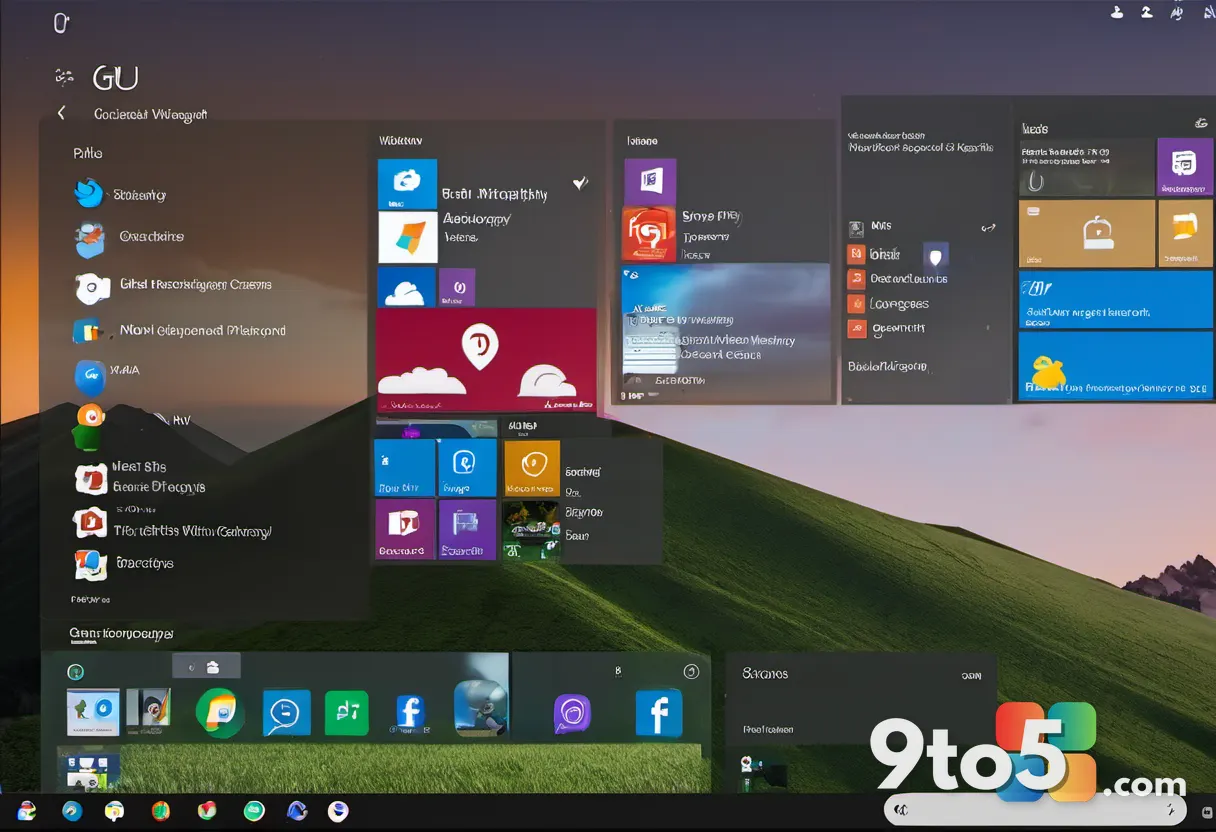
In practice, the app pulls content from your local folders, including personal directories outside the standard Pictures folder, as well as files stored in the cloud. By default, if you open the app without signing in, it still requests access to all photos on your PC. This behavior has raised privacy questions among users who prefer their local files remain strictly local.
Performance-wise, the app is relatively lightweight for a WebView2-based tool. In typical usage, it consumes less than 1GB of RAM on a system with 32GB of memory. However, memory usage can spike to 1-2GB when actively browsing large libraries or switching rapidly between local and cloud views. The app includes features like AI-powered search, album creation, and a “Moments” section that groups older photos chronologically.
The Enterprise Rollout Problem
The most significant issue with this rollout is its impact on enterprise environments. OneDrive Photos is intended for personal Microsoft accounts and consumer devices. It is not packaged as an MSI installer and is not compatible with Windows 11 Enterprise editions managed through group policy or Intune.

Despite these limitations, the app was deployed to thousands of enterprise PCs. IT administrators reported that the app appeared in the Start menu and could not be removed through standard management tools. Because the app is bundled with the OneDrive sync client, there is no standalone uninstaller or policy setting to block it. This has led to frustration among IT professionals who rely on strict control over installed software across their organizations.
Microsoft has acknowledged that the app will automatically disappear from enterprise PCs managed by Intune once the fix is deployed. However, the company has not provided a timeline for this fix or a method to remove the app from consumer PCs without affecting the core OneDrive sync functionality.
How to Remove the OneDrive Photos App
Currently, there is no easy way to remove the OneDrive Photos app independently. The only available method is to uninstall the entire OneDrive sync client, which will also remove the Photos app. This approach is not ideal for users who rely on OneDrive for file synchronization but do not want the new photo interface.
If you choose to proceed with a full uninstallation, follow these steps:
- Open Settings > Apps > Installed apps.
- Search for OneDrive in the list.
- Click the Uninstall button next to the OneDrive entry.
- Restart your PC to complete the process.
After restarting, both the OneDrive sync client and the OneDrive Photos app will be removed. You can reinstall OneDrive later if needed, though the Photos app may reappear depending on the version you install.
Microsoft has stated that it is adding controls to allow users to remove the OneDrive Photos experience separately from the OneDrive app. Until that update is released, the full uninstallation remains the only option for those who wish to get rid of the app.
What This Means for You
For most Windows 11 users, the accidental rollout is a temporary inconvenience. If you do not use the OneDrive Photos app, you can ignore it or uninstall OneDrive entirely to remove it. However, if you rely on OneDrive for file backup and synchronization, you will need to wait for Microsoft to release a separate removal option.
The incident highlights the ongoing tension between Microsoft’s push to integrate cloud services into Windows and user preferences for system control. While the OneDrive Photos app offers a unified photo experience, its forced deployment on systems where it is not wanted has created unnecessary complexity for both consumers and IT administrators.
What to Do Next
If you have the OneDrive Photos app on your PC and want to remove it, your options are limited until Microsoft releases a fix. You can either uninstall OneDrive entirely or wait for the upcoming update that allows separate removal. Keep an eye on Windows Update for any new patches that address this issue.

For enterprise users, continue to monitor Intune updates for guidance on blocking the app. Microsoft’s confirmation suggests that a resolution is in progress, but until then, the app remains a persistent presence on affected systems.
Source: Windows Latest
Over to you: Are you keeping the new OneDrive Photos app, or will you uninstall OneDrive entirely to get rid of it?