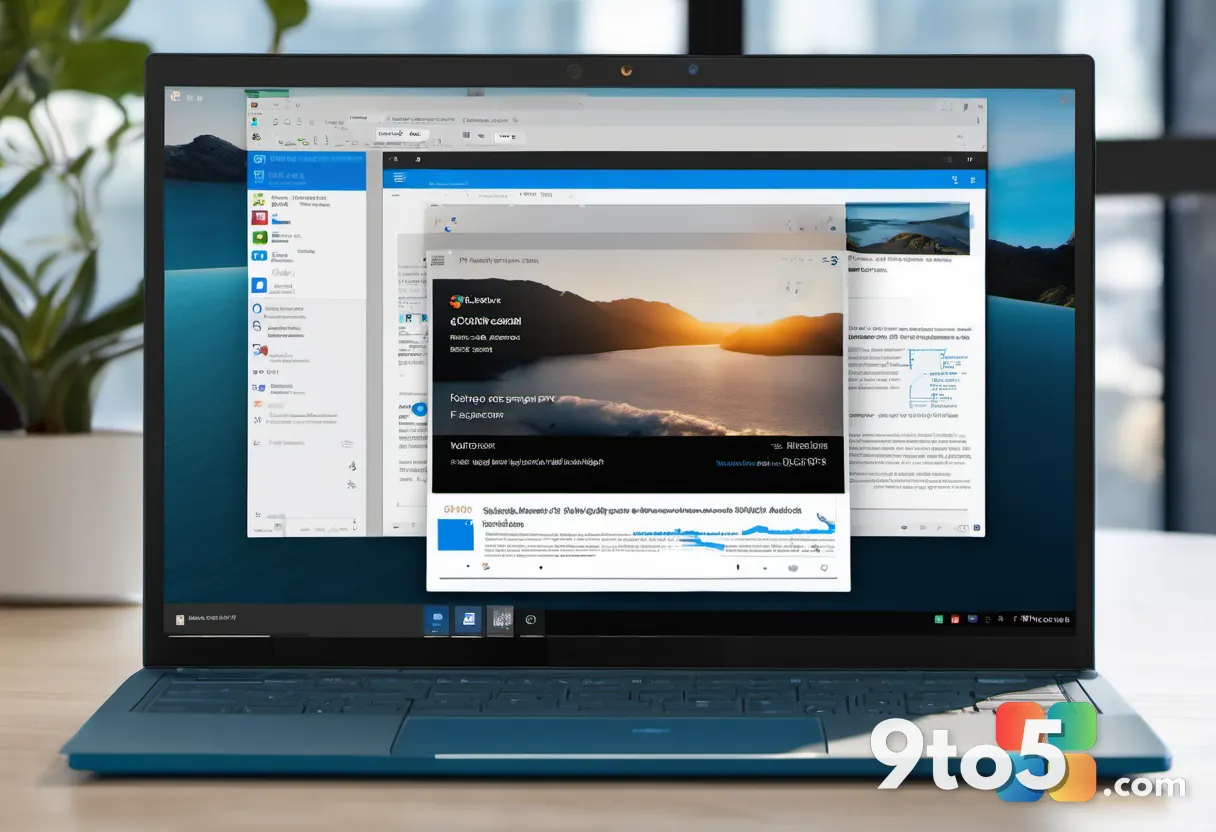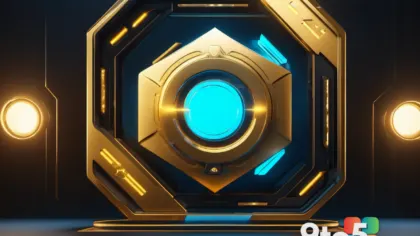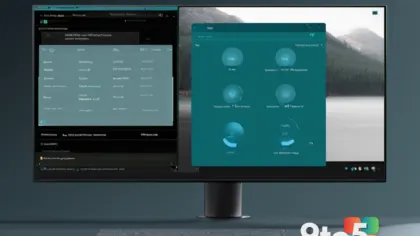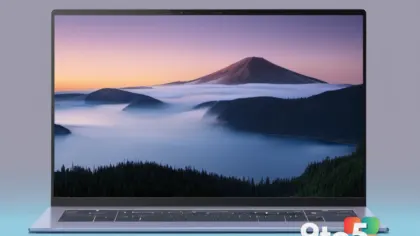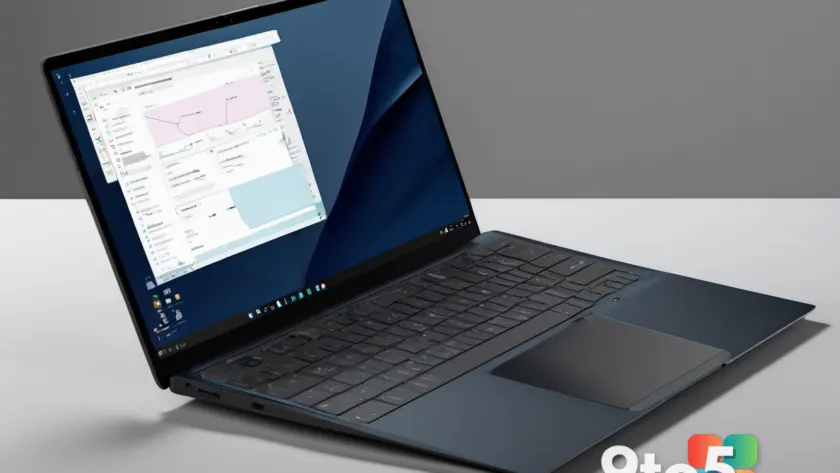
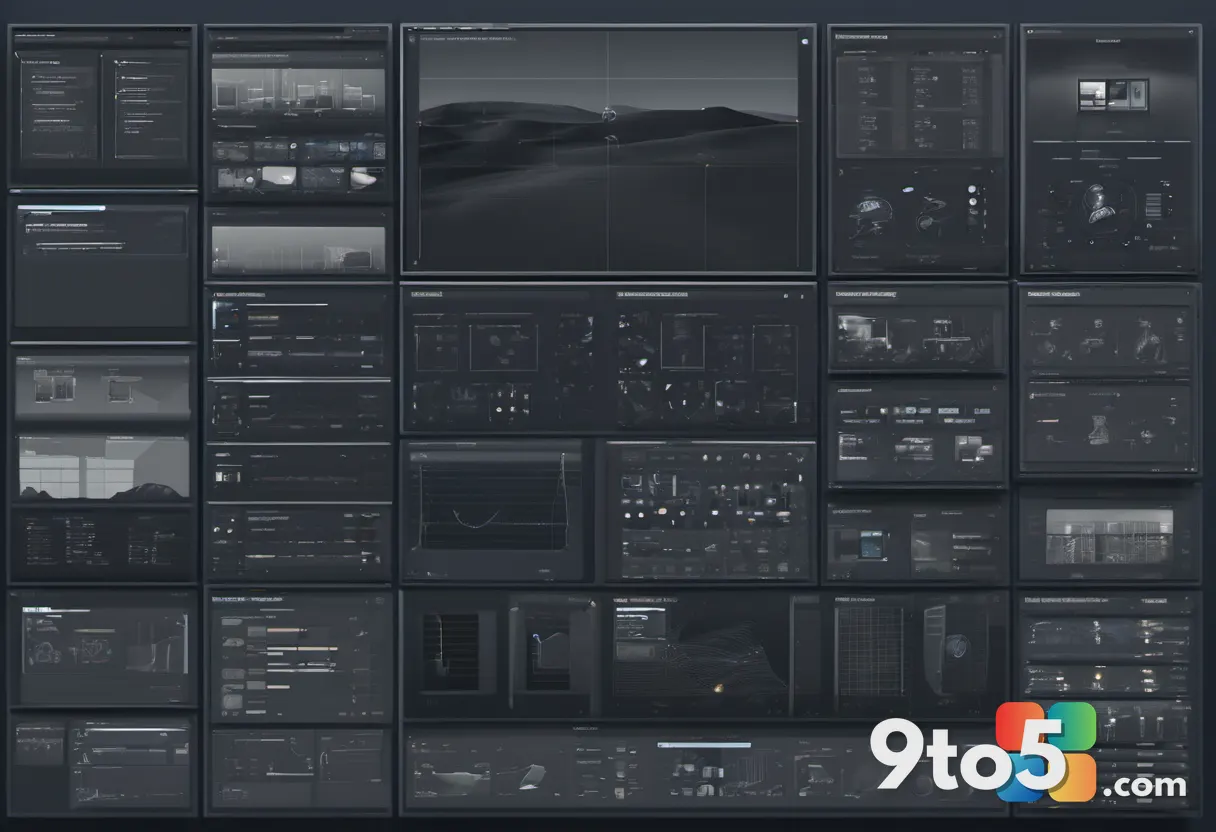
Microsoft has rolled out eight new official Surface wallpapers, and if you’ve been wanting to freshen up your desktop with something a bit more refined, these are worth a look. The new set leans heavily into dark, hardware-inspired designs that echo the look and feel of Microsoft’s own devices.
Unlike the bright, colorful wallpapers that have dotted Windows’ history, these new Surface wallpapers take a more understated approach. The designs appear to draw on the industrial aesthetics of the Surface lineup—the materials, the lighting, and the clean lines that Microsoft has pushed with its laptops and 2-in-1s over the years.
What’s in the set
According to the report from Neowin, Microsoft released the eight wallpapers as official downloads available for your desktop. The set is unified around a dark color palette, which tends to look particularly sharp on modern displays and pairs well with the darker accent themes Windows 11 offers out of the box.
Each wallpaper in the set takes a hardware-inspired angle, meaning the imagery is built around the physical design language of the Surface family rather than abstract art or landscapes. That gives the collection a cohesive, premium feel that matches the branding Microsoft uses for the Surface brand itself.
For readers who want the exact pixel dimensions or file formats, Microsoft typically ships these wallpapers as standard desktop-optimized images sized for common resolutions. As with previous official releases, they’re intended to drop straight onto Windows 11 without any resizing required, so you shouldn’t have to fight with stretched or pixelated results.
Where this fits in Microsoft’s wallpaper history
Microsoft isn’t new to handing out free desktop wallpapers. Over the years, the company has released official wallpaper packs tied to Windows updates, Surface launches, and seasonal themes. These have ranged from the abstract “Windows Bloom” imagery of the Windows 7 era to the more photographic, nature-focused sets that showed up with later releases.
The Surface-branded wallpapers, in particular, have a longer track record. Microsoft has periodically shared wallpapers that showcase the devices themselves—often shot in dramatic lighting to highlight the aluminum and glass construction. This new dark set continues that tradition while leaning into a moodier, more contemporary aesthetic that suits today’s dark-mode preferences.
It’s worth noting that Microsoft doesn’t always announce these wallpaper drops with a big fanfare. They frequently appear quietly on the company’s website or newsroom, which is likely how this set of eight became available in the first place. The Neowin report picked up on the change and rounded them up for readers who might otherwise miss them.
How to download the new Surface wallpapers
Getting the new Surface wallpapers is straightforward. Microsoft hosts its official wallpapers on its website, and this set is available as a downloadable pack. You can find them through Microsoft’s official Surface or Windows resources, then grab the images you want.
Once downloaded, setting one as your wallpaper is a matter of right-clicking the image and choosing “Set as desktop wallpaper,” or dragging the file onto your desktop and selecting it from Windows 11’s personalization settings under Background. Because they’re sized for standard displays, they should tile and crop cleanly across most monitor configurations, whether you’re on a single 4K panel or a multi-setup.
If you’re on a Surface device specifically, these wallpapers are a natural fit—they’re designed to complement the hardware you’re already running. But there’s nothing stopping you from using them on any Windows 11 PC, laptop, or desktop, regardless of what you’re running it on.
What This Means for You
For everyday Windows users, this is a low-stakes, high-reward update. Wallpapers are one of the easiest ways to change how your PC feels without spending a dime or changing any settings beyond your background image. A dark, hardware-inspired set can give a cluttered desktop an instant visual reset, especially if you favor darker themes and accent colors.
They’re also a good option if you’re building a cohesive look. Matching your wallpaper to a dark accent color and coordinating icons can make a standard Windows 11 setup feel more intentional rather than stock. And because these are official Microsoft images, you don’t have to worry about third-party wallpaper sites bundling junk or shipping low-quality uploads that look muddy when zoomed in.
One practical note: if you’ve kept the same wallpaper for years, swapping in a fresh one every now and then is a cheap way to keep your setup feeling new. These eight give you enough variety to rotate through the seasons without committing to a single image for too long, so there’s a reasonable case for downloading the whole set rather than just picking one.
Source: Neowin
Over to you: Are you swapping in one of Microsoft’s new dark Surface wallpapers, or are you sticking with your current desktop look?