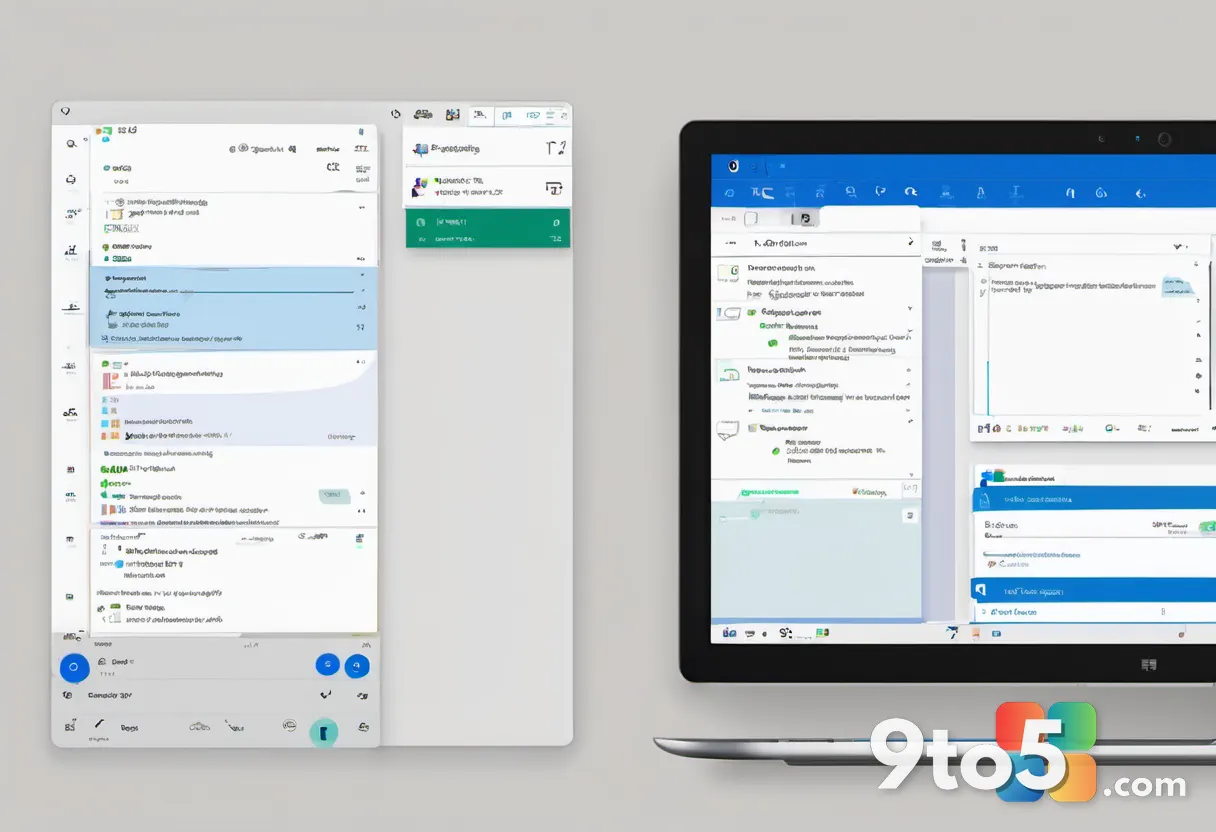
Microsoft has officially begun rolling out Planner support within New Outlook for Windows, a move that underscores the broader strategy behind the Planner New Outlook integration. This update allows users to pin Planner directly to the left sidebar, mirroring the existing integration of Microsoft To Do. According to a post on the Microsoft 365 admin portal, the feature is being deployed gradually, with full availability expected by the end of August 2026.
This integration is not merely a convenience update; it represents a calculated effort to reduce context switching for users. By embedding Planner alongside emails and calendar events, Microsoft aims to create a unified workspace that competes more effectively with standalone task management solutions. The decision to limit this rollout to New Outlook, rather than extending it to Outlook Classic, highlights the ongoing tension between legacy support and modern feature development.
The Strategic Shift Toward Planner
Microsoft To Do has effectively entered maintenance mode, receiving minimal updates while the company pivots toward Planner. While both tools handle task management, Planner is positioned as the superior option for organizational planning, offering features that align better with enterprise workflows. Microsoft To Do remains focused on personal task tracking, but its role within the Microsoft 365 ecosystem appears to be diminishing.
The migration from To Do to Planner reflects a broader trend in Microsoft’s product strategy, where individual tools are being merged or deprecated in favor of more comprehensive platforms. Users who have relied on Microsoft To Do for personal productivity may find themselves needing to adapt to Planner’s interface and capabilities. This shift is likely to impact users who prefer the simplicity of To Do, as Planner introduces a more complex, project-oriented approach to task management.
Outlook Classic’s Restricted Update Path
Outlook Classic is also in maintenance mode, with Microsoft stating that new features will only be added if they are AI-powered. This policy means that non-AI enhancements, such as Planner integration, will not be backported to the classic client. The company has been transparent about this approach, emphasizing that Outlook Classic will receive bug fixes and AI-driven improvements rather than feature additions.
The restriction of new features to AI-powered updates is a significant departure from previous development cycles, where Outlook Classic regularly received functional enhancements. This change is likely to accelerate the migration to New Outlook, as users who require advanced task management capabilities will need to adopt the newer client. The introduction of a dedicated Copilot button in the ribbon and AI-powered compose features are examples of the type of updates that will continue to be available in Outlook Classic.
Technical Upgrades and User Impact
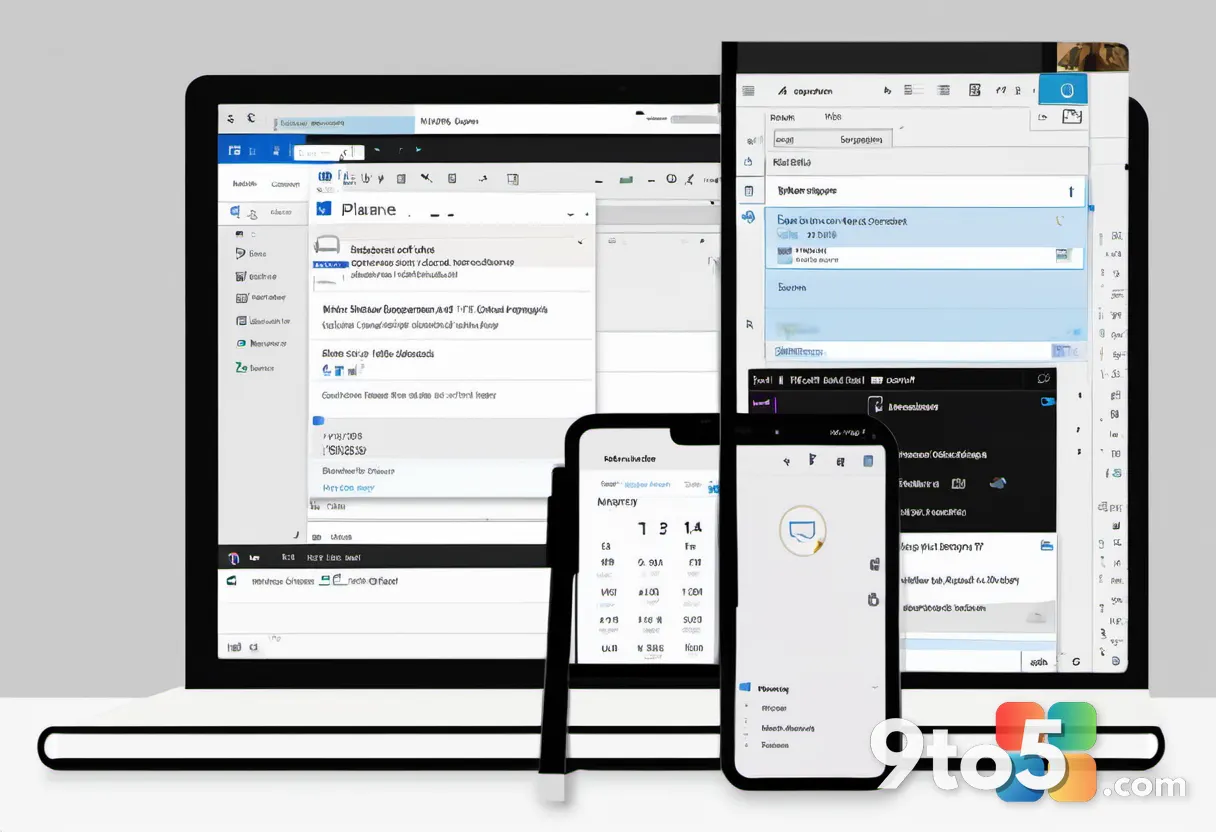
The integration of Planner in New Outlook allows users to create and manage tasks directly within the email interface, eliminating the need to switch between applications. This functionality is available without a Microsoft 365 Copilot license, making it accessible to a wider range of users. The feature is designed to streamline workflows by enabling seamless interaction between emails, calendar events, and task lists.
For users who rely on detailed project planning, Planner’s integration into New Outlook provides a more cohesive experience compared to the fragmented approach of using separate applications. The ability to view and manage tasks alongside emails can significantly reduce the cognitive load associated with switching between tools. This integration is particularly beneficial for users who manage multiple projects and need to keep track of tasks in relation to their communication.
In addition to Planner integration, Microsoft is implementing improvements to shared calendar functionality in Outlook Classic. The company is replacing the legacy MAPI-based model with a modern REST-based approach, which is expected to enhance syncing and performance. This change aligns Outlook Classic more closely with New Outlook in terms of calendar capabilities.
The transition to a REST-based model for shared calendars is a technical upgrade that addresses long-standing performance issues. Users who have experienced delays or synchronization problems with shared calendars may notice an improvement in reliability and speed. This update is part of Microsoft’s ongoing effort to modernize the underlying infrastructure of Outlook Classic, ensuring that it remains functional while the company focuses on New Outlook for future development.
What This Means for Your Workflow
The rollout of Planner in New Outlook signals a clear direction for Microsoft’s productivity suite, with a focus on integration and AI-driven features. Users who value a unified workspace should consider adopting New Outlook to take advantage of these enhancements. Those who prefer the simplicity of Outlook Classic may need to reassess their workflow in light of the limited feature updates.
The decision to prioritize Planner over Microsoft To Do and to limit Outlook Classic updates to AI features reflects Microsoft’s commitment to a more integrated and intelligent productivity ecosystem. Users should be prepared for a gradual transition to these new tools and consider how they align with their personal and professional needs. The availability of Planner in New Outlook by August 2026 provides a timeline for users to adapt to these changes.
How to Access the Update
If you are already using New Outlook for Windows, you should begin seeing the Planner option in the left sidebar within the next few weeks. Microsoft has confirmed that the rollout is being managed through the standard update channels, meaning no manual intervention is required. Users who do not see the feature immediately should ensure their client is set to receive the latest updates.
For those still on Outlook Classic, the Planner integration will not be available. You will continue to rely on Microsoft To Do for task management, though its development appears to be slowing. If you find yourself needing more robust planning capabilities, migrating to New Outlook will be necessary to access these features. Microsoft’s admin portal post serves as the primary source for rollout timelines and feature availability.
Source: Windows Latest
Over to you: Are you planning to switch to New Outlook for the Planner integration, or will you stick with Outlook Classic?
You may also like
 Exclusive: Lenovo ThinkBook Aeroblade Leaked as Thinnest Business Laptop Yet
 Microsoft Admits Force-Installing OneDrive Photos on Windows 11, Denies AI Face Training
 Xbox Free Play Days Returns This Weekend With NBA 2K26 and Ghost Recon
 Aliens: Fireteam Elite Leaving Game Pass in 9 Days — Here’s Why You Should Play It Now