Microsoft has confirmed that the upcoming Patch Tuesday update for Windows 11 will introduce a notable change to File Explorer: file sizes will now be displayed using appropriate units such as kilobytes (KB), megabytes (MB), and gigabytes (GB) instead of exclusively in kilobytes. This update is scheduled to arrive with the July 28, 2026, preview update, KB5101684.
For years, Windows users have seen file sizes listed in raw kilobytes, even for large files. A 1.5-gigabyte file would appear as 1,500,000 KB. While this method has been consistent since the early days of Windows, it often required mental math to gauge the actual size of a file. The new approach aims to simplify this by automatically converting sizes into the most readable unit.
What is changing in File Explorer?
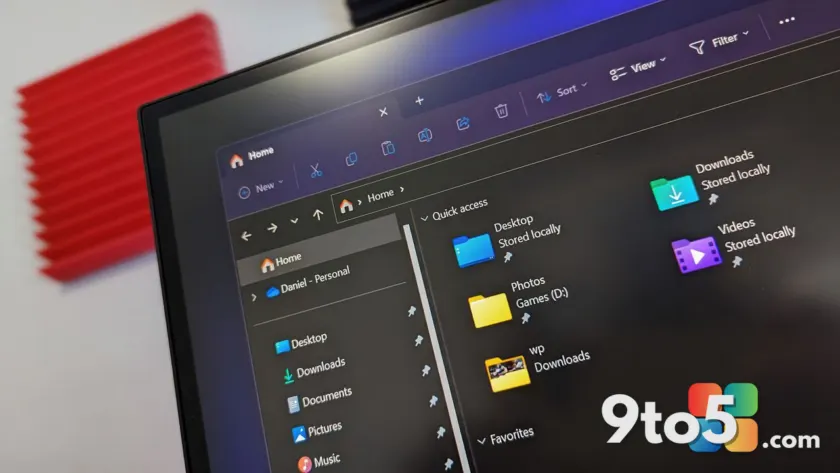
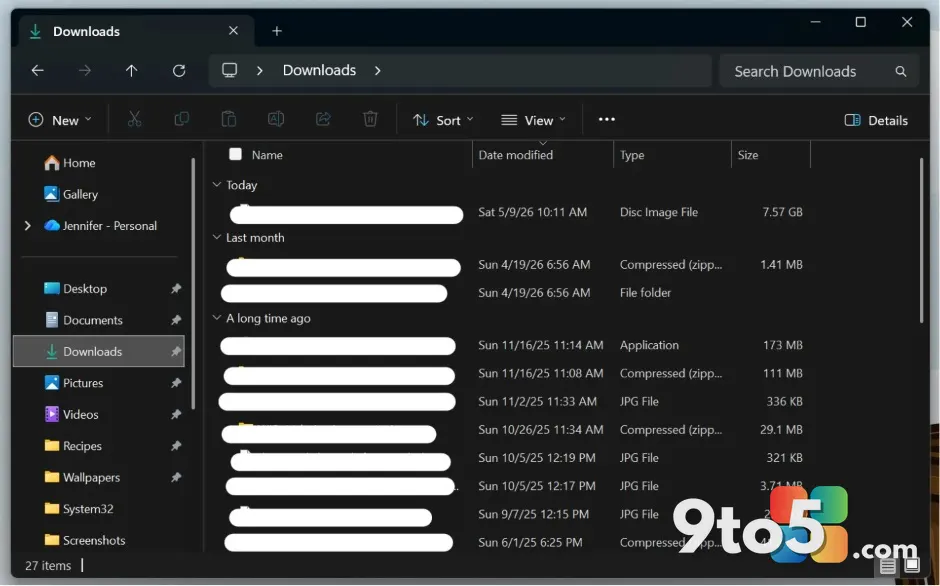
The core change is straightforward. When you view files in File Explorer, the “Size” column will now show the most appropriate unit based on the file’s actual size. Small files will still appear in KB, but as files grow larger, they will switch to MB and then GB. This eliminates the need to count zeros and provides a clearer picture of storage usage at a glance.
This change aligns File Explorer with how other parts of Windows already handle file sizes. For instance, when you check the properties of a file or view storage usage in Settings, Windows has long used mixed units. The File Explorer change brings consistency to the user interface, reducing confusion for those who switch between different views of the same data.
Why is Microsoft making this switch?
Microsoft has likely made this change in response to user feedback and a broader effort to modernize the Windows experience. The current system, while functional, can be cumbersome for users who are not familiar with the exact number of kilobytes in a megabyte. By displaying sizes in the most relevant unit, Microsoft aims to make File Explorer more intuitive and user-friendly.
This update is part of a series of changes Microsoft is making to Windows 11 to improve usability and performance. Alongside the file size display change, Microsoft is also planning a major overhaul of the context menus, designed to enhance reliability and performance. These changes reflect Microsoft’s ongoing commitment to refining the Windows 11 experience based on user feedback and evolving usage patterns.
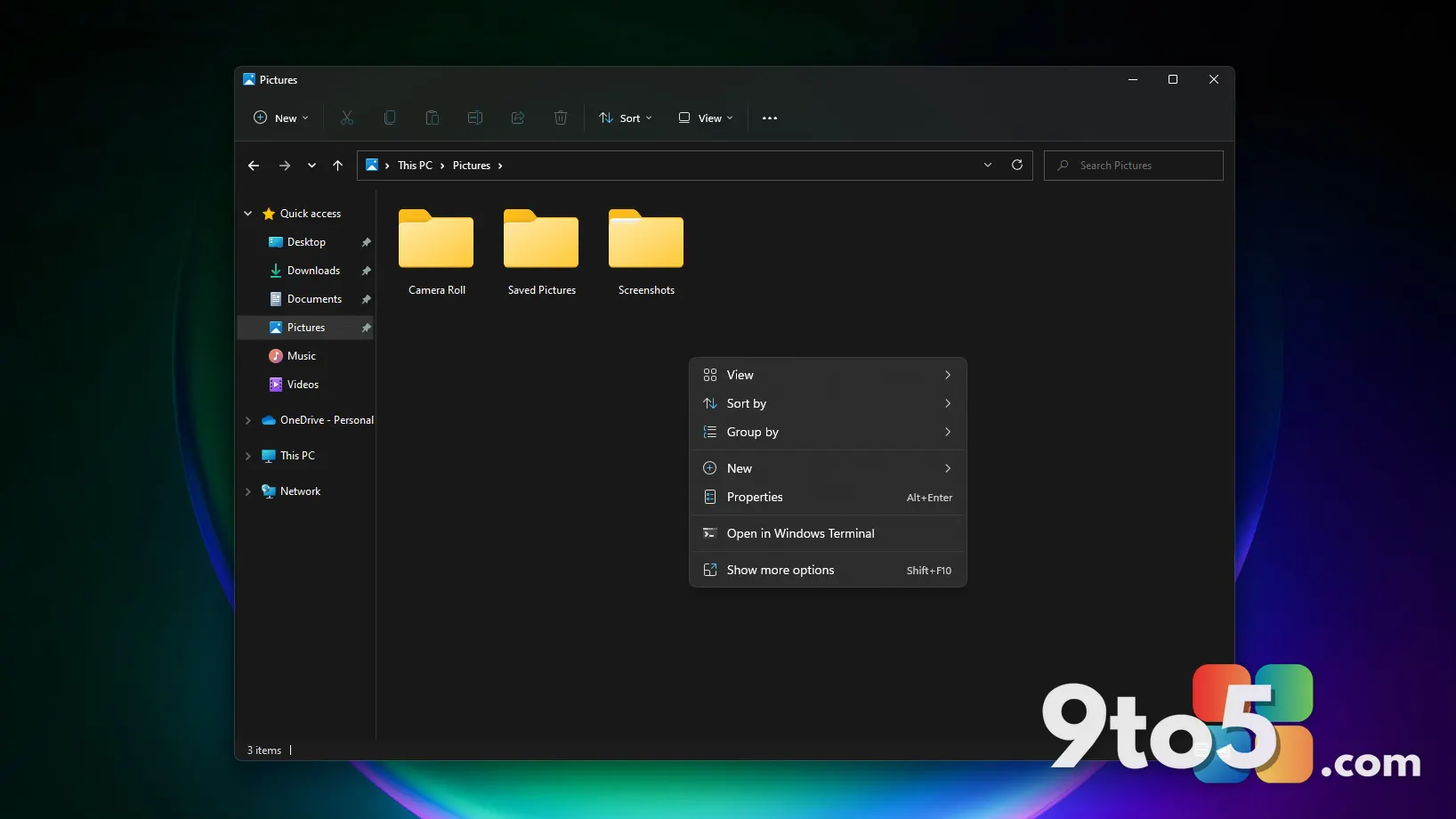
The context menu overhaul, as noted in recent reports, aims to address long-standing issues with slow and cluttered right-click menus. By streamlining these menus, Microsoft hopes to improve the overall responsiveness of File Explorer and other apps that rely on context menus. This broader effort to modernize Windows 11 includes various other improvements aimed at enhancing the user experience.
The learning curve for power users
While many users will welcome this change, it may present a learning curve for power users who have grown accustomed to the current system. For years, users have scanned file sizes by the number of digits, quickly identifying the relative size of a file based on its kilobyte count. With the new system, a 400 KB file might appear next to a 400 MB file, requiring users to adjust their scanning habits.
Some users may find the change frustrating, especially if they rely on the exact kilobyte count for specific tasks. However, Microsoft has not indicated whether users will have the option to revert to the previous display method. If not, this could lead to a period of adjustment for those who prefer the old system.
What this means for you
For the average Windows 11 user, this change should be a welcome improvement. It simplifies the process of understanding file sizes and reduces the need for mental math. Whether you are managing photos, documents, or large media files, the new display method will make it easier to gauge storage usage and organize your files.
Power users who rely on precise file size information may need to adapt their workflow. While the new system provides a clearer overview, it may require a shift in how you quickly assess file sizes. However, the benefits of a more intuitive interface likely outweigh the temporary inconvenience.
Additionally, this change may impact how you interact with third-party file management tools. If you use software that relies on specific file size formats, you may need to update these tools to accommodate the new display method. Microsoft’s decision to standardize file size display across the operating system suggests that third-party developers will likely follow suit in future updates.
The broader changes Microsoft is making to Windows 11, including the context menu overhaul, signal a continued effort to modernize the operating system. Users can expect more updates aimed at improving usability and performance in the coming months. Staying informed about these changes will help you make the most of the updated Windows 11 experience.
How to get the update
To experience this change, you will need to install the July 28, 2026, preview update, KB5101684. You can obtain this update through Windows Update by navigating to Settings > Windows Update and checking for updates. Alternatively, you can manually download the update from the Microsoft Update Catalog.
Once installed, you will notice the new file size display in File Explorer immediately. If you prefer the old system, you may need to wait for Microsoft to provide an option to revert, or you can continue using the current build until a future update addresses this.
As Microsoft continues to refine Windows 11, users can expect more changes aimed at improving usability and performance. This update is a step in that direction, offering a more intuitive way to view file sizes and aligning File Explorer with modern user expectations.
Source: Latest from Windows Central
Build details:
- kb5101684
Over to you: Are you ready for the new file size display in File Explorer, or do you prefer the old KB-only format?
You may also like
 New OneDrive Photos App Just Appeared on Windows 11: Here’s What It Does and How to Remove It
 Windows 11 Insider Preview Builds Get Adaptive Hibernate, Taskbar Positioning, and Compact Size Options
 Windows 11’s Right-Click Menu Is Getting a Faster, More Compact Redesign
 Windows 11 File Explorer Just Updated Its File Size Display