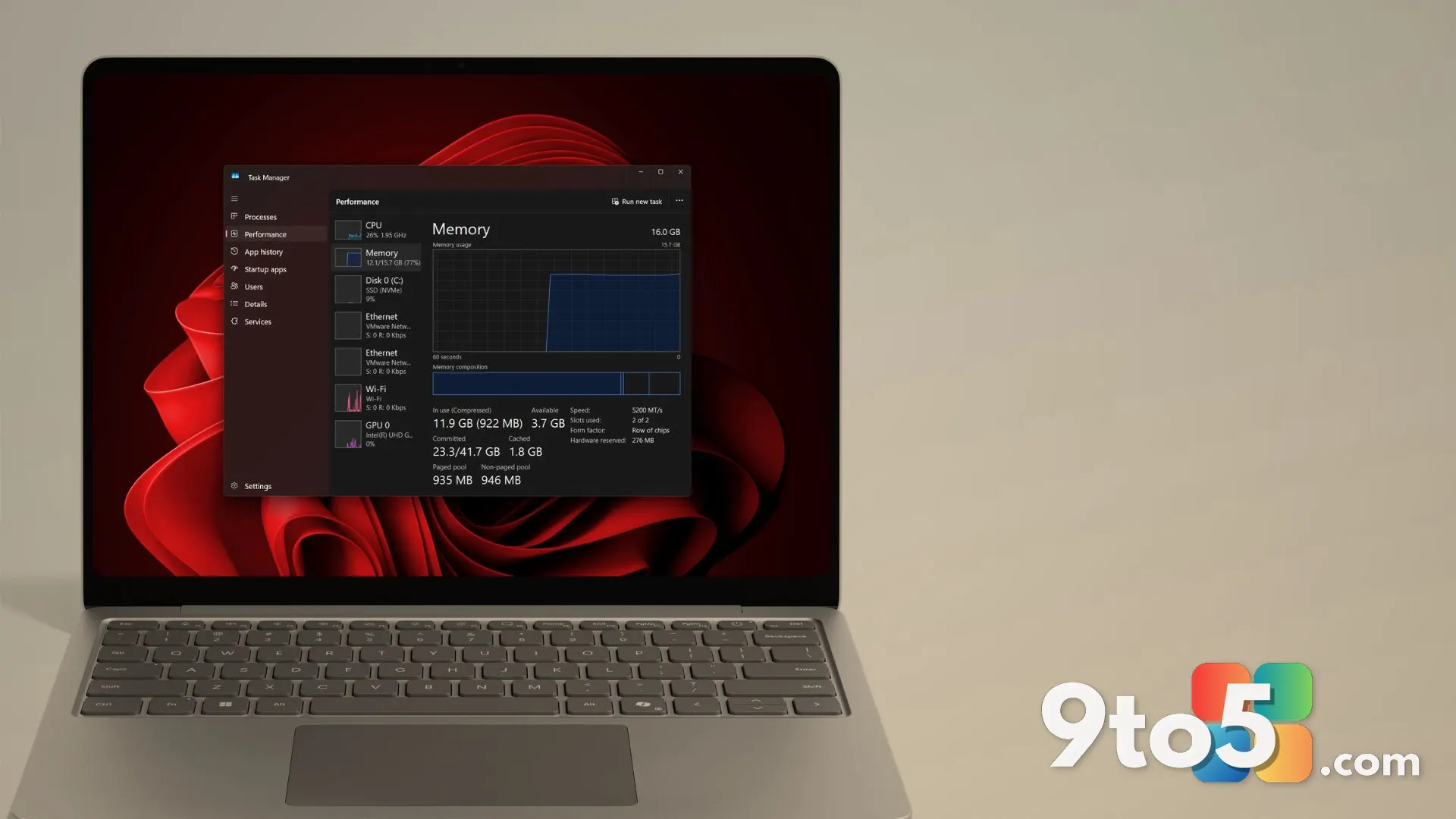
Microsoft has officially confirmed that 8GB RAM optimization will be a core development focus for Windows 11 through the end of 2026. Pavan Davuluri, Microsoft’s head of Windows + Devices, outlined the initiative during a recent Windows Insider event, placing it alongside broader commitments to improve out-of-box setup, family controls, and voice interaction. The announcement signals a definitive shift in how Microsoft approaches budget and mid-range hardware, acknowledging that the current Windows experience on lower-memory machines requires substantial refinement.
From Experimental Hardware to Core Priority
The push to refine Windows 11 on 8GB of RAM did not emerge in a vacuum. Back in March, Microsoft committed to a sweeping overhaul of Windows performance, stability, and user control, which already included scaling back Copilot’s presence in native apps, previewing a redesigned Start menu and taskbar, and granting users more granular control over update scheduling. Those early promises laid the groundwork, but the memory optimization effort now represents the most technically demanding component of that roadmap.
Competitive pressure has also accelerated the timeline. Apple’s introduction of the MacBook Neo, a machine shipping with just 8GB of RAM, demonstrated how tightly integrated hardware and software can deliver a responsive experience even on modest specifications. Microsoft has already responded with 8GB configurations for the Surface Laptop and other OEM partners, but historically, Windows has treated 8GB as a functional floor rather than a comfortable baseline. Users managing multiple browser tabs, background services, or integrated productivity suites have long reported sluggish performance, forced app suspensions, and frequent paging to storage drives.
The Technical Approach to 8GB RAM Optimization
Microsoft is tackling the memory bottleneck through a combination of framework-level changes and component-specific tuning. At the core of the effort is the WinUI 3 framework, which governs the visual and interactive elements across many native Windows applications. Chris Anderson, a developer on Microsoft’s WinUI team, previously identified WinUI 3 as a primary target for memory reduction, a point Davuluri directly echoed in his recent update. Applications built on this framework will be designed to consume less memory by default, rather than relying on post-launch patches to trim overhead.
Beyond the UI layer, Microsoft is deploying a more efficient memory allocator to reduce baseline overhead across system components. Davuluri detailed the progress on X, noting that the company is continuing to tune WinUI 3, drive efficiencies across Chromium and Webview2 components embedded in the operating system, and refine how Windows handles background processes. These changes are not isolated fixes; they represent a systematic audit of how Windows 11 manages resources from boot to idle.
What This Means for You
For everyday users, the most immediate impact will be felt on machines running the current minimum hardware specification of 4GB, and especially on the growing number of 8GB Windows 11 PCs. While Microsoft has not publicly disclosed specific Key Performance Indicators for acceptable responsiveness on low-end hardware, the direction is clear: Windows should no longer feel like a liability on 8GB systems. In practice, this means fewer forced app suspensions, smoother tab switching in Edge, and a more predictable experience when running multiple productivity tools simultaneously.
The announcement also touches on the out-of-box experience, family controls, and voice interaction. The current Windows setup process remains unnecessarily complex, requiring multiple account verifications and backup prompts before reaching the desktop. Microsoft’s commitment to streamlining this phase should reduce initial friction, though the exact implementation details remain unannounced. Family controls will see faster setup and clearer boundaries, while voice interaction aims to feel more natural across daily apps. However, privacy concerns and performance overhead will likely dictate how widely adopted these features become.
How to Get It
Microsoft has stated that memory optimization work will continue through the end of 2026. Users will not receive a single update that instantly resolves every memory-related issue; instead, improvements will arrive incrementally through regular Windows Update channels and the Windows Insider program. Those running the affected builds should expect gradual performance gains as the WinUI 3 tuning and memory allocator refinements are deployed. If you are currently managing a budget PC and noticing consistent slowdowns, the upcoming updates should provide meaningful relief, though pairing the software optimizations with a hardware upgrade to 16GB will remain the most reliable path for power users.
Source: PCWorld
Over to you: Will you stick with an 8GB Windows 11 machine, or is it finally time to upgrade to 16GB?
You may also like
 Microsoft Confirms Windows 11 Memory Optimization for 8GB PCs Is Coming by End of 2026
 The Best Monitors in 2026: Top Picks for Gaming, Productivity, and HDR
 Windows Quality Update: Four Months of Progress and What’s Next
 Dubai’s Aggressive AI Push: Stargate, Data Centers, and the Quest for Tech Supremacy