As the end-of-support deadline for Microsoft Office 2021 draws closer, LibreOffice is making a strategic push to attract users looking for a permanent alternative to subscription-based software. The developers behind the open-source suite are emphasizing their “true” lifetime license model, positioning it as a cost-effective and sustainable solution for individuals and businesses alike.
This move comes at a critical time for millions of users who rely on Office 2021. With Microsoft phasing out support, the pressure is on to find a reliable replacement that doesn’t require ongoing payments. LibreOffice is stepping into this gap with a clear message: you can have professional-grade office software without the recurring fees.
The Office 2021 End-of-Support Reality
Microsoft Office 2021, released as a perpetual license option, is approaching its end-of-support date. Once support ends, the software will no longer receive security updates, bug fixes, or technical assistance from Microsoft. For users who haven’t migrated to Microsoft 365, this means their office suite is effectively frozen in time, exposing them to potential security vulnerabilities.
The decision to stop supporting Office 2021 aligns with Microsoft’s broader strategy of pushing users toward its subscription-based Microsoft 365 service. While 365 offers continuous updates and cloud integration, it requires a yearly or monthly payment. For many users, this perpetual shift in pricing model has been a source of frustration, prompting them to explore alternatives like LibreOffice.
LibreOffice’s “True” Lifetime License
At the heart of LibreOffice’s campaign is the concept of a “true” lifetime license. Unlike Microsoft’s model, which transitions from a one-time purchase to a subscription, LibreOffice is completely free and open-source. This means users can download, install, and use the software indefinitely without any hidden costs or renewal fees.
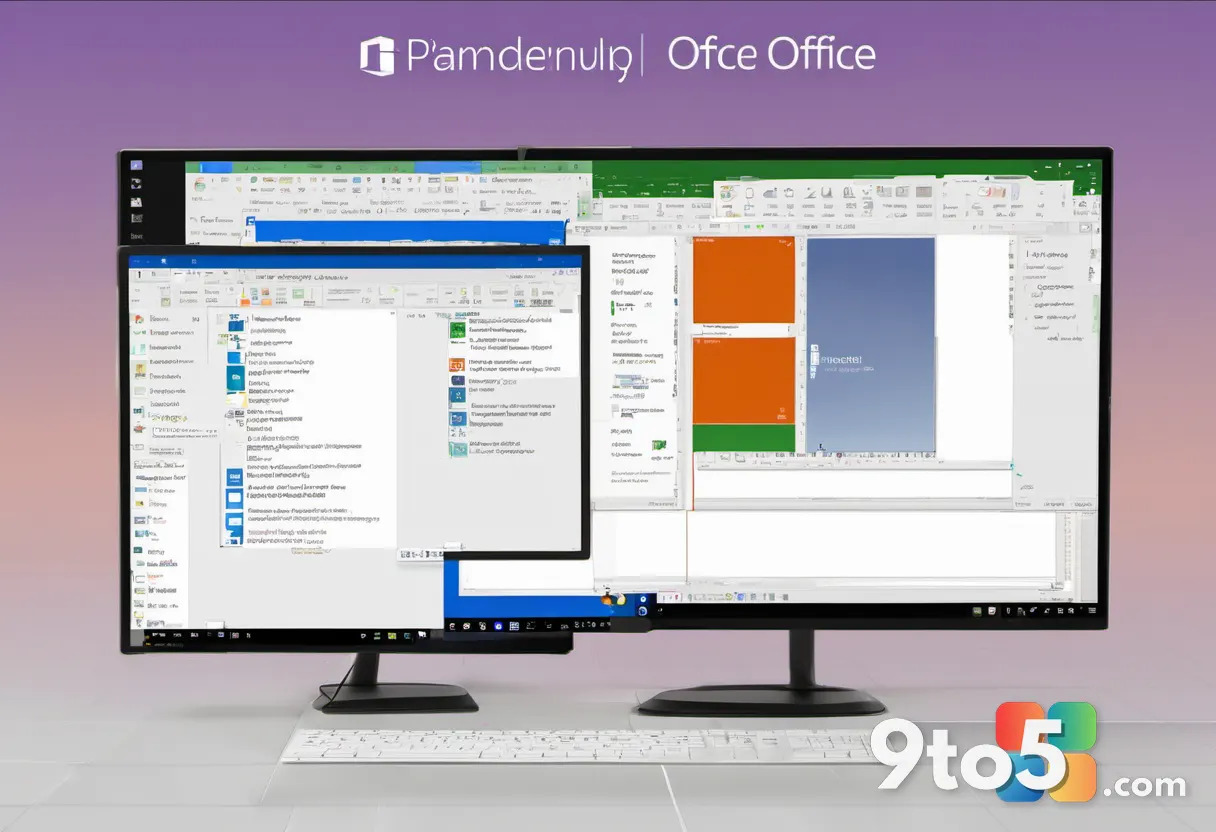
The suite includes familiar applications such as Writer (word processing), Calc (spreadsheets), Impress (presentations), and more. Over the years, LibreOffice has significantly improved its compatibility with Microsoft Office file formats, making it easier for users to switch without losing access to their documents.
LibreOffice’s developers argue that their approach eliminates the need for constant upgrades. While Microsoft users must regularly pay to keep their software current, LibreOffice users can rely on a single download that remains functional for life. This is particularly appealing to budget-conscious consumers and organizations looking to reduce software costs.
What This Means for You
For users of Office 2021, the approaching end-of-support date is a wake-up call. Sticking with an unsupported version of Office exposes you to security risks and limits your ability to collaborate with others who use updated software. Migrating to LibreOffice offers a straightforward solution to these challenges.
One of the biggest concerns for potential switchers is file compatibility. LibreOffice has made significant strides in this area, supporting .docx, .xlsx, and .pptx formats natively. While there may be occasional formatting quirks with complex documents, most users will find that their files open and edit seamlessly in LibreOffice.
Additionally, LibreOffice’s interface has evolved to resemble the ribbon layout used in modern Microsoft Office versions. This means there’s a minimal learning curve, and you can pick up where you left off without spending weeks retraining.
How to Get LibreOffice
Getting started with LibreOffice is simple. You can visit the official LibreOffice website and download the latest version for your operating system, whether you’re using Windows, macOS, or Linux. The installation process is straightforward, and the software is ready to use immediately after setup.
For those concerned about data migration, LibreOffice provides import tools to help you bring over your existing documents and settings. This ensures a smooth transition from your current office suite to LibreOffice, minimizing disruption to your workflow.
As the Office 2021 support deadline looms, LibreOffice’s promotion of its “true” lifetime license highlights a growing demand for sustainable software solutions. By offering a free, permanent alternative to subscription-based services, LibreOffice is positioning itself as a viable option for users who value cost-efficiency and long-term reliability.
Source: Neowin
Over to you: Are you planning to switch to LibreOffice once Office 2021 support ends, or will you stick with the Microsoft ecosystem?
You may also like
 Ex-Microsoft Engineer Releases Free PowerToys Mac Version, Cross-Platform Productivity Just Got Easier
 OneNote’s Killer Feature Is Actually a Free Third-Party Add-In Called Onetastic
 Microsoft PowerToys turns 30: Why the open-source utility pack remains essential for Windows
 6 Best Third-Party Apps to Replace Windows 11 Defaults