With a new semester approaching, upgrading your primary computing device can streamline everything from lecture notes to cloud-based coursework. You do not need an overbuilt machine to run the Windows software and web applications that dominate modern education, and Dell’s official store has already trimmed prices on several of its most practical options.
According to Windows Central, Dell’s official back-to-school promotion runs up to $900 off select PCs and accessories. Rather than wading through the full catalog, I have pulled together a focused selection that covers the essentials for students and remote workers alike.

#1 New Dell XPS 13
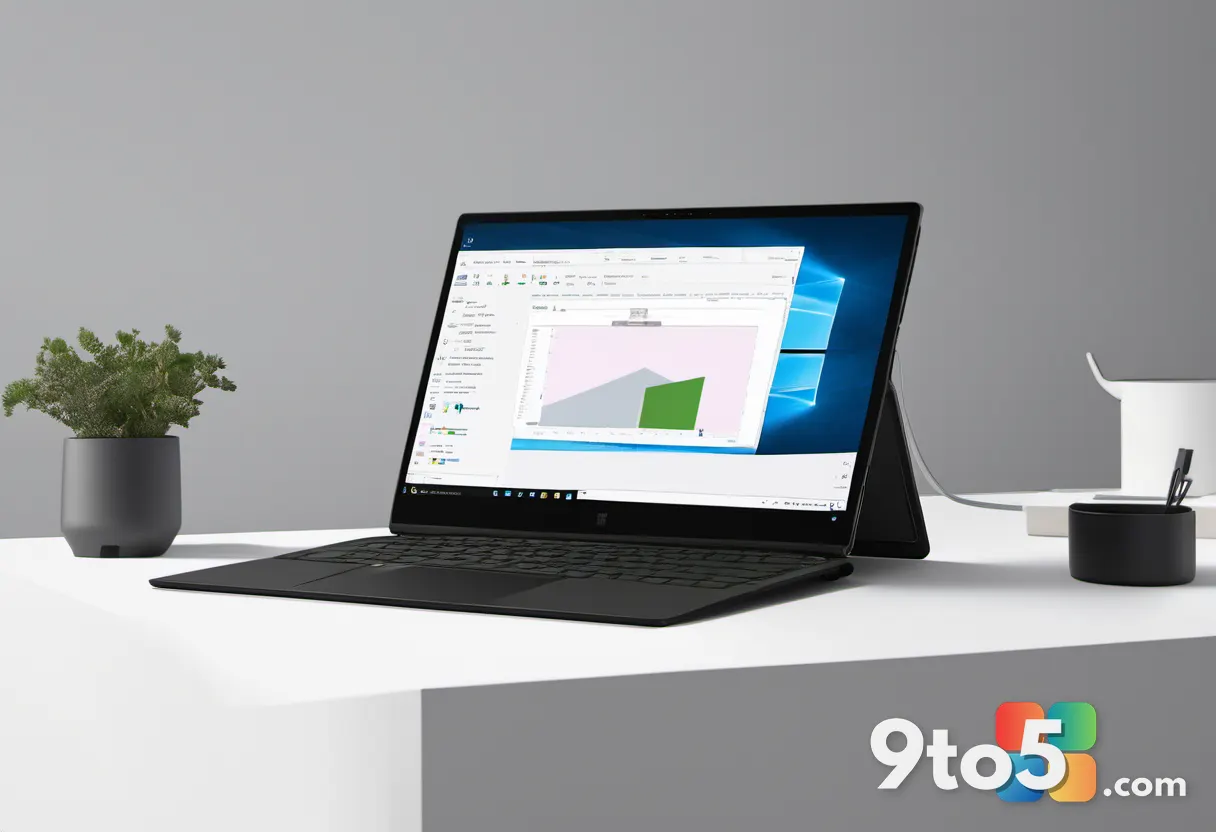
The headline deal centers on the newly refreshed XPS 13, which Dell is marketing as the thinnest and lightest model in the line yet. The configuration highlighted in the promotion ships with an Intel Core 5 320 processor, 8GB of RAM, and a 512GB NVMe SSD. Standard pricing sits at $699.99, but Dell applies a $100 discount for verified students, bringing the final cost to $599.99.
The chassis measures 13.4 inches diagonally and weighs just 2.2 pounds. It runs on a standard 65W USB-C power adapter rather than a proprietary brick, which simplifies travel and reduces the chance of leaving your charger behind. The display is a 2.5K touchscreen with a 120Hz refresh rate, offering noticeably smoother scrolling and better outdoor visibility than the 60Hz panels found on many budget competitors.
Senior Editor Zac Bowden tested the unit at Computex and noted that the build quality matches the previous $1,000 XPS 13 generation. He also confirmed the keyboard and trackpad remain among the best in the segment, which matters if you spend long stretches typing papers or coding. The integrated webcam supports Windows Hello facial recognition, and the USB-C 3.2 Gen 2 ports can drive external displays without a dongle.
For students, the $599.99 price point requires education verification through Dell’s partner system. If you are buying for a workplace or do not want to wait for verification, the $699.99 standard price still positions this as one of the more affordable premium Windows laptops currently available.
#2 Dell Pro 7 Rechargeable Compact Keyboard and Mouse
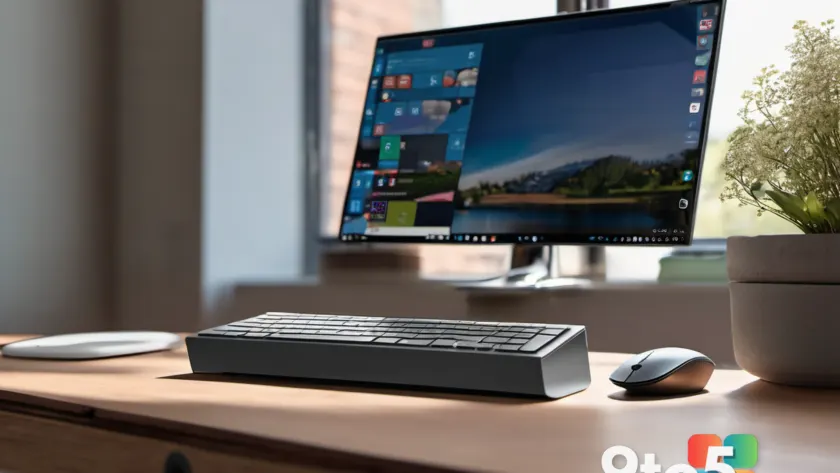
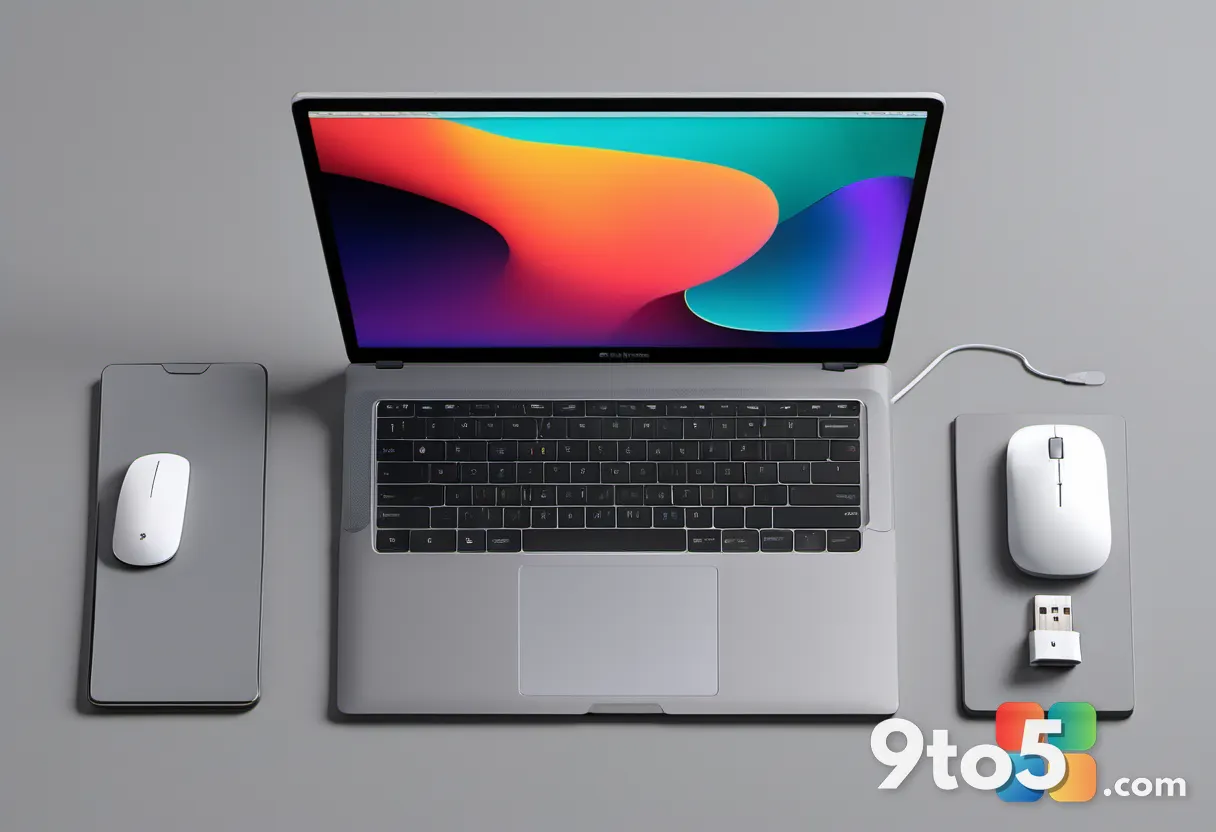
Typing on a 13-inch laptop for hours will eventually take a toll on your wrists and posture. The Dell Pro 7 Rechargeable Compact Keyboard and Mouse combo drops from $94.99 to $89.99, making it a low-friction upgrade for anyone who splits time between a desk and a couch.
The set connects via Bluetooth and includes a USB-C charging cable, so you are not constantly swapping out AA batteries. The keyboard uses a low-profile scissor switch layout that mirrors the feel of the XPS 13, which means muscle memory transfers cleanly between devices. The mouse features a quiet click mechanism and a compact footprint that fits standard laptop bags.
Both peripherals ship in a unified packaging that Dell markets toward professionals and students who need a portable workstation. The $5 reduction is modest, but it removes the last barrier to grabbing a matching set if you already own other Dell peripherals.
#3 Dell Pro 14-16 Plus EcoLoop Backpack
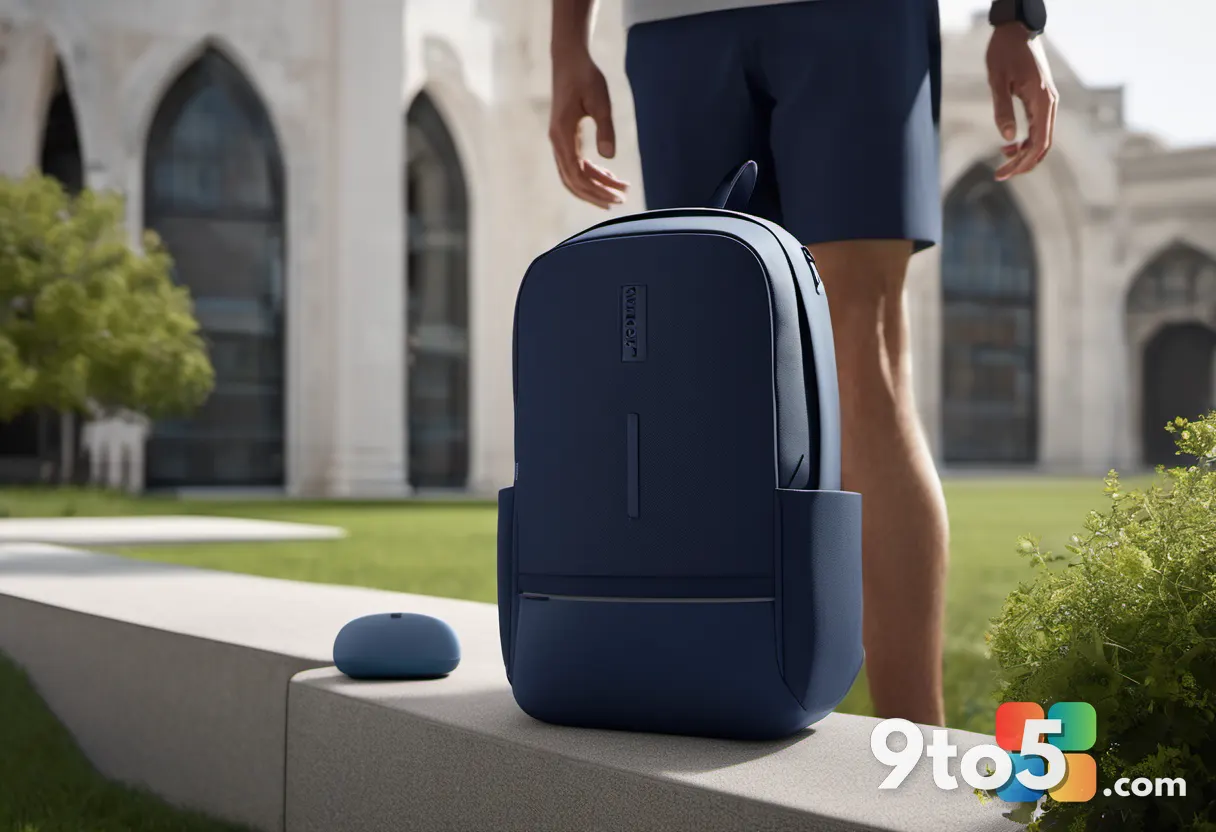
Storage is the final piece of the puzzle. The Dell Pro 14-16 Plus EcoLoop Backpack (model CP5626) is priced at $49.99, down from $54.99. Despite the 14-16 inch designation in the name, the main compartment accommodates 13-inch devices with room to spare.
The bag is constructed from recycled materials, which aligns with Dell’s broader sustainability push for its Pro product line. It includes a padded laptop sleeve, a front organizer pocket for chargers and drives, and a hidden back compartment designed for a passport or student ID. The shoulder straps are contoured to distribute weight evenly, which helps when you are carrying textbooks alongside your PC.
Because the XPS 13 ships with a standard USB-C charger, you will not need the dedicated AC adapter sleeve that larger Dell laptops require. That extra inch of space inside the main compartment works well for a notebook, a water bottle, or the Pro 7 keyboard when you are not using it.

What This Means for You
These deals target a specific use case: portable productivity for students and remote workers who do not need dedicated GPU power or heavy workstation specs. The XPS 13 handles web research, document editing, video calls, and light creative work without breaking a sweat. Pair it with the Pro 7 peripherals and the EcoLoop backpack, and you have a complete setup that fits in a carry-on.
If you are currently running an older Windows 11 device with a degraded battery or a cracked screen, this combination offers a clean upgrade path. The student pricing requires verification, so plan ahead if you want the $599.99 rate. Otherwise, the standard pricing still undercuts most competitors in the sub-$700 premium segment.
For IT admins managing a fleet of student devices, Dell’s education channel pricing and standardized USB-C charging simplify procurement and reduce support tickets related to missing chargers. The EcoLoop backpack’s durable construction also means fewer replacements over a four-year degree cycle.
All three items are available through Dell’s official store, and the promotion is active now. Check the product pages for current stock levels, as student-verified SKUs can sell out quickly before the semester starts.
Source: Latest from Windows Central
Over to you: Will you grab the student discount on the XPS 13, or stick with your current setup for this semester?