What the August 2026 Patch Cycle Covers
Microsoft has rolled out its monthly security updates for August 2026, continuing its standard Patch Tuesday schedule. As with every cycle, the release addresses newly discovered vulnerabilities across Windows operating systems and core Microsoft components. The primary focus this month remains on closing security gaps that could allow remote code execution, privilege escalation, or information disclosure if left unpatched.
Windows 10: KB5120249 Breakdown
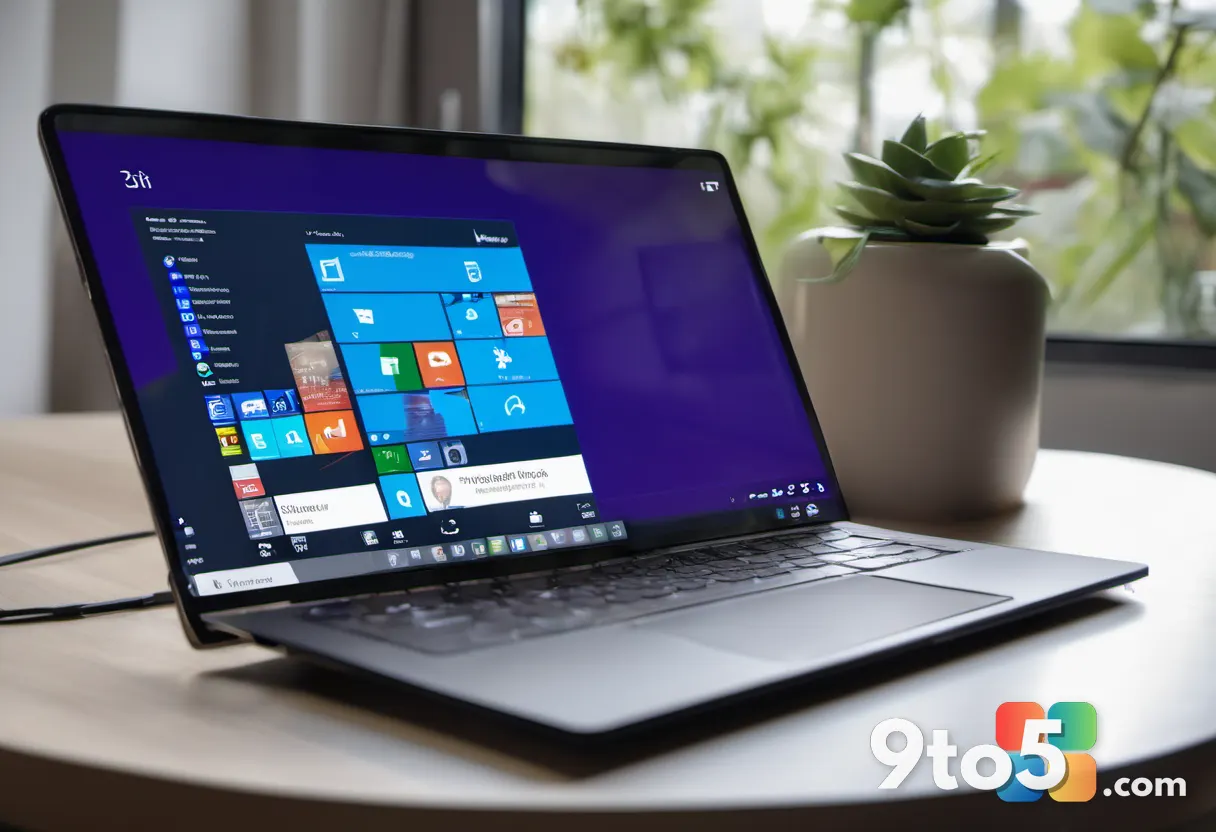
The headline update for Windows 10 is KB5120249. Microsoft confirmed the release through its official security update documentation, noting that the patch bundles critical and important security fixes alongside non-security quality improvements. The update targets the standard servicing branch for Windows 10, meaning it applies to devices still receiving monthly security patches rather than the extended security update program.
In practice, this means systems running the 22H2 and 21H2 feature updates will receive the patch through Windows Update by default. IT administrators managing enterprise fleets will typically route the update through Windows Server Update Services or Microsoft Endpoint Configuration Manager to control deployment timing. The patch also addresses vulnerabilities in core Windows components, including the Windows Kernel, Remote Desktop Services, and the Windows Graphics Component, which historically require prompt installation to prevent exploitation.
The patch follows Microsoft’s standard dual release model, which separates critical security fixes from non-security quality improvements. This structure allows administrators to prioritize the security payload while deferring optional updates like driver rollouts or language pack fixes. Reviewing the official security advisory before deployment remains the safest approach, as it details the severity ratings and affected software versions for each disclosed vulnerability.
What This Means for You
Even if you no longer run Windows, the August 2026 security updates serve as a reminder that all platforms require regular maintenance. Whether you are on macOS, Linux, or a mobile operating system, monthly review cycles for your browser, firmware, and OS updates should remain a fixed part of your routine. Attackers routinely scan for unpatched vulnerabilities within days of their public disclosure, making delayed installation a direct security risk.
Before applying any major security update, you should pause and verify your backups are current. A full system image or a verified cloud backup ensures you can roll back if the update introduces unexpected behavior, driver conflicts, or application incompatibilities. This is especially relevant for Windows 10 users, as the operating system has reached the end of its mainstream support lifecycle and relies entirely on monthly security patches to maintain a secure baseline. August patches are particularly important heading into the fall, as organizations typically ramp up network activity and remote access after summer breaks, creating a larger attack surface. Microsoft publishes the full list of affected CVEs in its monthly security update bulletin, allowing administrators to verify exactly which vulnerabilities KB5120249 resolves before deployment.
Organizations running Windows 10 should also verify that their conditional access policies and endpoint detection and response tools are configured to flag unpatched systems. Automated compliance reporting can help IT teams identify devices that missed the installation window and schedule remediation before the next threat cycle begins.
How to Get It
Windows 10 devices configured for automatic updates will download and install KB5120249 in the background during your next scheduled maintenance window. You can force an immediate check by opening Settings, navigating to Windows Update, and selecting Check for updates. Enterprise environments should deploy the update through your existing patch management infrastructure, testing it in a pilot group before rolling it out across the organization.
If you prefer manual installation, you can download KB5120249 directly from the Microsoft Update Catalog. Simply search the catalog for the KB number, select your system architecture, and run the downloaded file. After installation, a system restart is required to finalize the patch deployment. You can also verify the installation status by opening the Windows Update history page or checking the registry under HKEY_LOCAL_MACHINE\SOFTWARE\Microsoft\Windows\CurrentVersion\WindowsUpdate\UpdateSession\Transactions. If the KB does not appear after several days, running the Microsoft Update Catalog installer manually will force the system to register the patch correctly.
Source: AskWoody
Over to you: Are you applying KB5120249 automatically, or do you prefer to test August patches in a sandbox before rolling them out?
You may also like
 Windows 11 August 2026 Update: Voice Isolation, Smarter File Explorer, and More Arrives Now
 Microsoft Releases Windows 10 August 2026 Patch Tuesday Update (KB5120249)
 Windows 11 KB5121003 Delivers Faster Apps, Smarter Search, and File Explorer Upgrades
 Microsoft PowerToys AI Update Brings On-Device Phi Silica to Advanced Paste