The new Windows 11 speed test is already in testing with Windows Insiders, and Microsoft says it used AI to help build it. According to Marcus Ash, lead of Design and Research across Windows & Devices, the feature came from an agentic AI workflow guided by a real developer — a deliberate effort to sidestep the low-quality “vibe coding” that has drawn criticism of AI-assisted software development.
What the new Windows 11 speed test does
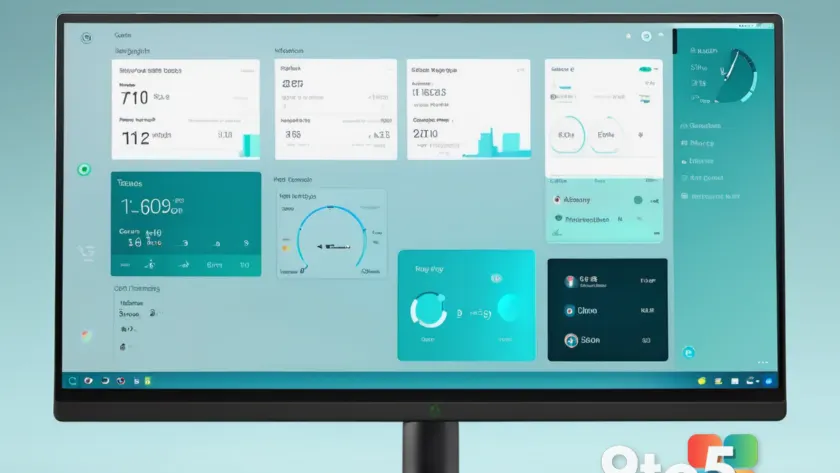
The feature is currently being tested with Windows Insiders and, per early reports, looks promising. Its goal is to feel like a native part of the operating system rather than a shortcut that pings off to a website.
That distinction actually matters. Windows 11 already has a way to test your internet speed, but it simply opens Bing’s speed test inside a web browser. The new tool lives inside the OS, so checking your connection becomes a matter of a couple of clicks instead of launching a browser and navigating to a page.
The addition has been well-received among Insiders, sparking positive discussion online. Windows Central’s Mauro Huculak summed up the sentiment, saying “Windows 11 needs more features like this.”

How AI helped build it
The interesting part isn’t just what the feature does, but how it was made. Ash took to X (formerly Twitter) to explain the process behind the speed test, describing it as the product of an agentic AI workflow paired with real human direction.
“This is where I see a lot of potential in AI,” Ash said. “Using agentic workflows and WinUI 3 to build more integrated Windows experiences. Getting from idea to customer value faster. Without AI slop. That is the way.”
WinUI 3 is Microsoft’s user-interface framework used to build modern Windows apps and controls. By combining it with an agentic AI workflow — where an AI agent carries out multi-step tasks with some autonomy while a developer oversees the result — Ash says the team can move from concept to a shipped feature more quickly.
Why the “agentic” approach matters
AI development tools have come under intense scrutiny. A growing number of developers and critics push back against “vibe coding,” a loose approach where a person prompts an AI to generate code and hopes it works, often producing fragile or poorly designed results. Microsoft’s leaders clearly want to distance this speed test from that reputation.
The emphasis on a human guiding the AI is the key difference. Rather than handing off an entire feature to an autonomous model, the developer stays in the loop, applying expertise and judgment to whatever the AI produces. That’s consistent with how Microsoft has framed its broader Copilot branding — AI as a collaborator that speeds up work while human expertise still drives the outcome.
Given the positive reaction to the speed test, it’s plausible Microsoft will apply the same workflow to other parts of Windows 11. Whether every such feature lands well, or whether some users push back simply because AI was involved, remains to be seen.

What this means for you
For most Windows 11 users, the practical takeaway is simple: checking your internet speed is about to get a little faster and a little more integrated into the OS. You won’t need to remember a website or trust a random download to gauge your connection.
On the bigger picture, this is an early signal of how Microsoft wants AI to fit into building Windows itself. If the agentic-plus-human model delivers quality features without the “AI slop” critics fear, it could become a template for how future Windows tools get built — faster to market, but still shaped by human judgment.
How to get it
The built-in speed test is currently in testing with Windows Insiders, so it isn’t available to the general public yet. To try it, you’ll need to join the Windows Insider Program and be on an early channel, where features like this typically appear first. Microsoft hasn’t confirmed a release date for when the feature will reach stable, public builds.
Source: Latest from Windows Central
Over to you: Would you trust AI-built Windows features more if a human developer is guiding them, or would you push back regardless?
You may also like
 Windows 11’s Optimize Drives Tool Confirmed for WinUI 3 Modernization
 Microsoft Explains Why Windows 11’s Taskbar Isn’t as Movable as Windows 10’s
 Windows 11 Insider Preview expands Windows Search with inline actions and phone controls
 Microsoft Confirms Windows 10 PCs Can Now Directly Update to Windows 11 26H2