
Microsoft 365 users in the United Kingdom and Germany are dealing with widespread connectivity failures after a Global Secure Access outage disrupted both web and desktop versions of the suite. According to reporting by Neowin, the disruption traces directly to degraded performance in Microsoft’s Global Secure Access infrastructure.
- Status: Active degradation affecting Microsoft 365 services.
- Affected regions: United Kingdom and Germany.
- Affected services: Microsoft 365 web and desktop apps.
- Root cause: Degraded Global Secure Access infrastructure performance.
Here is what we know about the disruption, what Global Secure Access actually does, and what you can do if you are caught up in it.
What changed and who is affected
The core problem is that Microsoft 365 applications can no longer reach their services the way they normally do. Users in the UK and Germany are reporting connectivity failures across both the browser-based versions of the apps and the installed desktop clients, meaning the issue is not limited to one interface.
Microsoft has attributed the failures to degraded performance in its Global Secure Access infrastructure rather than a traditional server outage. That distinction matters: instead of a service being fully down, the network path that traffic relies on has become slow or unreliable, which can produce the same broken-experience symptoms for end users.
Because the degradation is regional rather than global, users in most other countries are not affected. The disruption is currently concentrated in the United Kingdom and Germany, though outage conditions can shift as Microsoft works to restore performance.
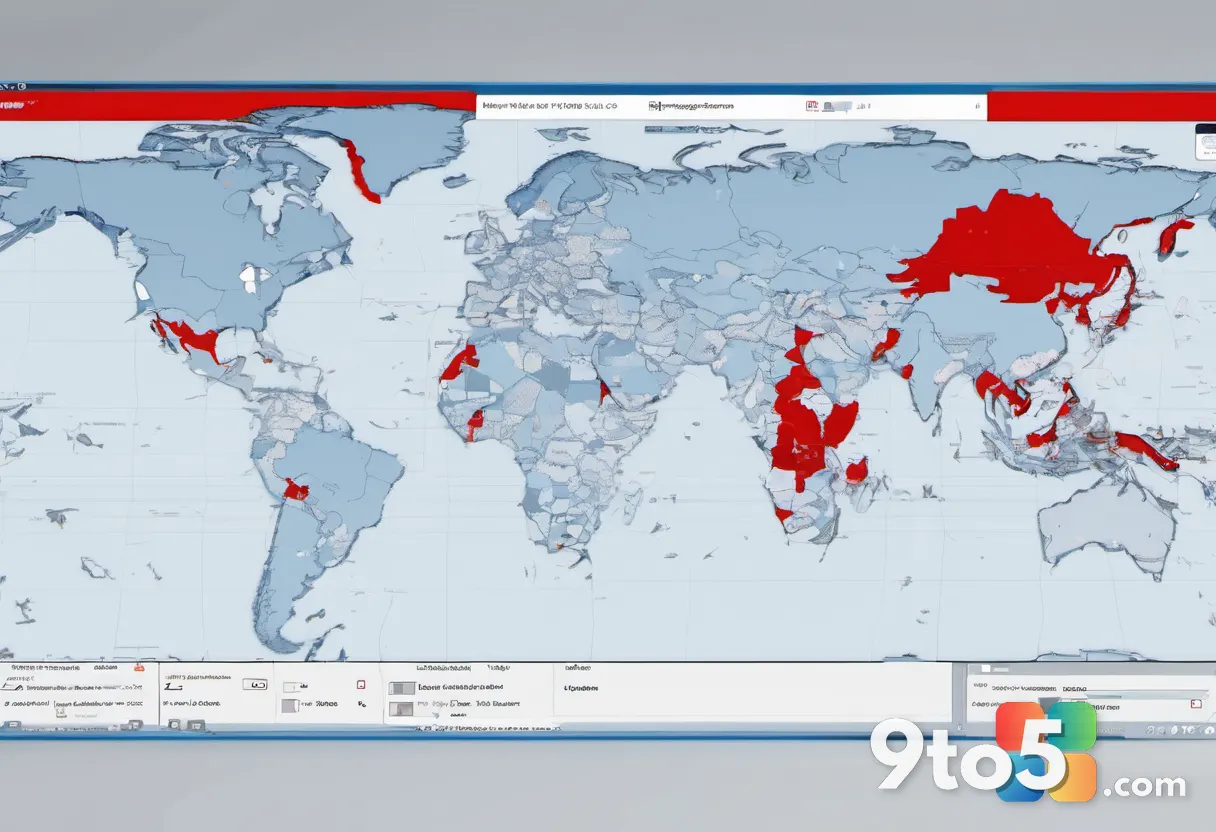
What is Global Secure Access?
Global Secure Access is Microsoft’s Zero Trust network edge solution, part of its Secure Access Service Edge (SASE) portfolio. It is designed to route user traffic through Microsoft’s global edge network instead of sending it directly to the internet or straight to a corporate network.
The service is bundled with Microsoft 365 and Microsoft Entra (formerly Azure Active Directory) subscriptions, which is why a problem with it ripples out to everyday Microsoft 365 apps. It typically handles secure internet browsing, private application access, and network segmentation for organizations that have enabled it.
From a design standpoint, Global Secure Access sits between the user and everything they try to reach. When that layer degrades, the traffic that normally flows smoothly through Microsoft’s network starts to stall, and applications that depend on it begin to fail connectivity checks.
It is worth noting that not every organization uses Global Secure Access, so whether you are personally impacted depends on whether your employer or account has the feature enabled. If it is, your Microsoft 365 traffic may be routed through this infrastructure.
How the outage affects your Microsoft 365 apps
The symptom profile here is broad. Because Global Secure Access is a shared network layer rather than a single app, a degradation shows up as general connectivity problems across multiple products rather than one broken feature.
That can mean apps failing to sign in, content failing to load, and general “something went wrong” behavior in both the web and desktop versions. In practice, users often see the apps appear installed and open but unable to actually reach their data or services.
Since the issue is network-path related, it can also look inconsistent. Some actions may work while others fail, and the timing of failures can vary from moment to moment as the degraded infrastructure struggles under load.

What this means for you
If you are in the UK or Germany and using Microsoft 365 through Global Secure Access, the failures are almost certainly not something on your end. This is infrastructure-side degradation, not a misconfigured device or a broken local connection.
That distinction is important because it means the fix has to come from Microsoft’s side. There is no setting you can toggle to route around a degraded global network layer, and reinstalling apps or resetting your router will not resolve it.
For most users, the realistic path forward is patience combined with monitoring. The good news is that regional degradations of this kind tend to be time-limited as Microsoft’s operations teams work to restore performance.
How to check status and work around the outage
The first step is to confirm whether you are actually affected. Check the official Microsoft 365 Service Health dashboard, which lists active incidents and their scope, and look for any status pages Microsoft publishes about Global Secure Access.
If your organization uses an IT department, let them know you are hitting connectivity failures and reference Global Secure Access. IT admins can check the Microsoft 365 Service Health dashboard for their specific tenant, which shows incidents scoped to their organization and region.
Until the degradation clears, you may be able to lean on alternate tools: use the web versions if the desktop clients fail, or fall back to other communication channels if email and collaboration apps are unreachable.
As always with infrastructure incidents, avoid repeatedly hammering the apps with sign-in attempts, since that can add load to an already strained network path. Give Microsoft’s teams room to restore performance, and the connectivity should return on its own.
Source: Neowin
Over to you: Are you experiencing Microsoft 365 connectivity issues in the UK or Germany right now, and which apps are failing for you?
You may also like
 WinUI Gallery 3.0 ships with fresh UI samples and upcoming APIs for Windows developersMicrosoft’s Latest Entra Updates Bring New Tools for IT Admins — and a Warning
 Tiny11 Builder Gets Major Redesign for Lightweight Windows 11 26H2 ISOs
 Microsoft’s Excel Copilot Interactive Canvas Turns Spreadsheets Into Visual Reports